14 guides, tested fixes
Guidesfor every e-ink reader.
Short, practical walkthroughs: sizes, settings, and what to do when a lock screen won't show up.
Xteink · 5 min
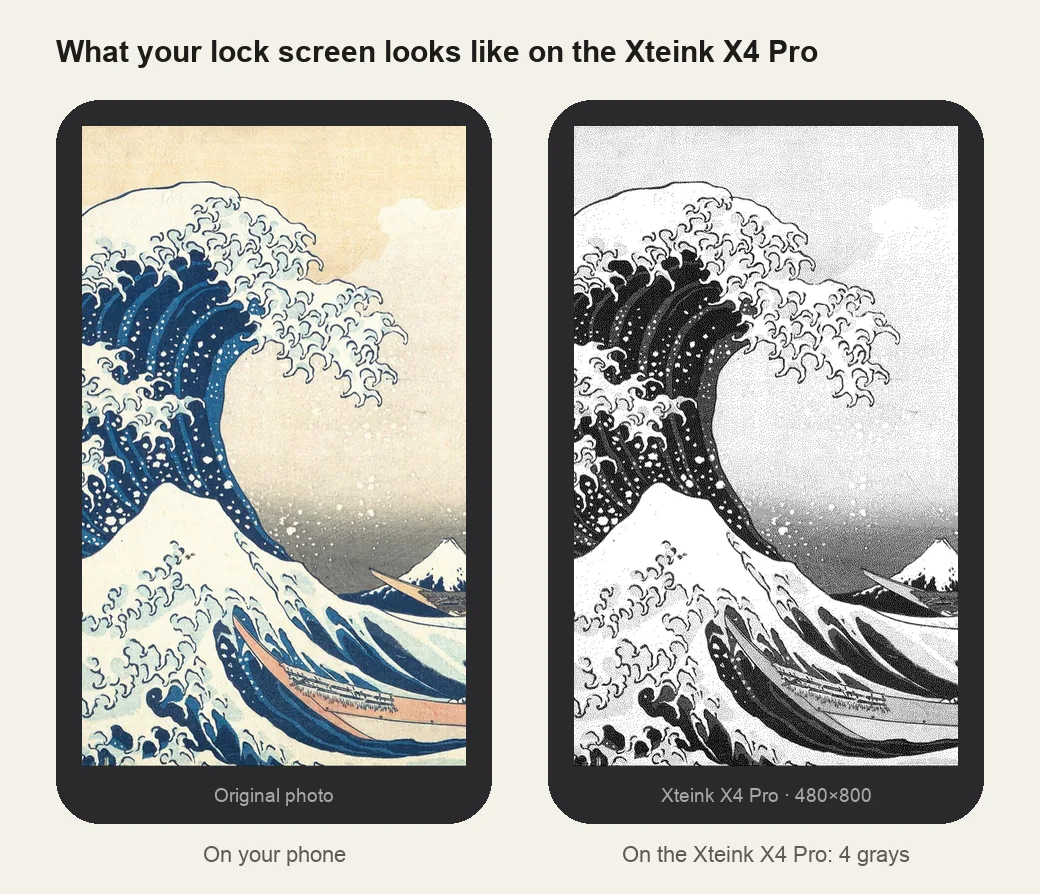
Convert a Chinese Xteink X4 Pro to Global Firmware
How owners switch a region-locked China-market Xteink X4 Pro to Global firmware using Rescue OS 1.1: updating stock Licorice first, resetting the region flag, flashing the English build, and recovery fixes.
Xteink · 5 min
Xteink Neo: What the FCC Filing Shows (and What It Doesn't)
Xteink certified a new reader on 2 November 2026. The filing and its 37-page quick start guide name it the Neo and list page buttons, a microSD slot, magnetic charging and 2.4 GHz Wi-Fi — and say nothing about the screen, the price or a release date.
All readers · 7 min
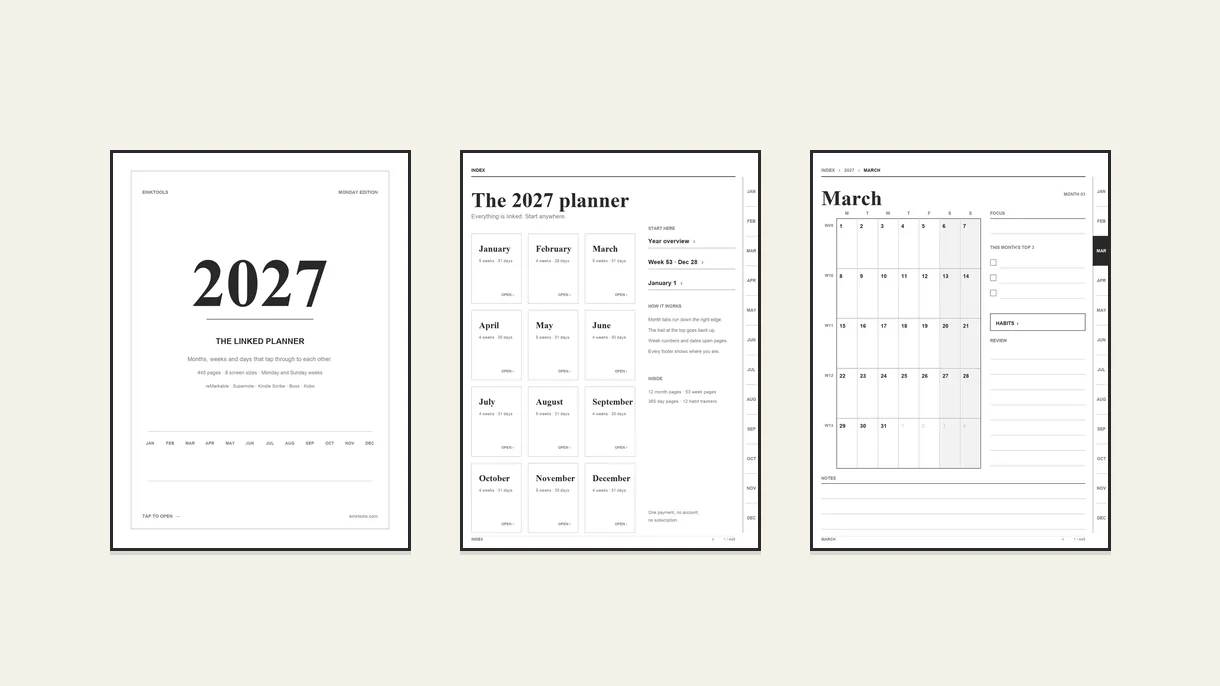
2027 Planner for E-ink Tablets: Month, Week or Day Pages?
How to choose a 2027 planner for reMarkable, Supernote, Kindle Scribe, Boox or Kobo: the layout you will actually write on, what linked pages should do, sizes and week start, and what to check before paying.
Xteink · 5 min
Reading Stats and Progress Sync on Xteink: What Each Firmware Does
KOSync, BookFusion, Licorice's Desk, CrossNext and CrossInk each track reading differently. What syncs between an Xteink, a phone and a Kindle, how to set up KOReader sync, and what still gets lost when you switch firmware.
Xteink · 5 min
Xteink Licorice Firmware on the X4 Pro and X4 Classic, Explained
Which readers get Licorice, how to upgrade and what you lose, what's new in each build, fonts, putting EPUB books on the X4 Pro, wallpapers and transparent sleep screens, and Licorice vs CrossPoint.
Xteink · 3 min
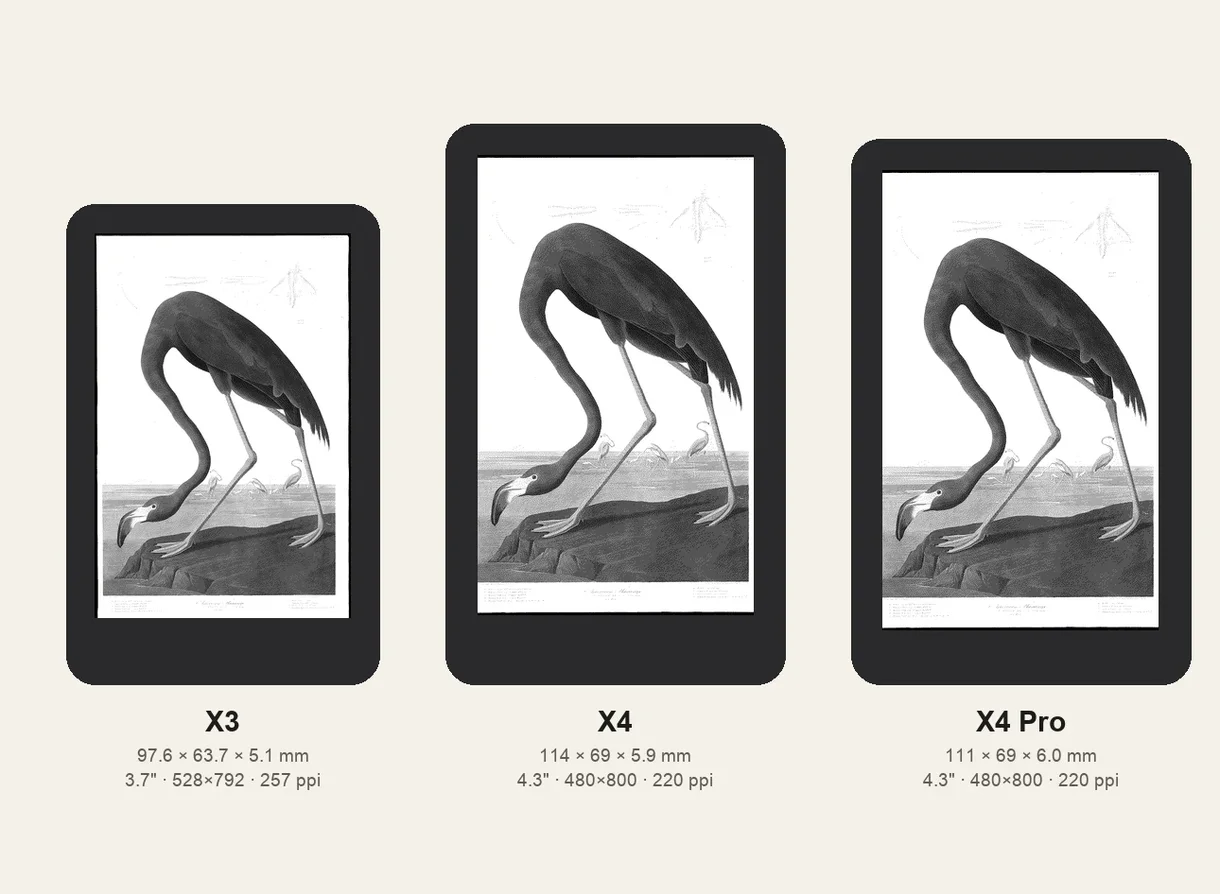
Xteink X3 vs X4 vs X4 Pro vs S4: Size Comparison, to Scale
All four Xteink readers side by side at real size next to a bank card, with dimensions, weight, screen, ppi, light and battery in one table.
Xteink · 3 min
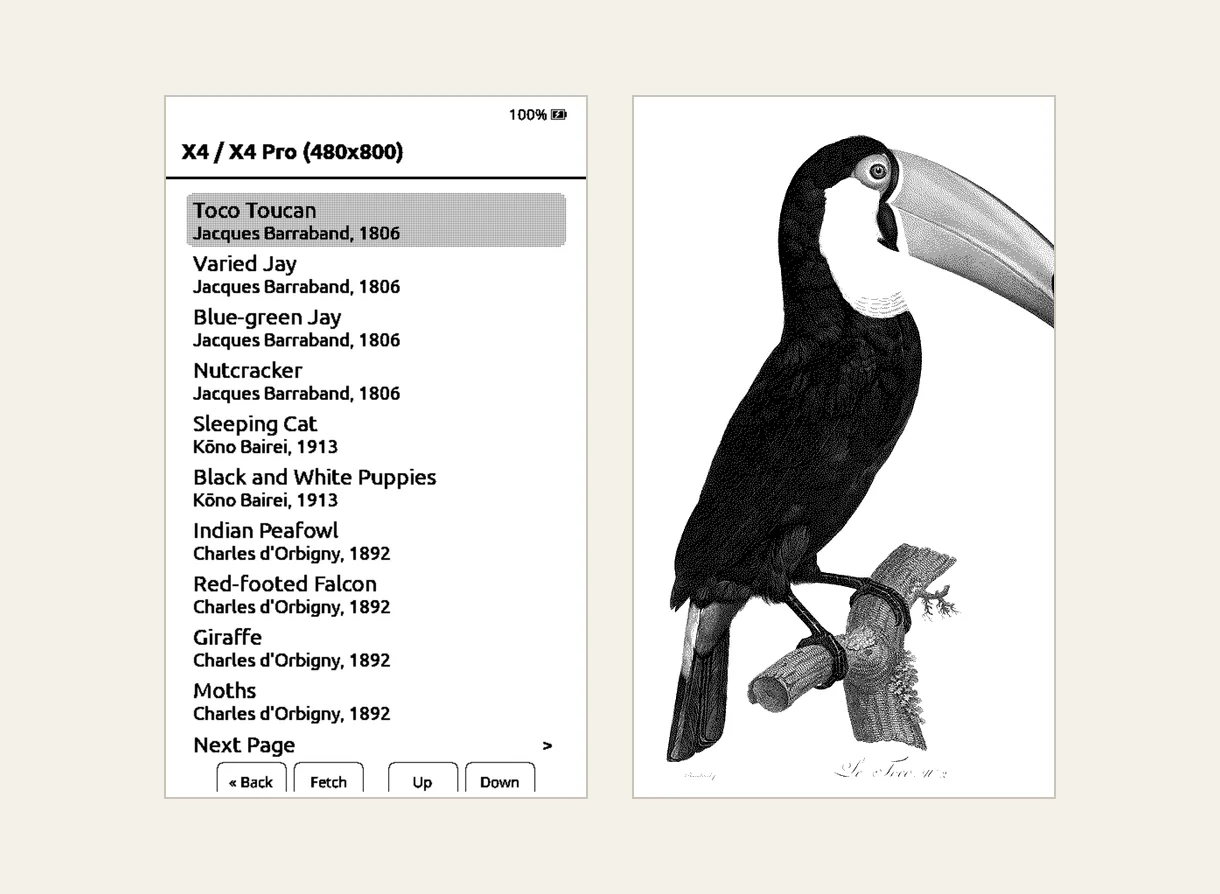
Download Sleep Screens on Your Xteink: CrossPoint Wallpapers Plugin
Browse 60 public-domain wallpapers on your X4, X4 Pro or X3 and save them to the sleep rotation, already sized and dithered. No computer needed.
Kobo · 4 min
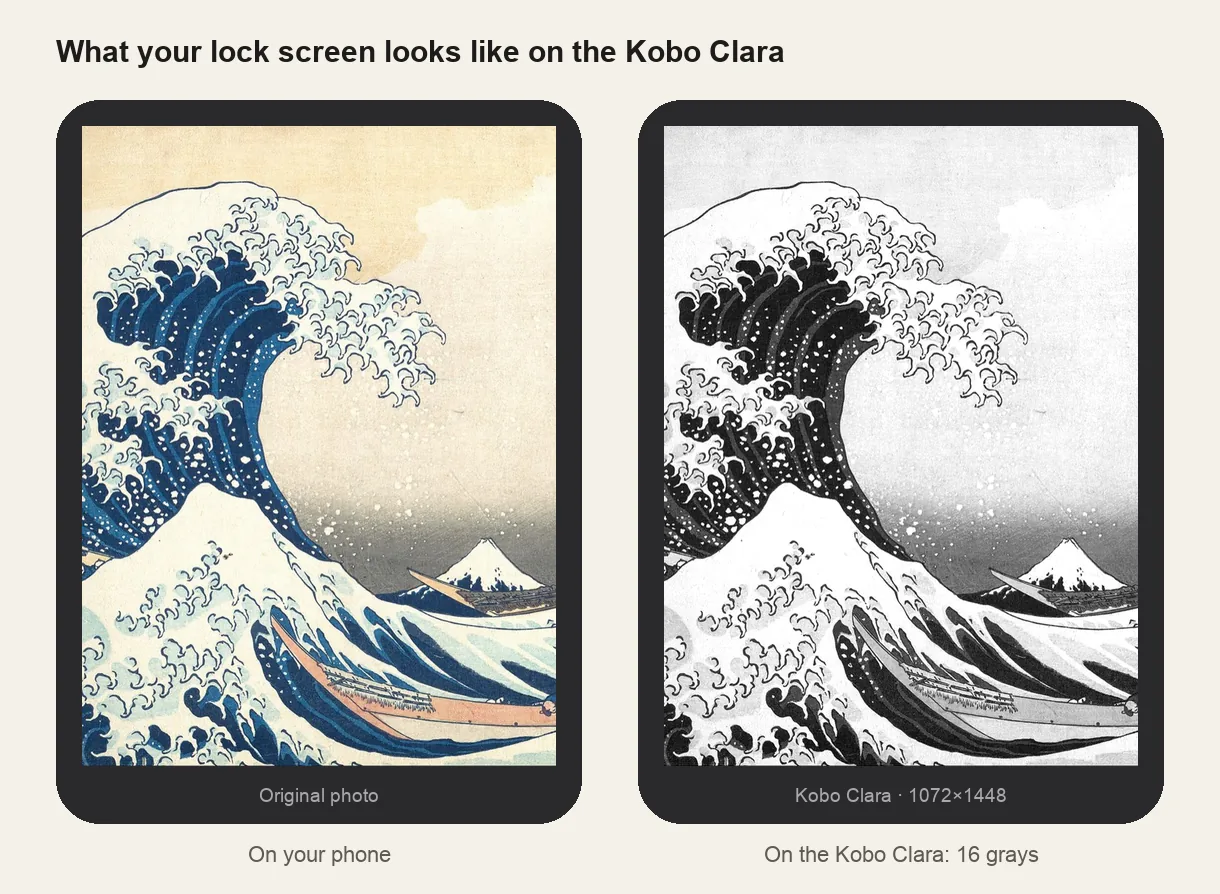
How to Change Your Kobo Screensaver on a Mac (and Windows, or No Computer)
Show the hidden .kobo folder with Cmd + Shift + ., add a screensaver folder, copy your picture and switch it on. Plus Windows, phones, and the ._ file trap.
All readers · 6 min
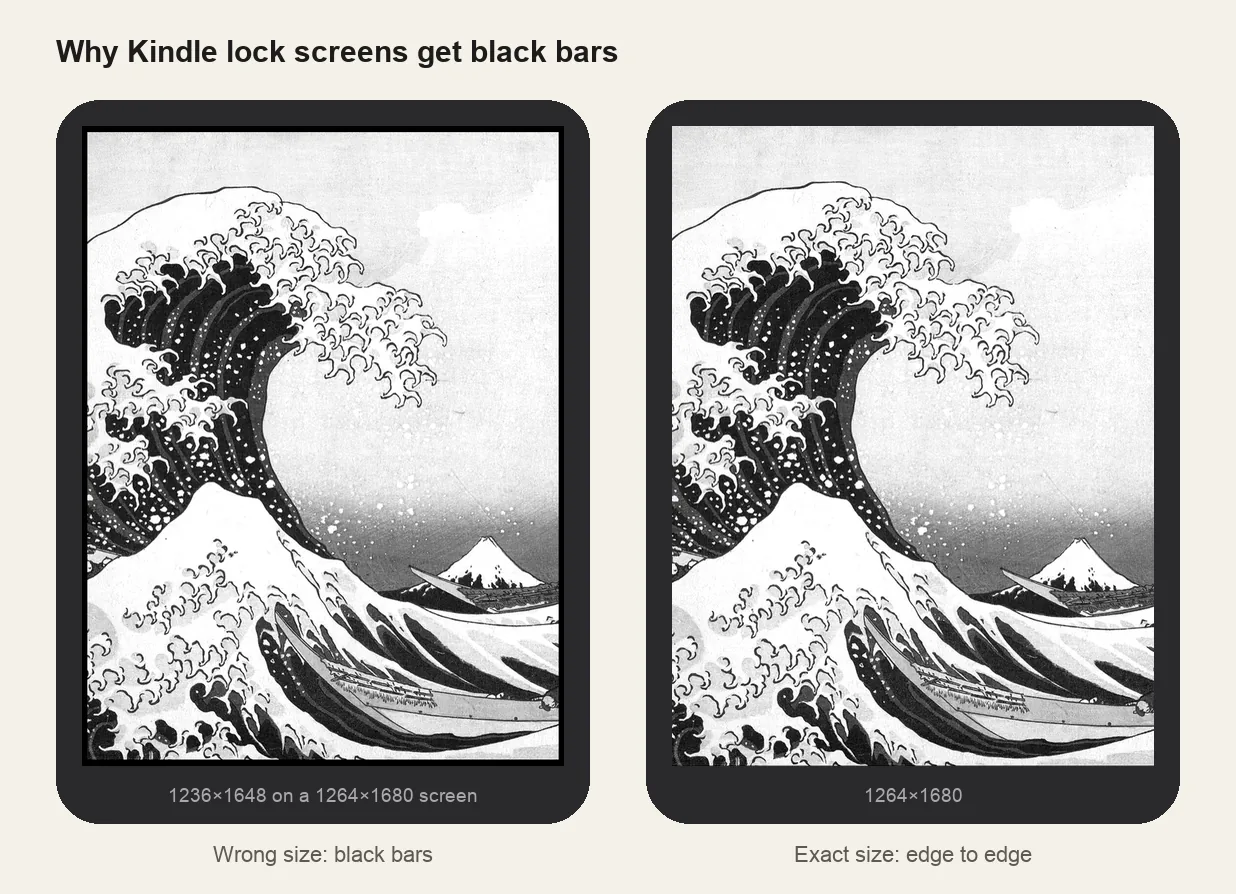
Custom Lock Screen Not Showing? Fixes for Kindle, Kobo, Xteink and Boox
Ads instead of your picture, black bars, the wrong cover, a folder Kobo ignores: every common sleep screen problem and the exact fix.
Kindle · 5 min
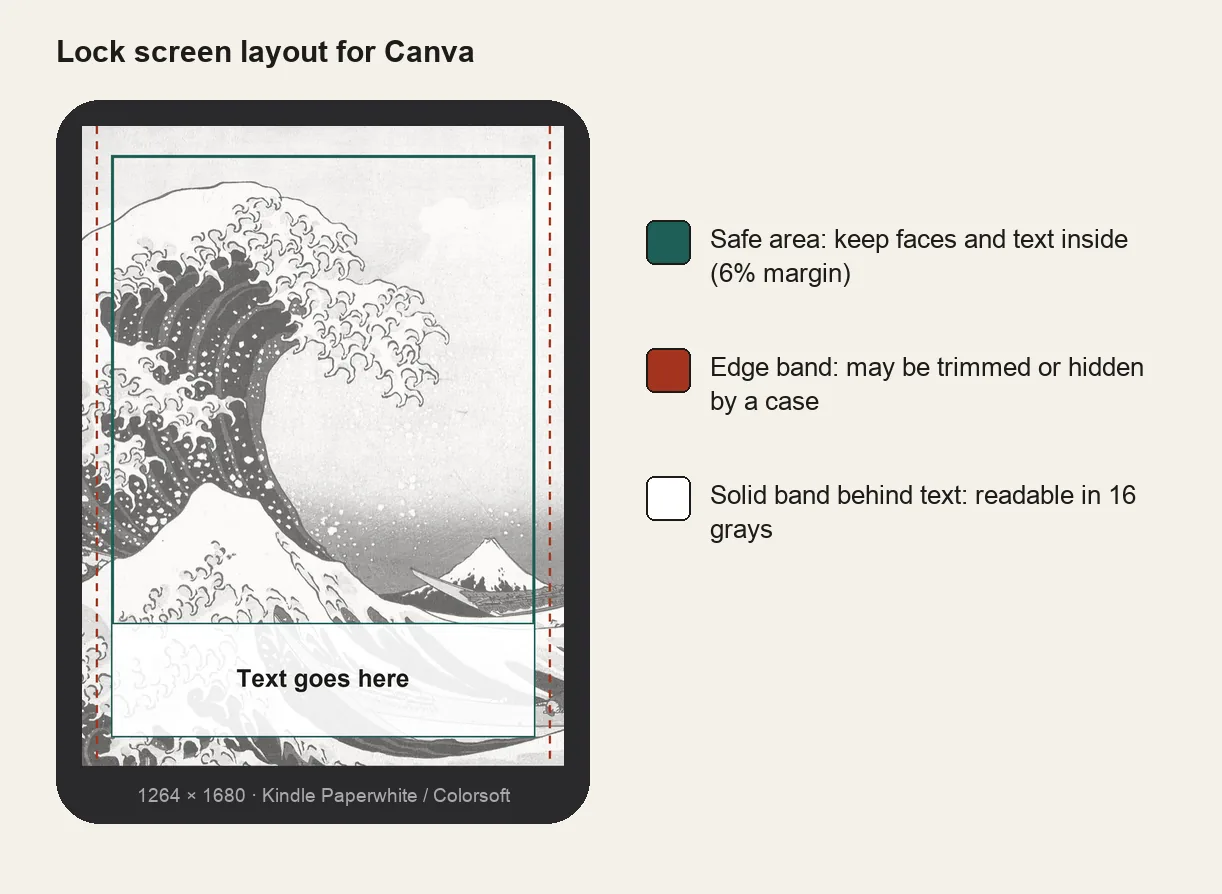
How to Make a Kindle Lock Screen in Canva (Exact Sizes for Every Model)
Set the right custom size in Canva, design for 16 grays, then turn the PNG into a Kindle lock screen that fills the screen.
Xteink · 4 min
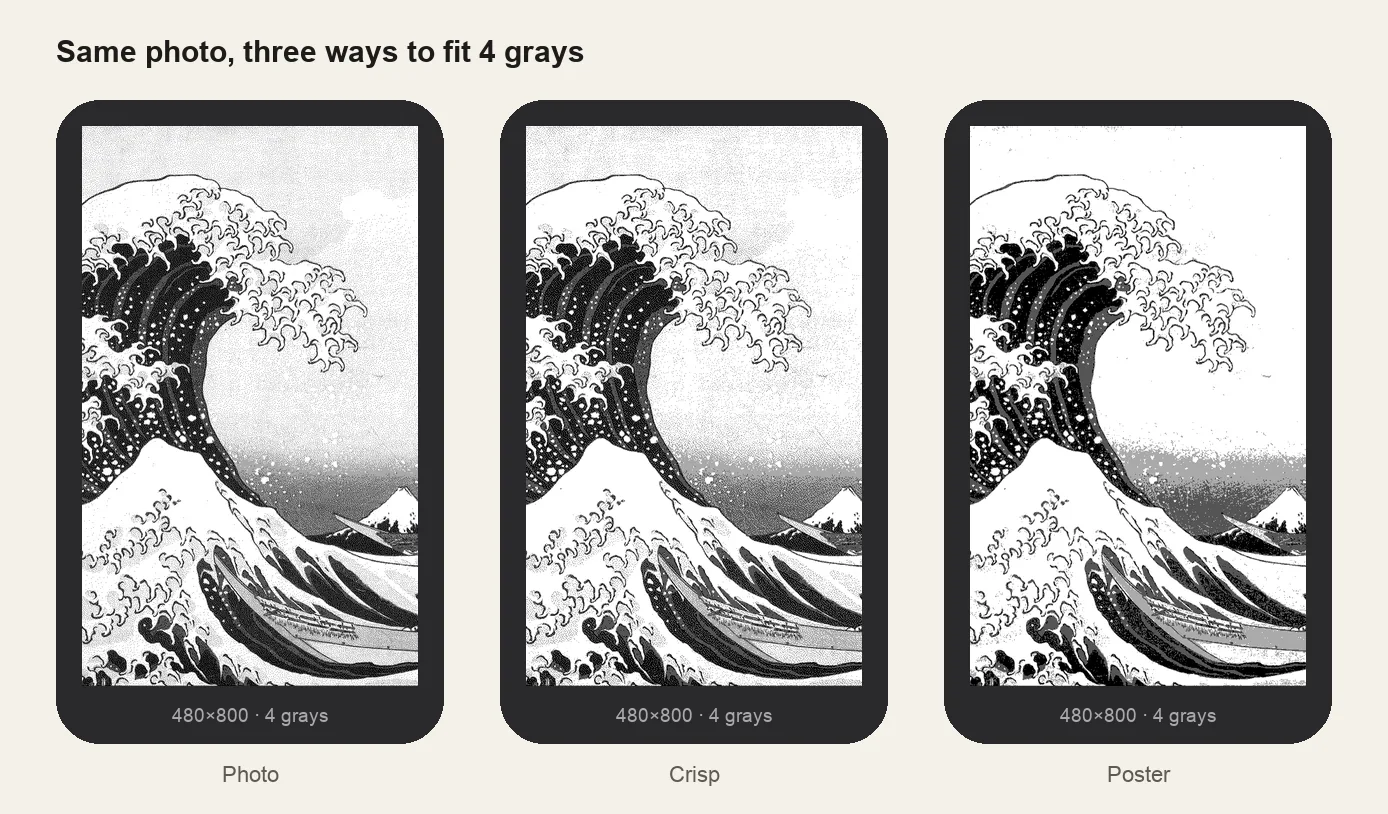
Xteink X4 Sleep Screen: How to Set a Custom Image (X4 Pro, X3)
Make Xteink sleep screen images at the exact size (480×800 or 528×792 BMP), then set them on CrossPoint or stock firmware. Free, step by step.
Xteink · 4 min
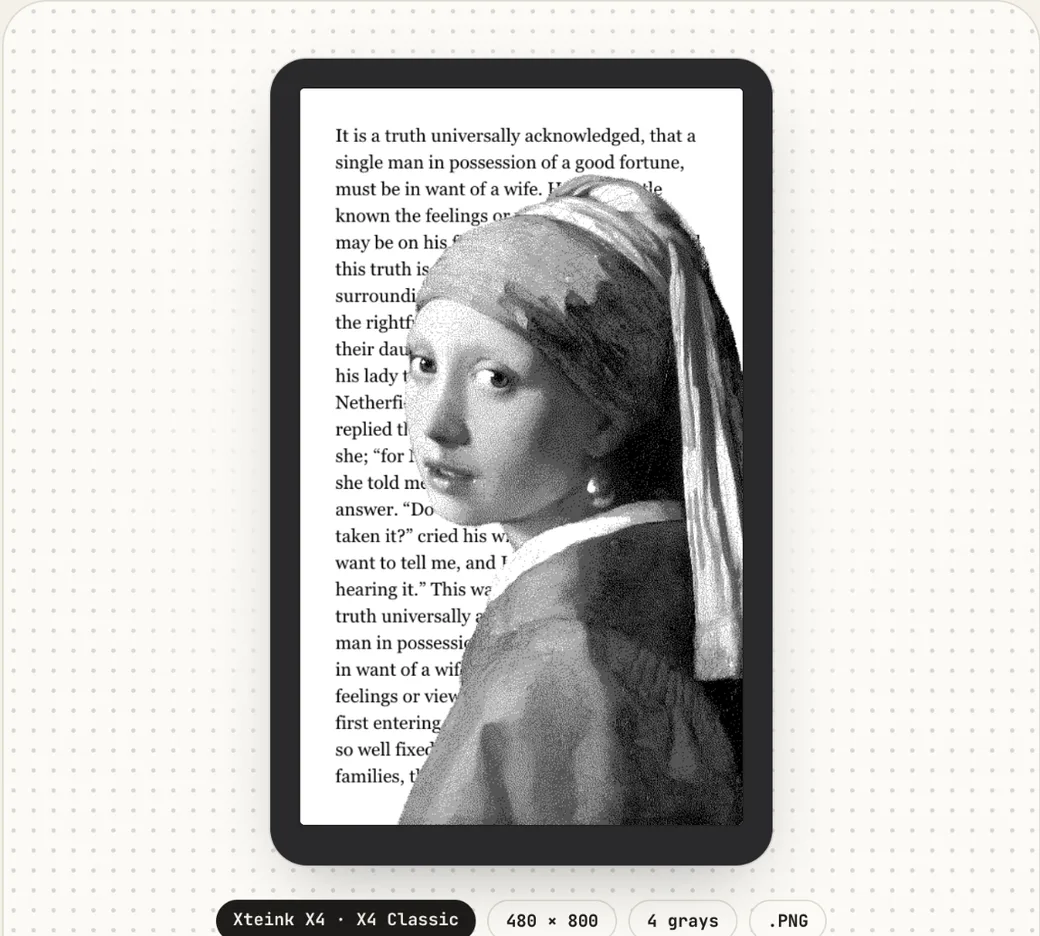
CrossPoint 1.6 Transparent Sleep Screen Overlays (Xteink X4, X4 Pro, X3)
CrossPoint 1.6 can draw a cut-out picture over the page you were reading. The file it wants, where it goes, and why white matters.
Kindle · 5 min
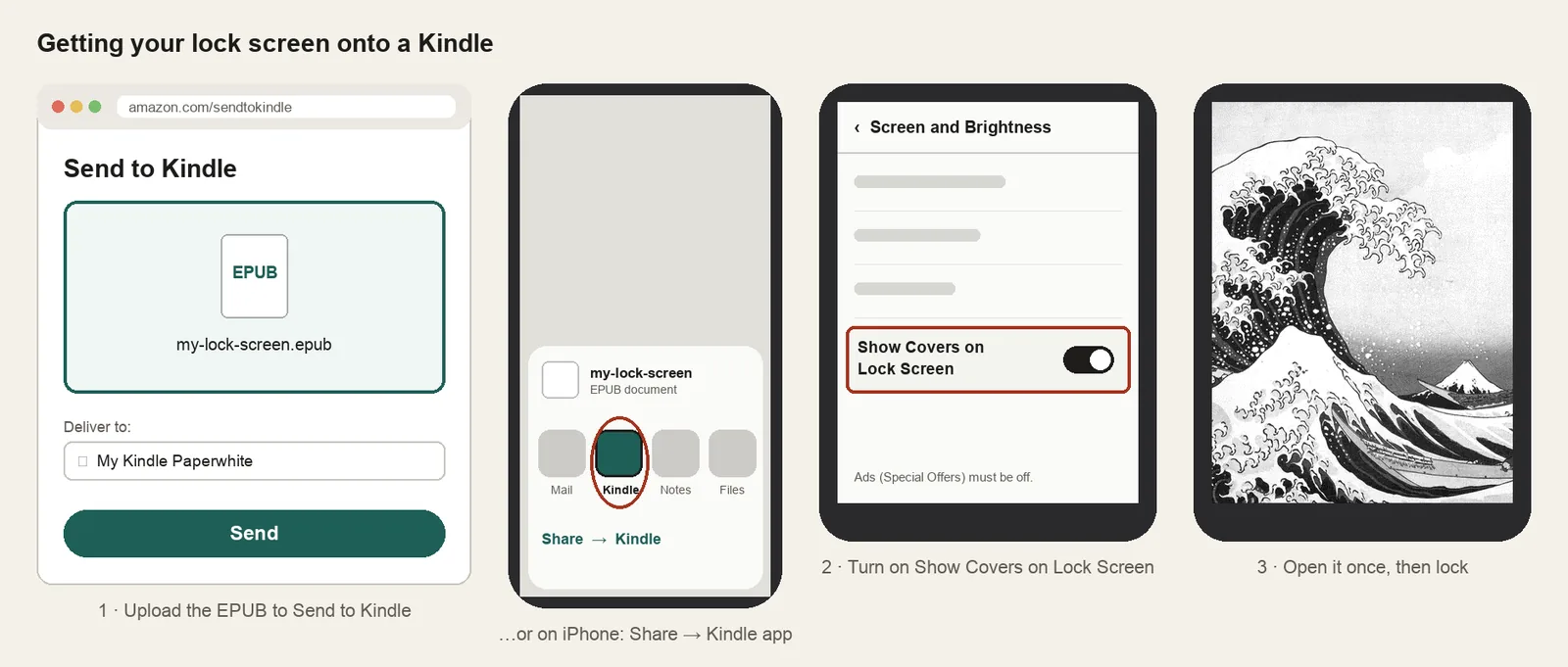
How to Put a Custom Picture on Your Kindle Lock Screen (No Jailbreak)
Use the Show Covers setting and a one-page EPUB to put your own photo on any recent Kindle's lock screen.
Kindle · 3 min
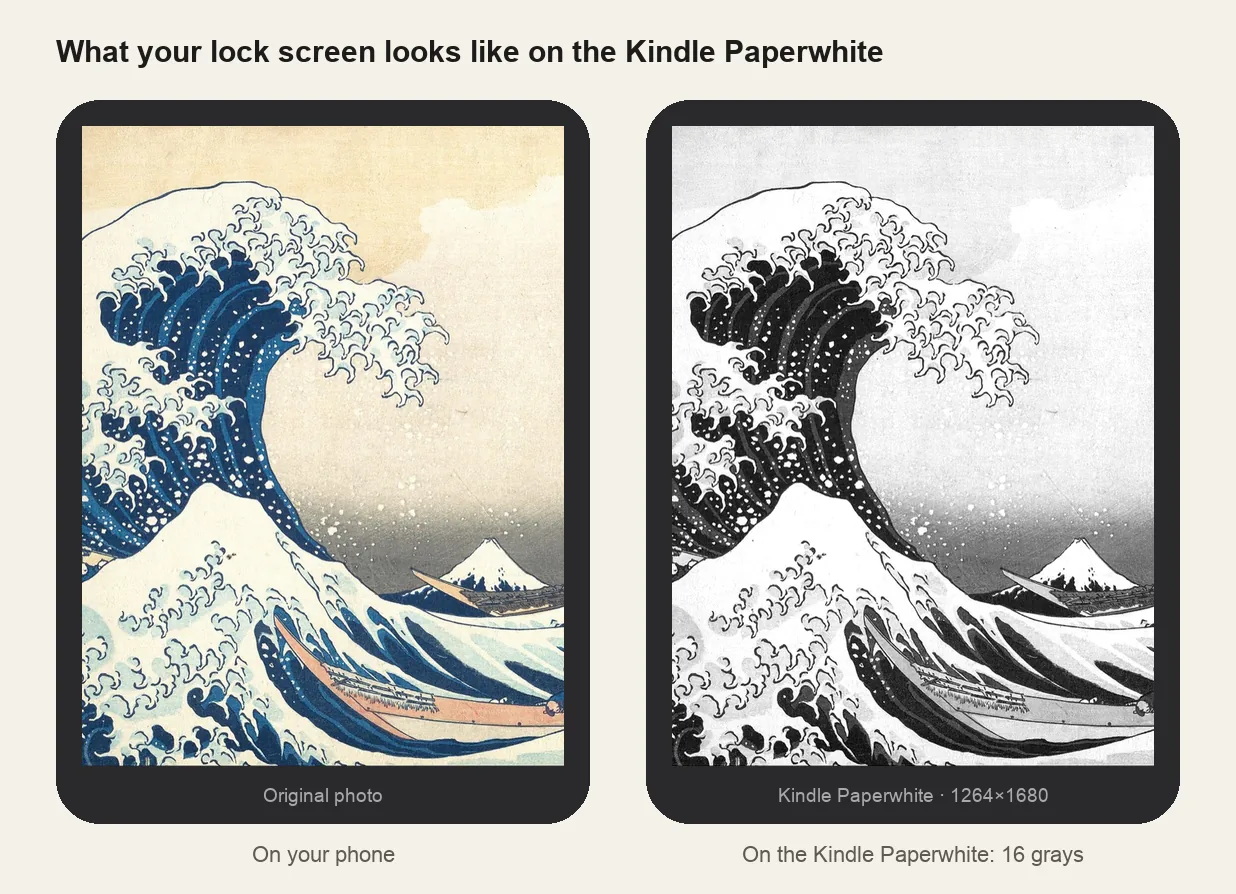
How to Remove Ads from Your Kindle Lock Screen
What Special Offers are, how to turn them off from your Amazon account, and what your lock screen can show afterwards.