Free · PNG · Exact size
Boox lock screen makerLeaf, Go, Palma & Note Air.
Boox allows custom sleep screens from any image, but unedited phone photos often stretch, crop awkwardly, or look muddy in grayscale. This tool crops your picture to your device's exact resolution and optimizes contrast for e-ink.
- Pixel-perfect fit with no black bars
- True e-ink preview
- Photos never leave your device
- Boox Leaf5 · Leaf3 · Page
- 1264 × 1680
- 16 grays
- .png
Drag the photo to reposition · live preview matches your screen
Sample: The Great Wave, Hokusai (public domain)
No picture that fits? Browse free artworks →
Don't see your model? Take a screenshot on your reader to find its pixel size (on Kindle, tap opposite corners simultaneously), then choose Custom.
- Copy the PNG to your Boox (USB cable, BooxDrop or cloud storage).
- Open Settings, find the screensaver (sleep screen) option and pick the image.
Something not working, or an idea? Tell us. We read everything.
How it works
 1
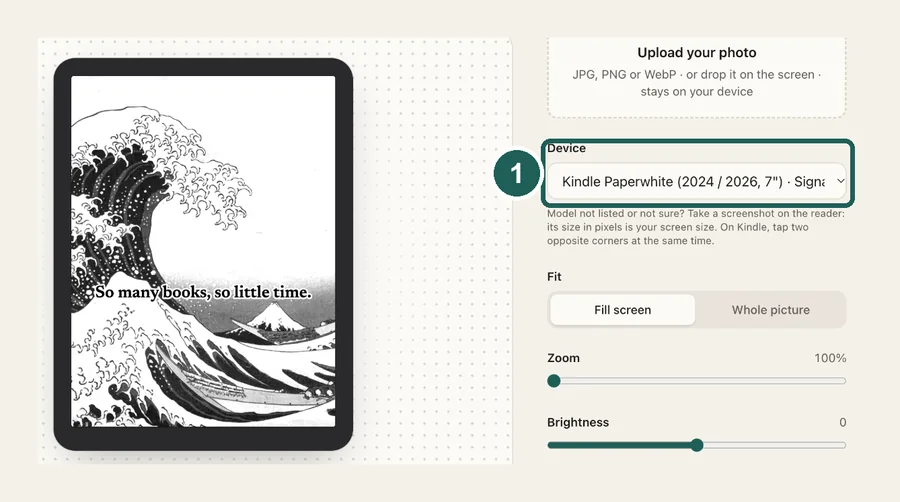
1Pick your Boox
Leaf, Page, Go, Note Air, Tab Ultra, Palma and P6 Pro, each at its native resolution. Color models keep their colors.
 2
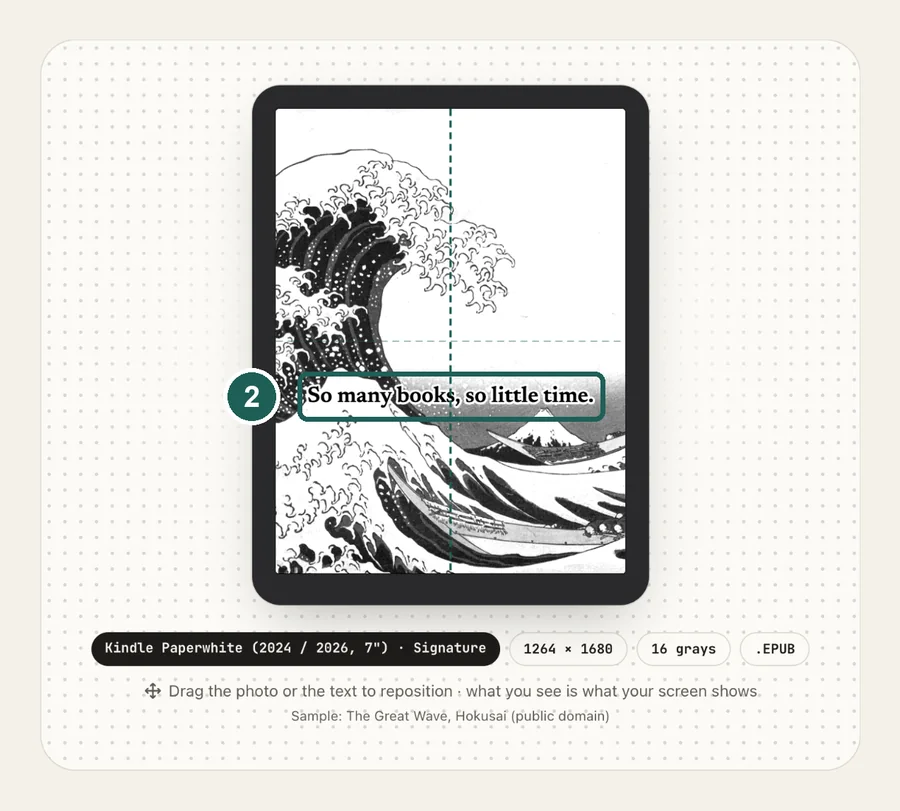
2Frame and tune
Drag to reposition, then adjust brightness and contrast while watching the grayscale preview.
 3
3Set it as the sleep screen
Copy the PNG to your Boox and choose it in the screensaver settings.
Common questions
›What size should a Boox wallpaper be?
Leaf5, Leaf3, Page, Go 7 and Go Color 7: 1264×1680. Go 6: 1072×1448. Go 10.3, Note Air4 C and Tab Ultra C Pro: 1860×2480. Palma 2 and P6 Pro: 824×1648.
›Does Boox need a special file format?
No, a regular PNG works. What matters is the size, and tuning contrast for grayscale.
›Is it free?
Yes. Boox files are free, with no watermark, and your photo never leaves your browser.