Free · BMP · Stock firmware & CrossPoint
Xteink wallpaper converterX4 & X3 sleep screens, 4 grays.
Xteink sleep screens use a 24-bit BMP sized to 480×800 (X4) or 528×792 (X3). This tool converts your photo to your screen's exact resolution and pre-dithers it to 4 grays so your preview matches the device.
- Pixel-perfect fit with no black bars
- True e-ink preview
- Photos never leave your device
- Xteink X4 / X4 Pro
- 480 × 800
- 4 grays
- .bmp
Drag the photo to reposition · live preview matches your screen
Sample: The Great Wave, Hokusai (public domain)
No picture that fits? Browse free artworks →
Don't see your model? Take a screenshot on your reader to find its pixel size (on Kindle, tap opposite corners simultaneously), then choose Custom.
- Copy sleep.bmp to the root of the SD card (or several BMPs into a folder named .sleep).
- Settings → Display → Sleep Screen → Custom.
Something not working, or an idea? Tell us. We read everything.
How it works
 1
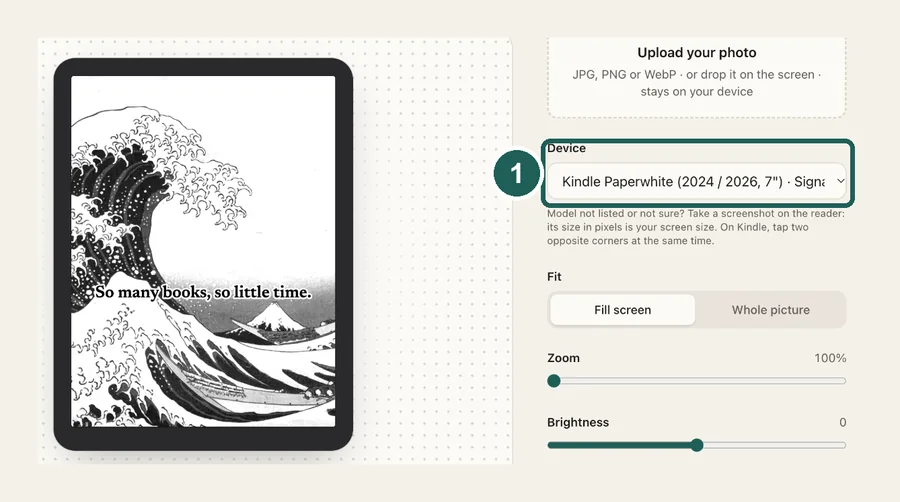
1Choose X4 or X3
X4 is 480×800 pixels, X3 is 528×792. The output always matches exactly, so nothing gets stretched or padded.
 2
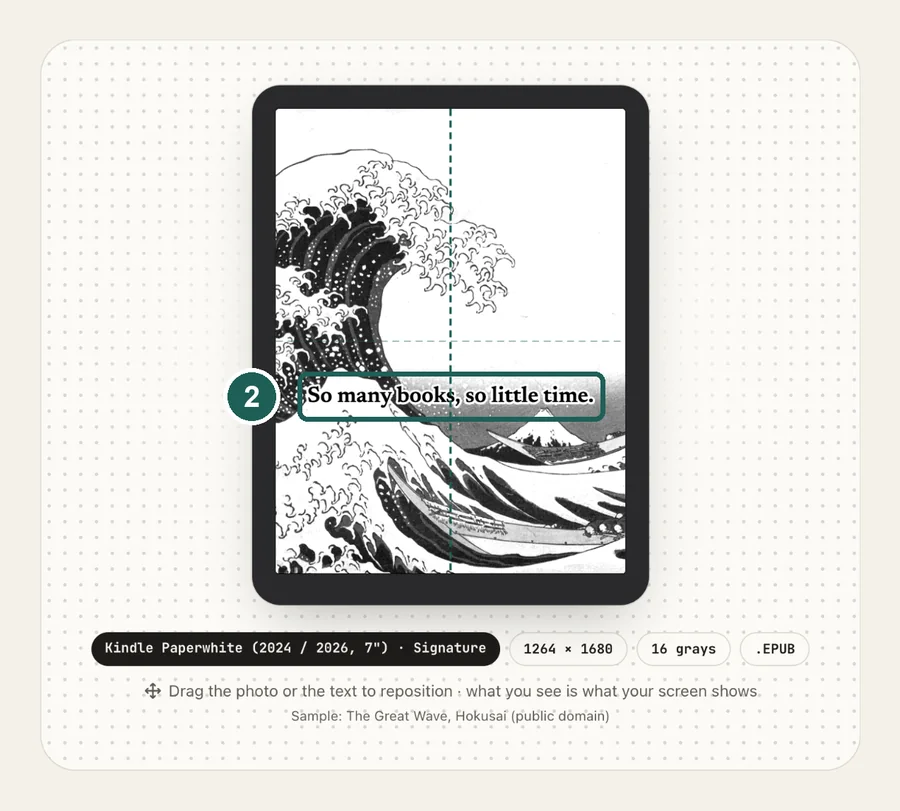
2Tune it for 4 grays
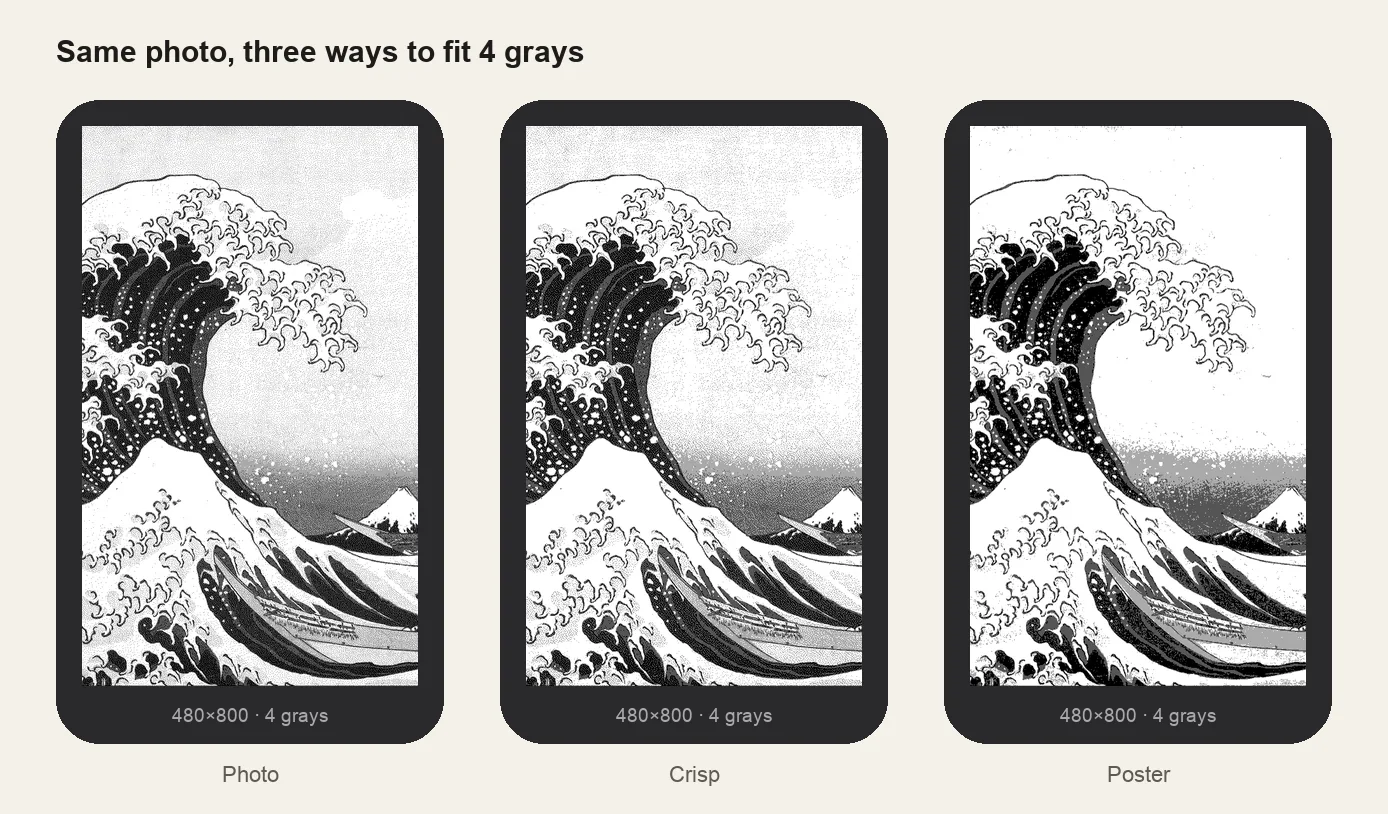
Pick a Look: Photo (soft gradients), Crisp (bolder, cleaner whites), Poster (flat grays) or Ink (pure black and white). Nudge contrast until the preview looks right.
 3
3Copy to the SD card
Put sleep.bmp in the root of the SD card, or many BMPs in a folder named .sleep for a random one each time. Then set Sleep Screen to Custom.
Photo, Crisp or Poster?
Xteink sleep screen specs at a glance
| Model | Resolution | Grays | File |
|---|---|---|---|
| Xteink X4 / X4 Pro | 480×800 | 4 | sleep.bmp (24-bit) |
| Xteink X3 | 528×792 | 4 | sleep.bmp (24-bit) |
Want the full walkthrough, including firmware settings and how to rotate several wallpapers? Read the Xteink custom sleep screen guide.
Common questions
›What size should an Xteink X4 wallpaper be?
480×800 pixels in portrait. The Xteink X3 is 528×792. Other sizes get scaled and may be padded with borders.
›What image format does Xteink need?
An uncompressed BMP. 24-bit is the most compatible and is what this converter outputs. The firmware ignores JPG and PNG for custom sleep screens.
›Where do I put the BMP?
In the root of the SD card as sleep.bmp. For several images, create a folder named .sleep (or sleep) in the root and put them inside. One is picked at random each time the device sleeps.
›Does this work with CrossPoint firmware?
Yes. CrossPoint reads sleep.bmp and the .sleep folder, and its docs recommend 24-bit uncompressed BMPs at 480×800 (X4) or 528×792 (X3). Set Settings → Display → Sleep Screen to Custom.
›Why pre-dither instead of letting the device do it?
The panel shows only 4 grays. If you send a full-color photo, the firmware decides how to squeeze it, and you can't see the result until it's on the device. Dithering here means you choose the look, and the preview is exactly what appears.
›Is it free?
Yes, Xteink wallpapers are free with no sign-up and no watermark. Your images never leave your browser.