Free · No jailbreak · Exact size
Kobo screensaver makerClara, Libra, Sage & more.
Kobo supports custom sleep screens natively without jailbreaking by placing images into a hidden .kobo/screensaver folder. This tool formats any photo to your model's exact pixel dimensions and tunes contrast so your screensaver looks crisp on e-ink.
- Pixel-perfect fit with no black bars
- True e-ink preview
- Photos never leave your device
- Kobo Clara BW · 2E · HD
- 1072 × 1448
- 16 grays
- .png
Drag the photo to reposition · live preview matches your screen
Sample: The Great Wave, Hokusai (public domain)
No picture that fits? Browse free artworks →
Don't see your model? Take a screenshot on your reader to find its pixel size (on Kindle, tap opposite corners simultaneously), then choose Custom.
- Connect by USB and copy the PNG into .kobo/screensaver (create the folder; the .kobo folder is hidden).
- Settings → Energy saving and privacy → turn on Show current read and Show book covers full screen.
Something not working, or an idea? Tell us. We read everything.
How it works
 1
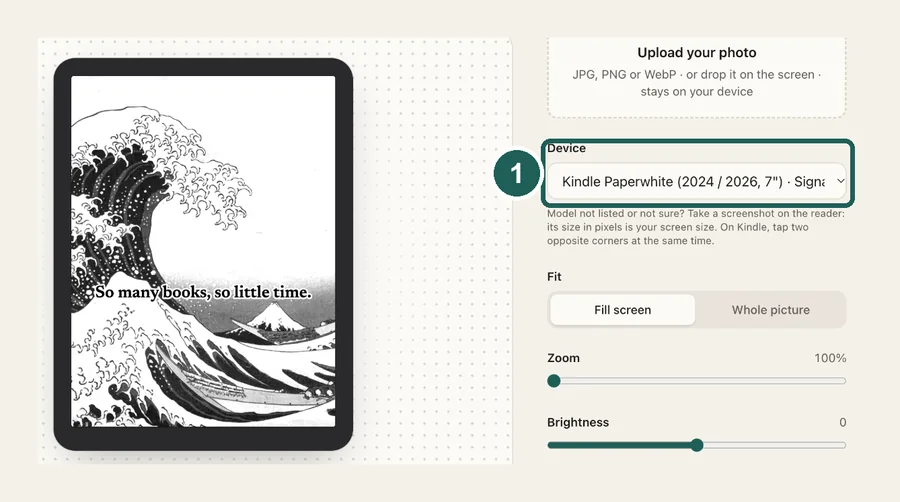
1Pick your Kobo
Clara, Libra, Sage, Elipsa or Nia, each at its native resolution. Color models keep their colors.
 2
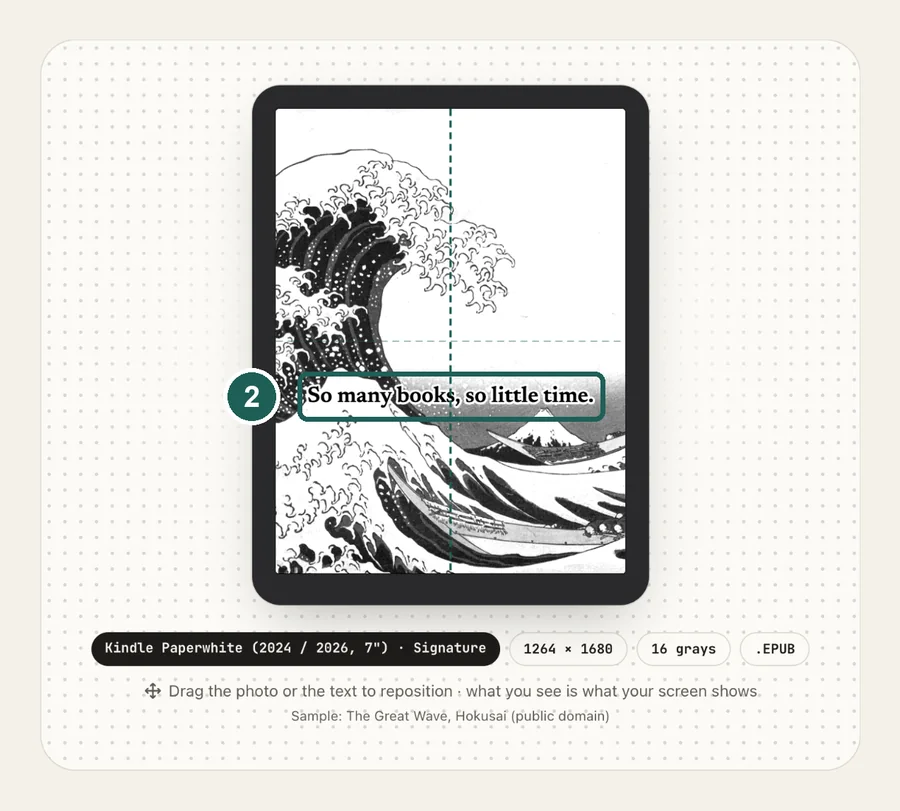
2Frame and tune
Drag to reposition and raise contrast while watching the preview. E-ink flattens mid-tones, so a bit of extra contrast helps.
 3
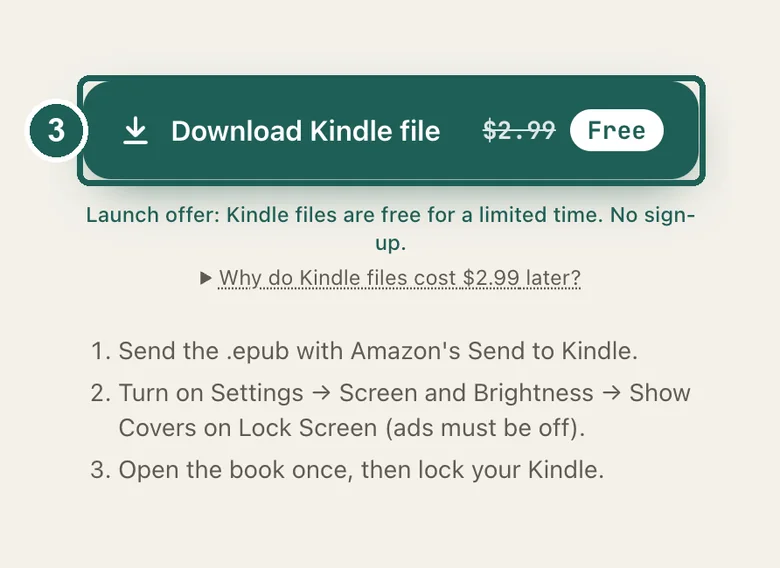
3Copy and switch on
Put the PNG in .kobo/screensaver, then turn on Show current read and Show book covers full screen.
Kobo screen sizes
| Model | Resolution |
|---|---|
| Clara HD · Clara 2E · Clara BW · Clara Colour | 1072×1448 |
| Libra 2 · Libra Colour | 1264×1680 |
| Sage · Forma | 1440×1920 |
| Elipsa 2E · Aura ONE | 1404×1872 |
| Nia | 758×1024 |
Common questions
›How do I set a custom screensaver on a Kobo?
Connect the Kobo by USB, show hidden files, create a folder named screensaver inside .kobo, and copy your images in. Then go to Settings → Energy saving and privacy and turn on Show current read and Show book covers full screen. Firmware 4.13 or later is required.
›What size should a Kobo screensaver be?
Clara (HD, 2E, BW, Colour) is 1072×1448. Libra 2 and Libra Colour are 1264×1680. Sage and Forma are 1440×1920. Elipsa 2E and Aura ONE are 1404×1872. Nia is 758×1024.
›Why doesn't my screensaver show?
Check the folder is named exactly screensaver (lowercase, singular) inside .kobo, that both settings are on, and that a book is open. With no book open, Kobo shows its default sleep screen.
›Can I use several images?
Yes. Put as many as you like in the folder and Kobo picks one at random each time it sleeps.
›Is it free?
Yes. Kobo files are free, with no watermark, and your photo never leaves your browser.