Free · PNG · Exact size
reMarkable sleep screen makerreMarkable 2, Paper Pro & Move.
reMarkable has no setting for a custom sleep screen. The suspend screen it shows when you press the power button is a single file, suspended.png, and you change it by replacing that file. This tool makes the replacement at your tablet's exact resolution, with contrast tuned for e-ink.
- Pixel-perfect fit with no black bars
- True e-ink preview
- Photos never leave your device
- reMarkable 2
- 1404 × 1872
- 16 grays
- .png
Drag the photo to reposition · live preview matches your screen
Sample: Girl with a Pearl Earring, Johannes Vermeer (public domain)
No picture that fits?
Don't see your model? Take a screenshot on your reader to find its pixel size (on Kindle, tap opposite corners simultaneously), then choose Custom.
Keeps just the person, pet or object on plain paper. Runs on your device; the first use is a one-time 59 MB download.
Lower strength keeps soft edges like hair and fur. Keep background fades the old background in instead of erasing it.
Fine-tune
- reMarkable has no sleep screen setting: the suspend screen is /usr/share/remarkable/suspended.png, and this download is already named suspended.png.
- Replace it over SSH or with a desktop tool such as RCU, then restart. Back up the original first; on the Paper Pro, SSH needs developer mode.
Something not working, or an idea? Tell us. We read everything.
How it works
 1
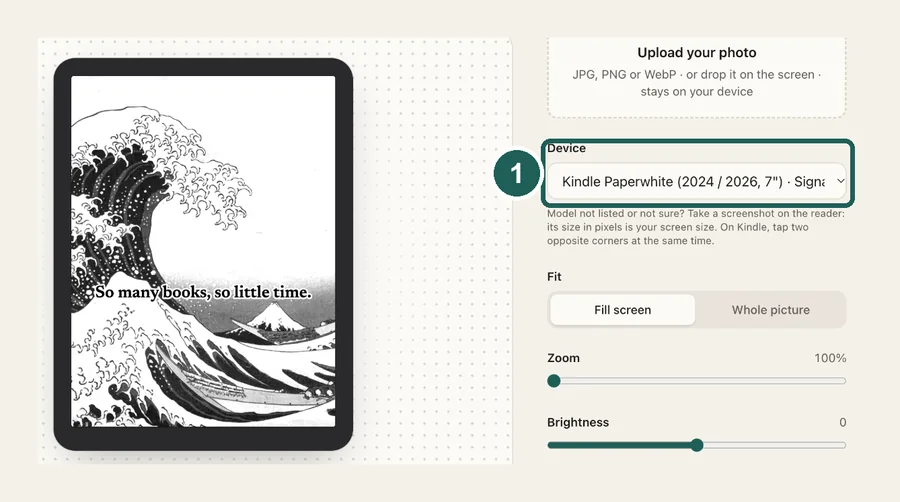
1Pick your reMarkable
reMarkable 2 at 1404×1872, Paper Pro at 1620×2160 or Paper Pro Move at 954×1696. Paper Pro models keep their colors.
 2
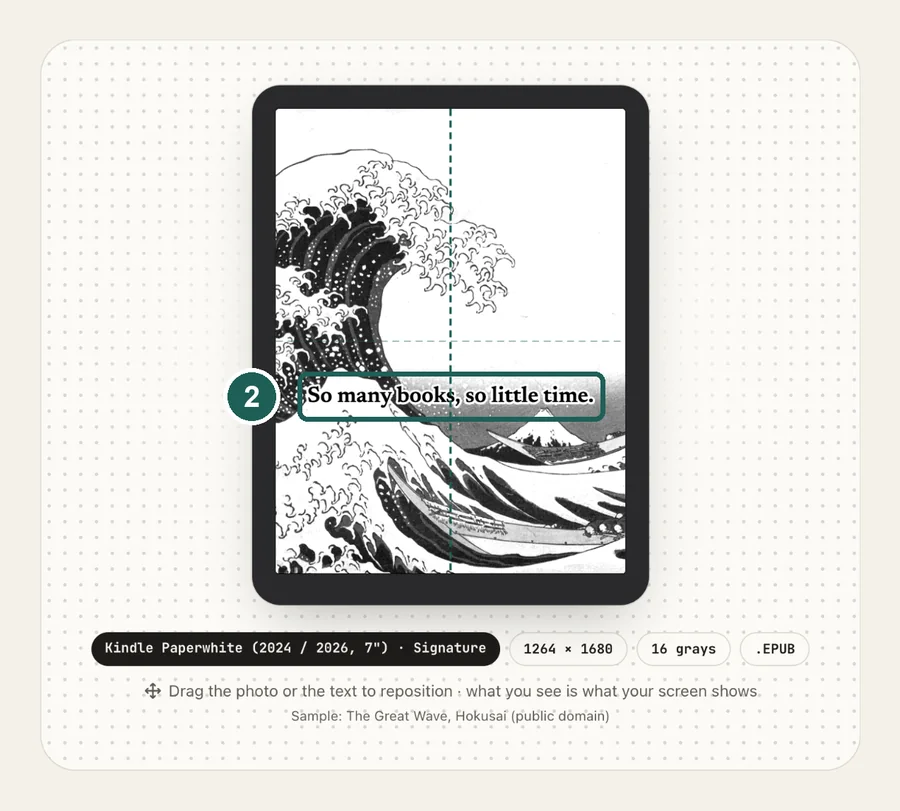
2Frame and tune
Drag to choose the crop and raise contrast in the preview. On the Paper Pro, pick bold, bright photos: its color screen shows colors much paler than your phone.
 3
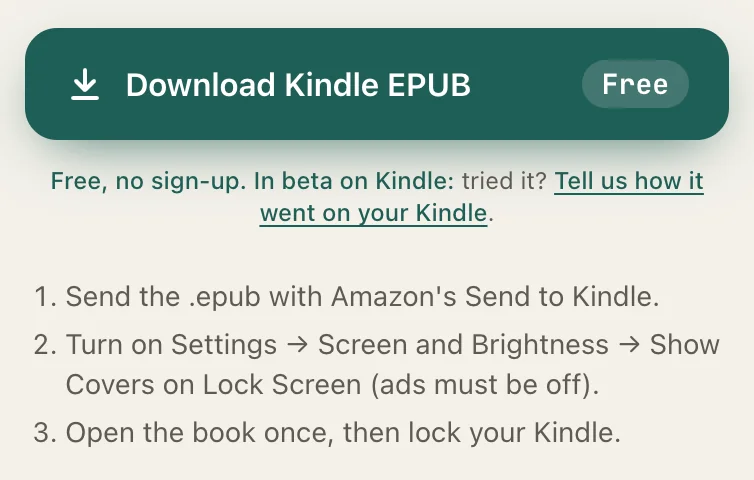
3Replace suspended.png
The download is named suspended.png. Copy it over /usr/share/remarkable/suspended.png over SSH or with a desktop tool such as RCU, then restart.
reMarkable screen sizes
| Model | Resolution |
|---|---|
| reMarkable 2 | 1404×1872 |
| reMarkable Paper Pro | 1620×2160 |
| reMarkable Paper Pro Move | 954×1696 |
Common questions
›How do I change the reMarkable sleep screen?
There is no setting for it. The sleep image is the file /usr/share/remarkable/suspended.png. Back up the original, replace it with your own PNG of the same name over SSH or with a desktop tool such as RCU, then restart the tablet.
›What is suspended.png?
It is the picture the reMarkable shows on its suspend screen, while the tablet is asleep. The file the tool downloads is already named suspended.png, so you can copy it over the original without renaming it.
›What size should a reMarkable sleep screen be?
reMarkable 2: 1404×1872. reMarkable Paper Pro: 1620×2160. reMarkable Paper Pro Move: 954×1696. Use the exact size so the image is not stretched or cropped.
›How do I connect over SSH?
Connect the tablet by USB and SSH to [email protected]. The password is shown on the tablet under Settings → General → Help → About → Copyrights and licenses. On the reMarkable 2, copy the file with: scp suspended.png [email protected]:/usr/share/remarkable/suspended.png
›Does it work on the Paper Pro?
Yes, but SSH on the Paper Pro and Paper Pro Move needs developer mode, and turning developer mode on resets the tablet. Sync your notebooks to the cloud first.
›My custom sleep screen disappeared
Software updates replace the system files, including suspended.png. Copy your image back after each update.
›Why not just copy the original photo?
suspended.png replaces a system file, and the original is exactly the size of the screen. Copying in a 12-megapixel phone photo means guessing how the tablet will scale and crop it; at the exact size there is nothing to guess. The reMarkable 2 is grayscale, so a color photo needs extra contrast to keep its detail, and the Paper Pro's color screen is far paler than a phone, so bold, bright photos work best.
›Is it free?
Yes. reMarkable files are free, with no watermark, and your photo never leaves your browser.