Free · PNG · Exact size
Supernote screensaver makerManta, Nomad, A5 X & A6 X.
Supernote lets you pick any image as the screensaver in Settings, but a phone photo at the wrong size gets cropped or padded, and mid-tones turn muddy in grayscale. This tool crops your picture to your Supernote's exact resolution and tunes contrast for e-ink.
- Pixel-perfect fit with no black bars
- True e-ink preview
- Photos never leave your device
- Supernote Manta (A5 X2)
- 1920 × 2560
- 16 grays
- .png
Drag the photo to reposition · live preview matches your screen
Sample: Girl with a Pearl Earring, Johannes Vermeer (public domain)
No picture that fits?
Don't see your model? Take a screenshot on your reader to find its pixel size (on Kindle, tap opposite corners simultaneously), then choose Custom.
Keeps just the person, pet or object on plain paper. Runs on your device; the first use is a one-time 59 MB download.
Lower strength keeps soft edges like hair and fur. Keep background fades the old background in instead of erasing it.
Fine-tune
- Copy the PNG to your Supernote, for example into MyStyle (USB, Browse & Access, or cloud sync).
- Settings → Display & input → Screen saver → More, pick the image, choose Fill, then OK.
Something not working, or an idea? Tell us. We read everything.
How it works
 1
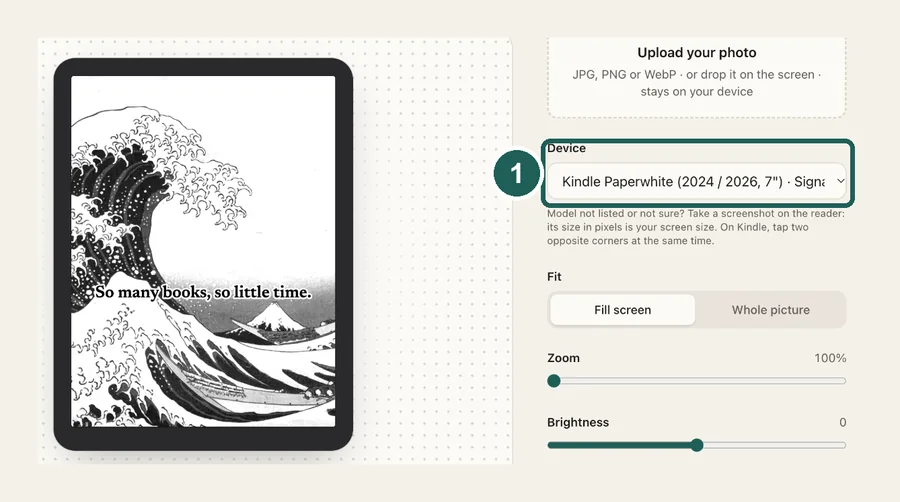
1Pick your Supernote
Manta (A5 X2) at 1920×2560. Nomad (A6 X2), A5 X and A6 X at 1404×1872.
 2
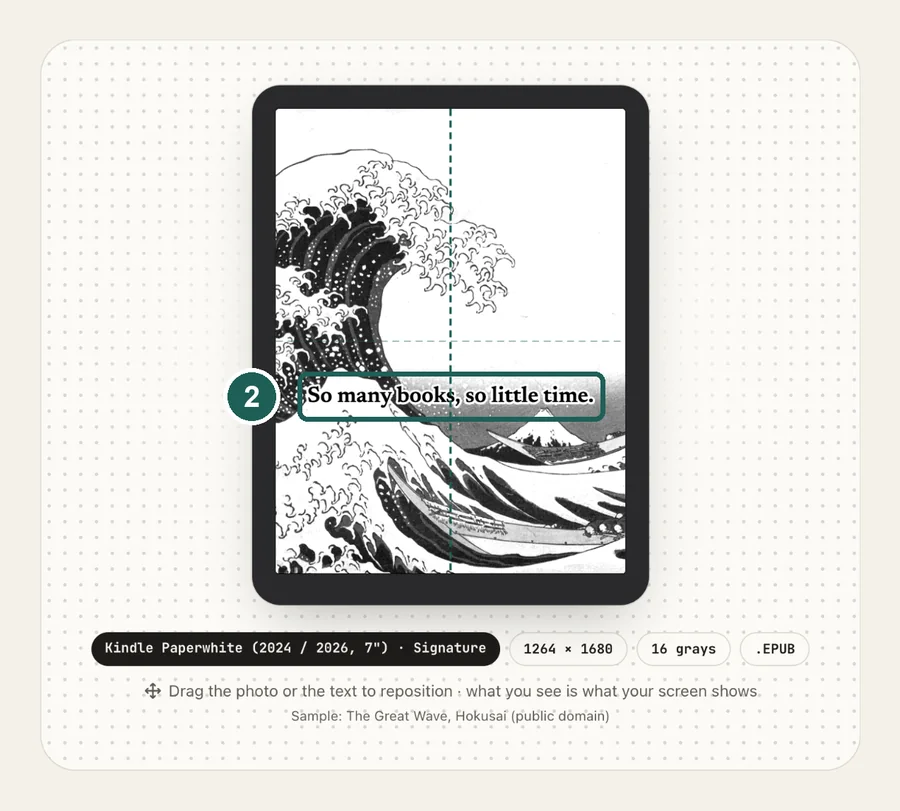
2Frame and tune
Drag to choose the crop, so Supernote's Fill has nothing left to cut. Then raise contrast while watching the grayscale preview.
 3
3Copy and pick it
Copy the PNG to your Supernote, then choose it under Settings → Display & input → Screen saver → More.
Supernote screen sizes
| Model | Resolution |
|---|---|
| Supernote Manta (A5 X2) | 1920×2560 |
| Supernote Nomad (A6 X2) · A5 X · A6 X | 1404×1872 |
Common questions
›How do I set a custom screensaver on a Supernote?
Copy the image to the Supernote by USB, Browse & Access or cloud sync. The MyStyle folder is a good place for it. Then go to Settings → Display & input → Screen saver → More, pick the image, choose Fill or Fit, and tap OK.
›What size should a Supernote screensaver be?
Supernote Manta (A5 X2): 1920×2560. Nomad (A6 X2), A5 X and A6 X: 1404×1872. At the exact size, Fill and Fit look the same and nothing is cropped.
›Which file types work?
PNG, JPG and WebP. The tool downloads a PNG, which keeps text and line art sharp.
›Can I use several images?
Yes. Load several photos and the tool downloads them together as a zip. Copy them over and pick the one you want in the Screen saver settings.
›Does it work on the older A5 X and A6 X?
Yes. Both have a 1404×1872 screen, the same as the Nomad, and the same Screen saver setting. Menu names can differ a little on older software.
›Why not just copy the original photo?
Supernote can show any image, but only through Fill or Fit. Fill crops whatever doesn't match the screen's 3:4 shape, and Fit leaves white bars. A photo at the exact size avoids both, and you choose the crop yourself. The screen is grayscale, too, so a color photo with soft mid-tones looks flat; extra contrast before you copy it keeps faces and skies readable.
›Is it free?
Yes. Supernote files are free, with no watermark, and your photo never leaves your browser.