Normally a CrossPoint sleep screen means finding a picture, resizing it, converting it to BMP and copying it to the SD card. The einktools Wallpapers plugin skips all of that: it lists the 60 public-domain pictures from our wallpaper gallery on the reader itself, and downloads the one you pick straight into your sleep rotation.
What you need
- An Xteink X4, X4 Pro or X3 on a CrossPoint build with plugins. The plugin system is in CrossPoint's SD plugins beta. Release 1.6.5 doesn't have it yet. If there is no Plugins entry on your reader, you're on a build without it.
- Wi-Fi saved on the reader. Connect once (for example from File Transfer) so the plugin can download.
Install the plugin
- Open Plugins → Plugin Hub and refresh the Community catalog.
- Find einktools Wallpapers and choose Install.
No Plugin Hub? Download the plugin from GitHub and copy the einktools-wallpapers.crosspoint-plugin folder to /plugins/einktools-wallpapers/ on the SD card. It is three small text files.
Download pictures
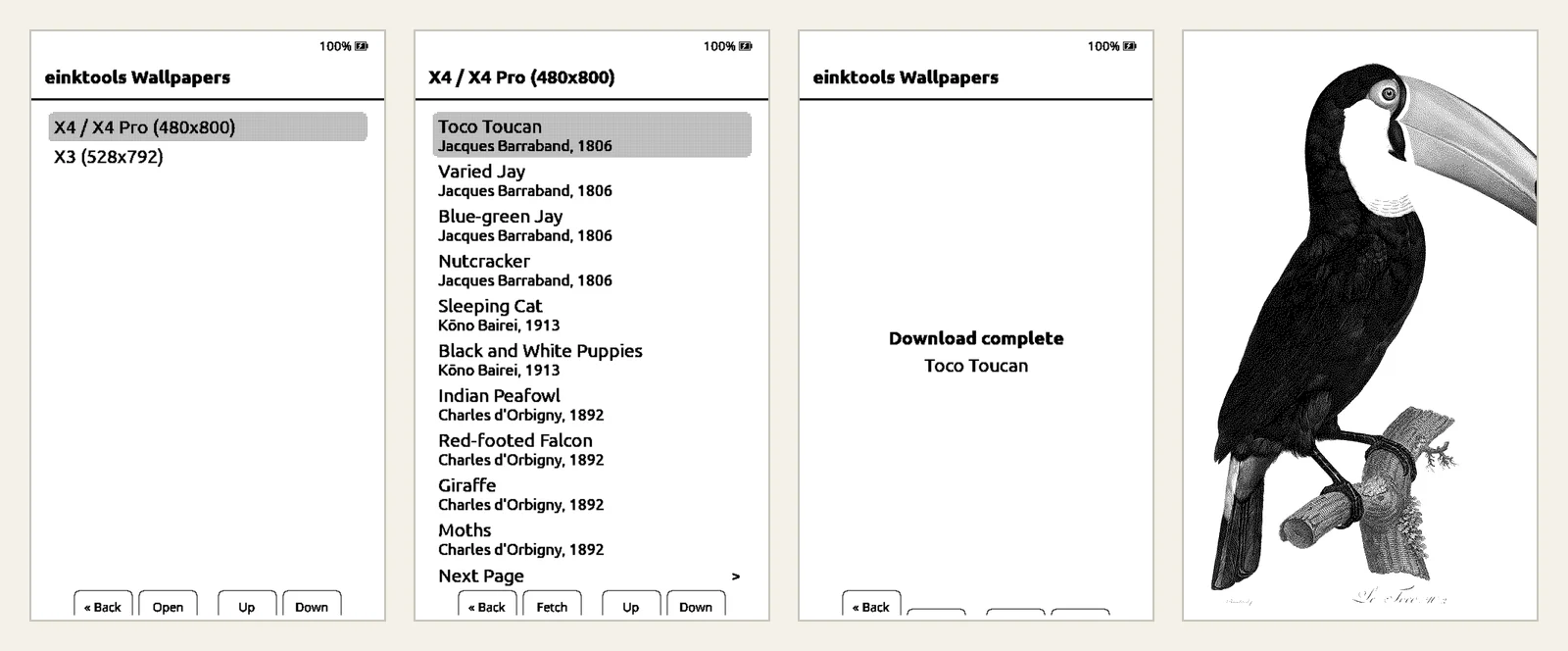
- Open Plugins → einktools Wallpapers.
- Choose your screen: X4 / X4 Pro (480x800) or X3 (528x792).
- Scroll the list, ten pictures a page, and press Fetch on the one you want.
- When it says Download complete, the picture is in the
.sleepfolder. Download as many as you like.
Turn on the rotation
Open Settings → Display → Sleep Screen and choose Custom (or Cover + Custom, which shows the book cover while you read and your pictures otherwise). Each time the reader sleeps, CrossPoint picks one picture from .sleep at random.
One catch: a sleep.bmp in the root of the SD card always wins over the folder. If you see the same picture every time, delete or rename it.
Why they look right on the screen
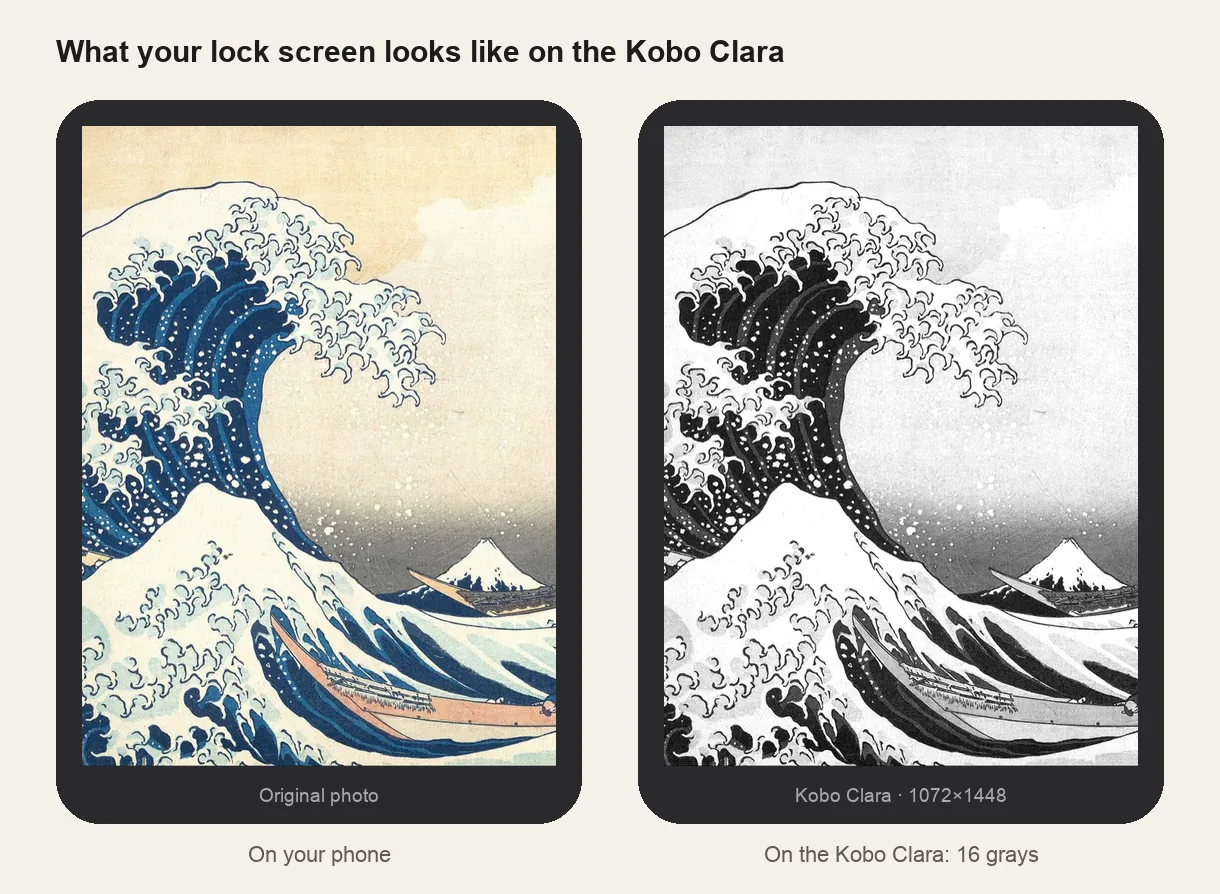
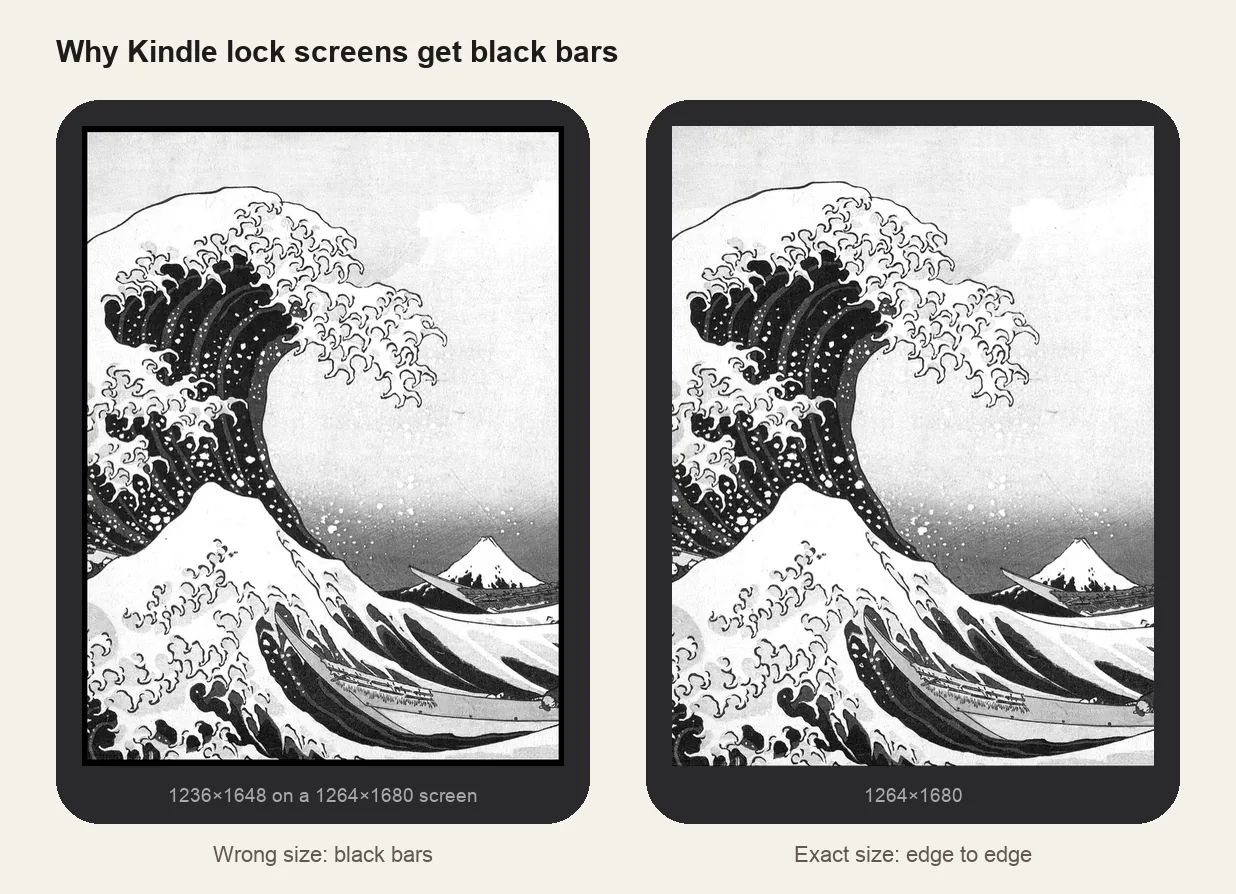
Every picture is cut to the exact screen size, so there are no bars and nothing is stretched. Each one is already reduced to the 4 grays the Xteink panel shows, with the same dithering our wallpaper converter uses. The files are small 2-bit BMPs of about 100 KB, so they download in a few seconds and the reader shows them instantly without converting anything.
The plugin only downloads pictures. It sends no account, book or device details. Use the X3 list on an X3: the X4 pictures are a different shape and would get bars.
If it doesn't work
- No Plugins menu: your CrossPoint build doesn't have the plugin system yet. Wait for a release with it, or copy pictures from the gallery by hand.
- Download fails: the reader isn't on Wi-Fi. Connect from File Transfer, then try again.
- Still the CrossPoint logo: Sleep Screen isn't set to Custom, or
.sleepis empty. - Always the same picture: there is a
sleep.bmpin the root. Remove it. - Can't see .sleep on a Mac: Finder hides names that start with a dot. Press Cmd + Shift + . to show them.