Free · EPUB · No jailbreak
Free Kindle lock screensready to send, exact size.
Hand-picked public-domain art, framed and tuned for e-ink, as one-page EPUBs at your Kindle's exact resolution. Send one to your Kindle, turn on Show Covers on Lock Screen, and it fills the screen. Nothing to edit.
16 grays, for every Kindle except Colorsoft
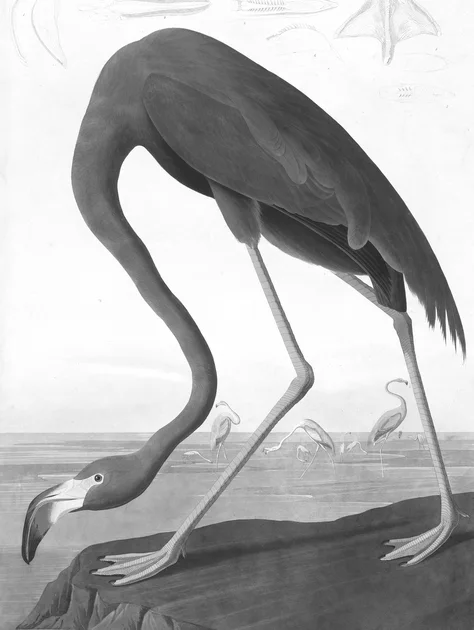
American Flamingo
John James Audubon, 1838
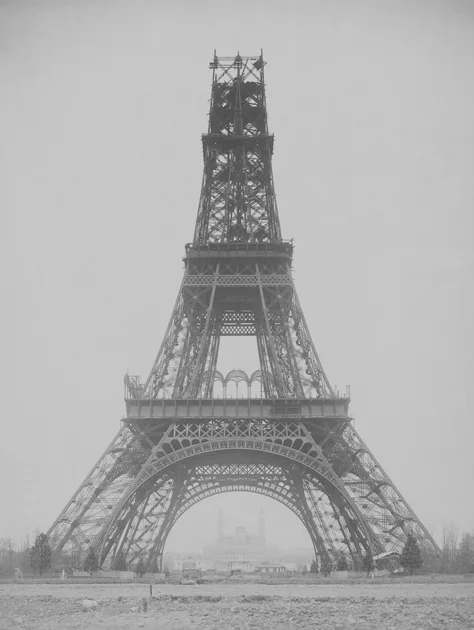
The Eiffel Tower under Construction
Louis-Émile Durandelle, 1888
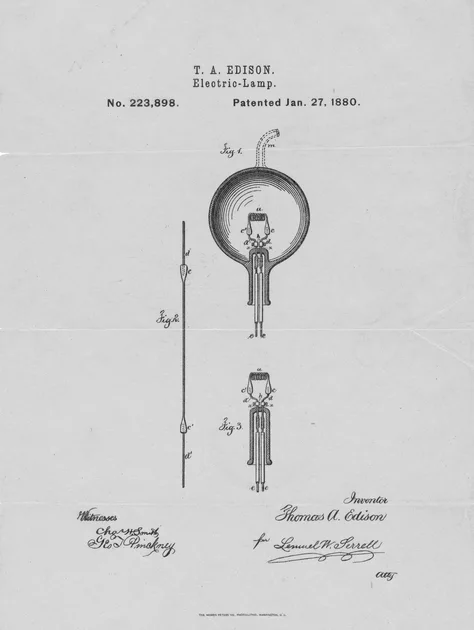
Electric Lamp, patent drawing
Thomas Edison, 1880
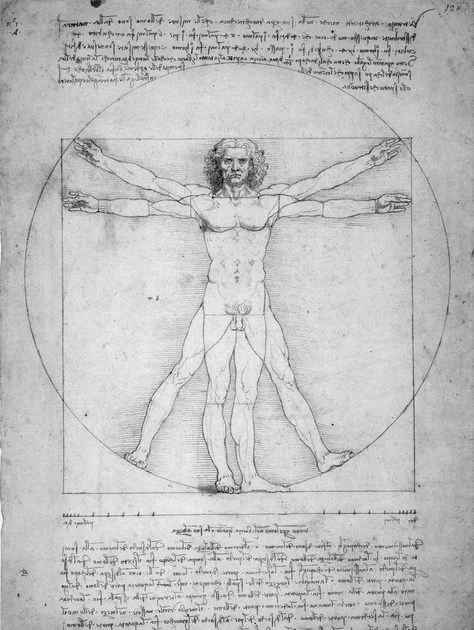
Vitruvian Man
Leonardo da Vinci, 1490
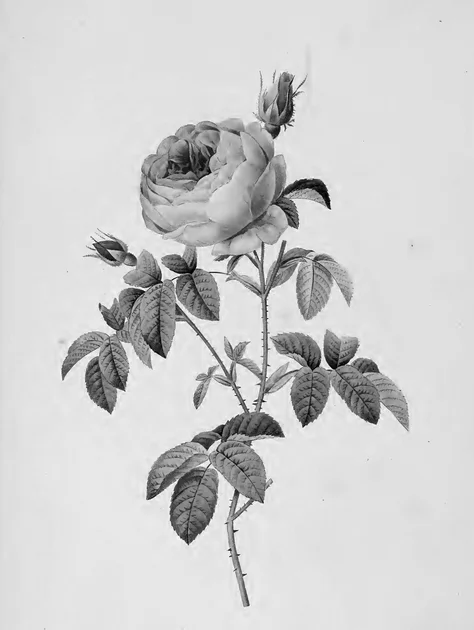
Rosa Centifolia
Pierre-Joseph Redouté, 1824
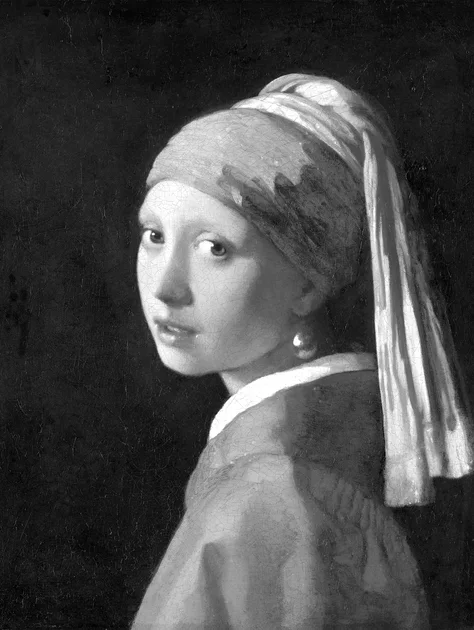
Girl with a Pearl Earring
Johannes Vermeer, 1665
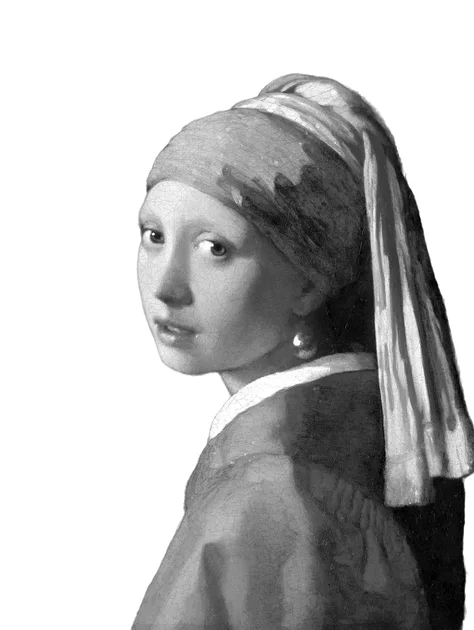
Girl with a Pearl Earring · cut out
Johannes Vermeer, 1665
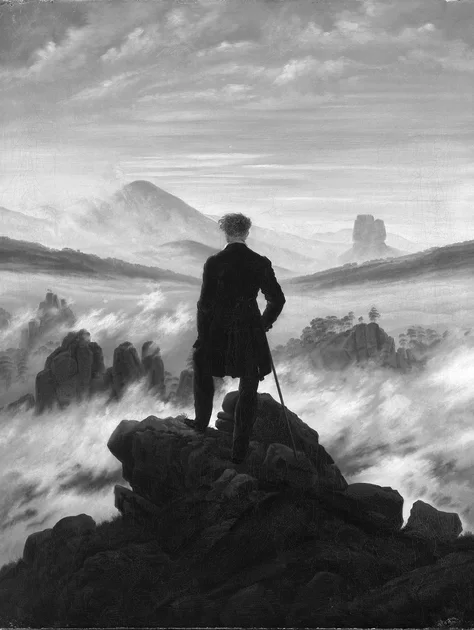
Wanderer above the Sea of Fog
Caspar David Friedrich, 1818
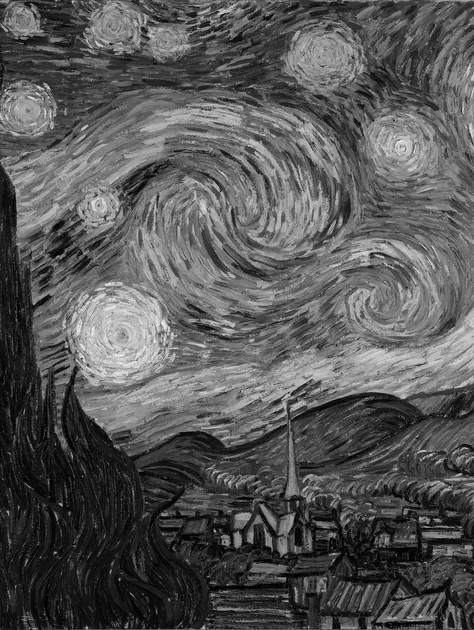
The Starry Night
Vincent van Gogh, 1889

Almond Blossom
Vincent van Gogh, 1890
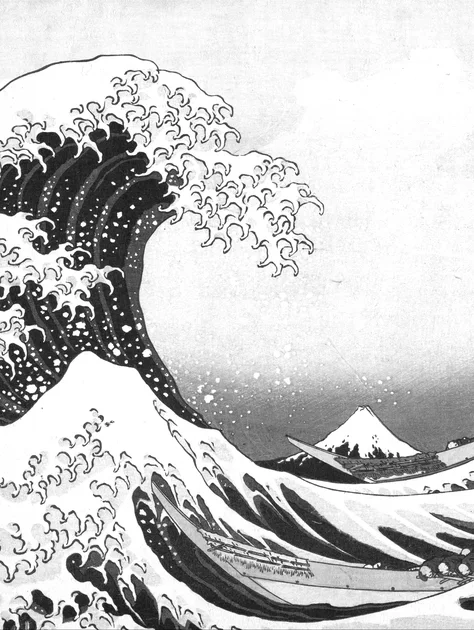
The Great Wave off Kanagawa
Katsushika Hokusai, 1831
How to set it as your lock screen
- Download an EPUB and pick your Kindle model.
- Send it with Send to Kindle: drag it onto the Send to Kindle web page, share it to the Kindle app, or email it to your Kindle address.
- On the Kindle: Settings → Screen and Brightness → Show Covers on Lock Screen. Ads (Special Offers) must be off for the setting to appear.
- Open the book once, then press the power button.
Want your own photo instead? The Kindle lock screen maker builds the same kind of EPUB from any picture. Ads still showing? See how to remove lock screen ads.
Common questions
›Why an EPUB and not a picture?
A Kindle can't use a picture file as its lock screen unless it's jailbroken. What it can do is show the cover of the book you last opened. Each download here is a one-page book whose cover is the lock screen, made at your Kindle's exact size so it fills the screen.
›How do I put it on my Kindle?
Send the EPUB with Send to Kindle (the web page, the app, or email to your Kindle address). On the Kindle, turn on Settings → Screen and Brightness → Show Covers on Lock Screen, open the book once, then lock the Kindle.
›It shows ads instead
The cover setting only appears once Special Offers are removed. In your Amazon account go to Content Library → Devices → your Kindle → Remove offers, sync, then turn on Show Covers on Lock Screen.
›Which Kindles does it work on?
Every Kindle from 2015 on: Paperwhite, Colorsoft, the basic Kindle, Oasis, Voyage and Scribe. Pick your model when you download; each gets a file at its own screen size.
›Can I switch between several?
Yes. Send a few, and whichever one you opened last is on the lock screen. Open a different one to change it.
›Are the artworks really free to use?
Yes. They are public domain: old enough to be free everywhere, taken from museum and library scans on Wikimedia Commons. The files are free for personal use; please link to this page instead of re-uploading them.
›Can I make one from my own photo?
Yes, with the free Kindle lock screen maker on this site: upload a photo, frame it, and it builds the EPUB for your model.