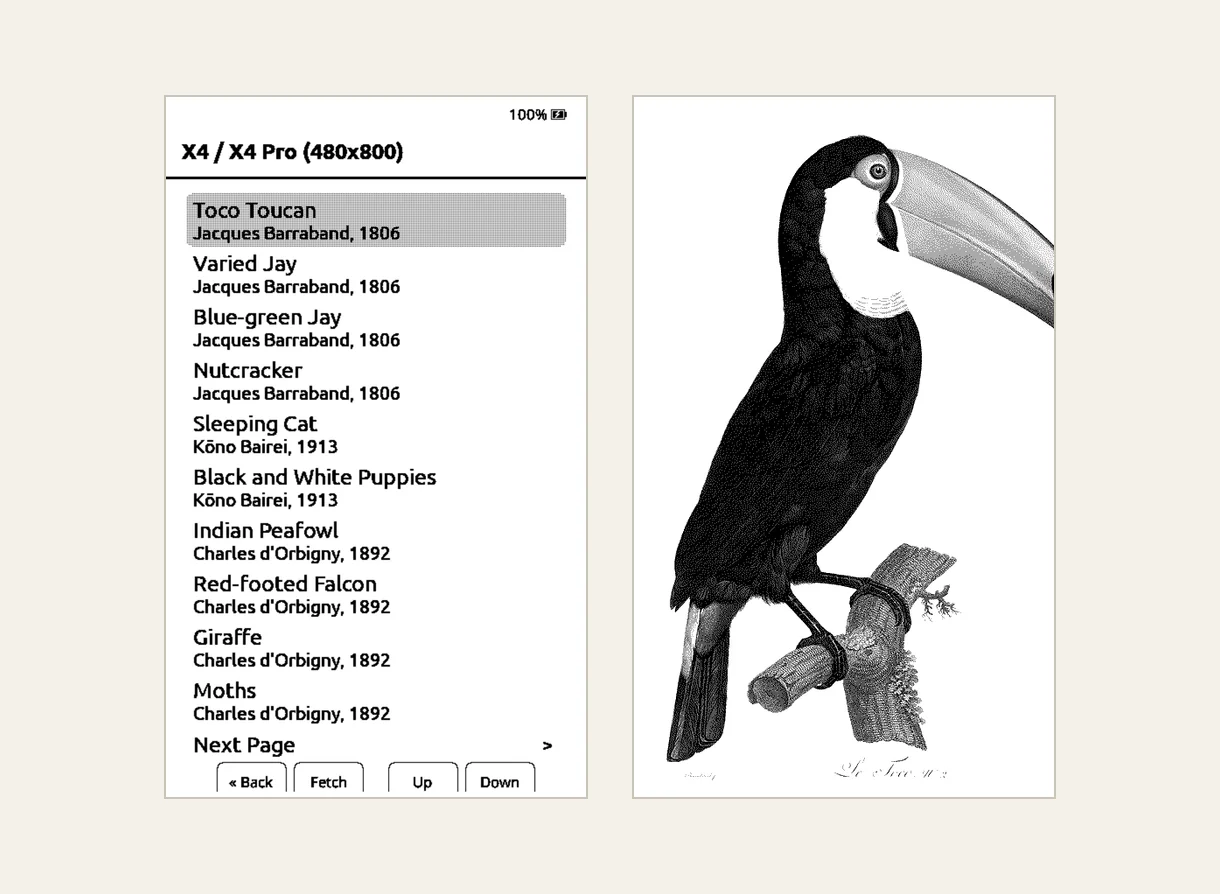
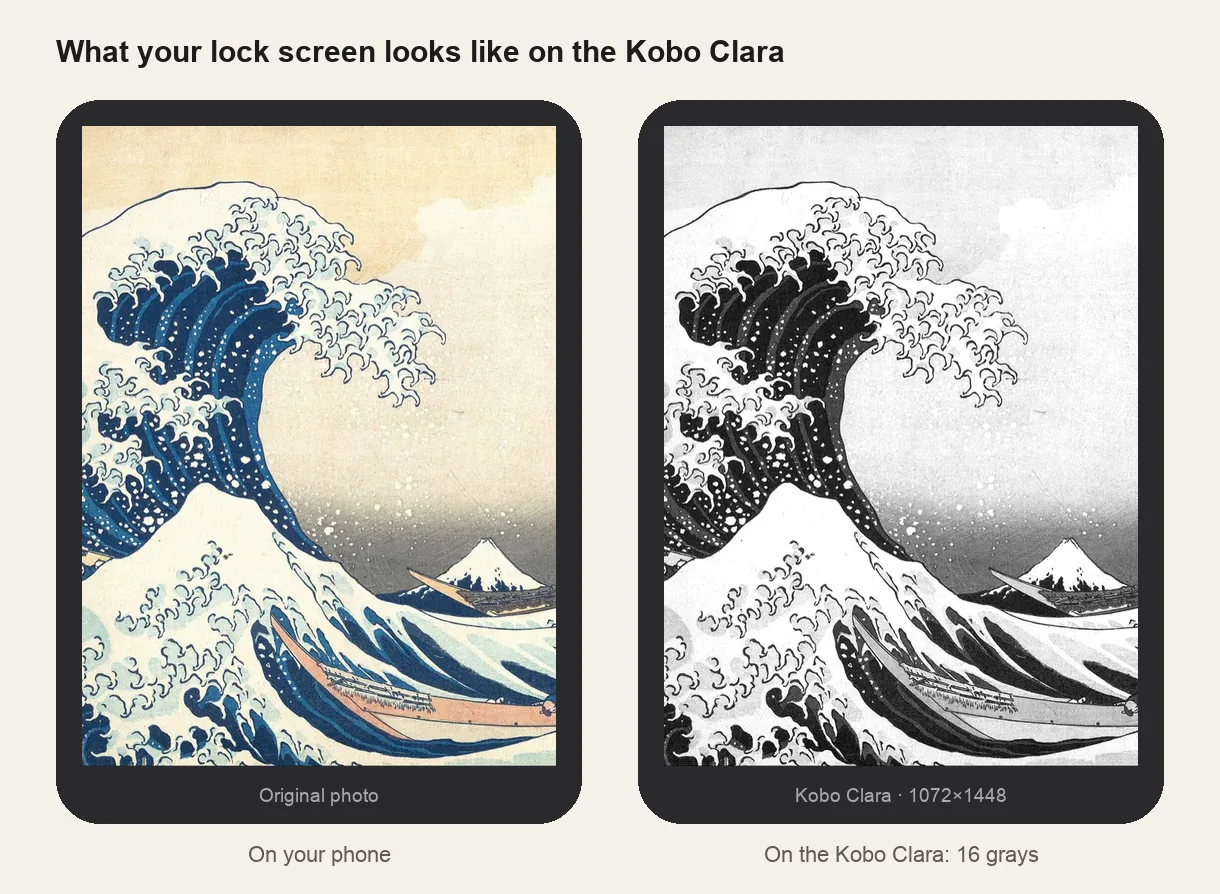
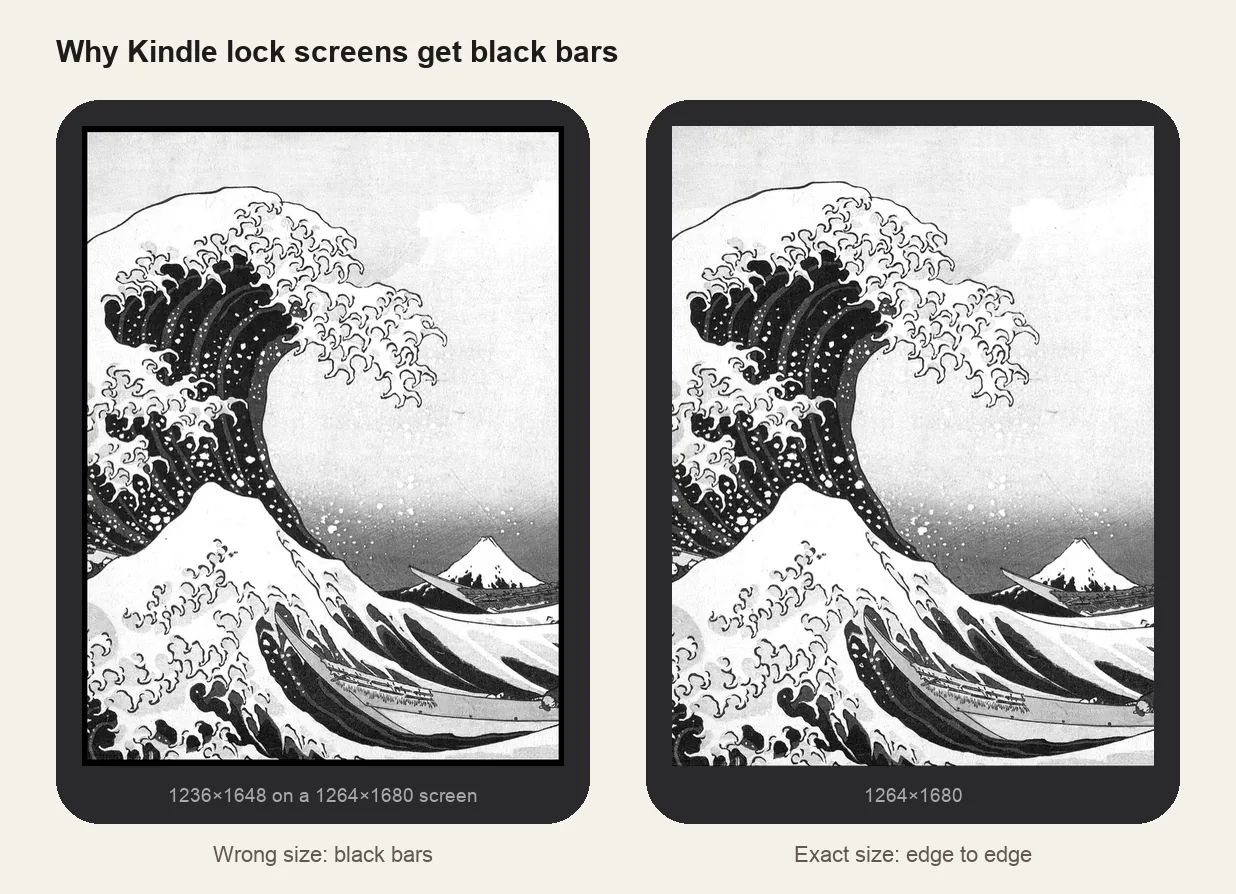
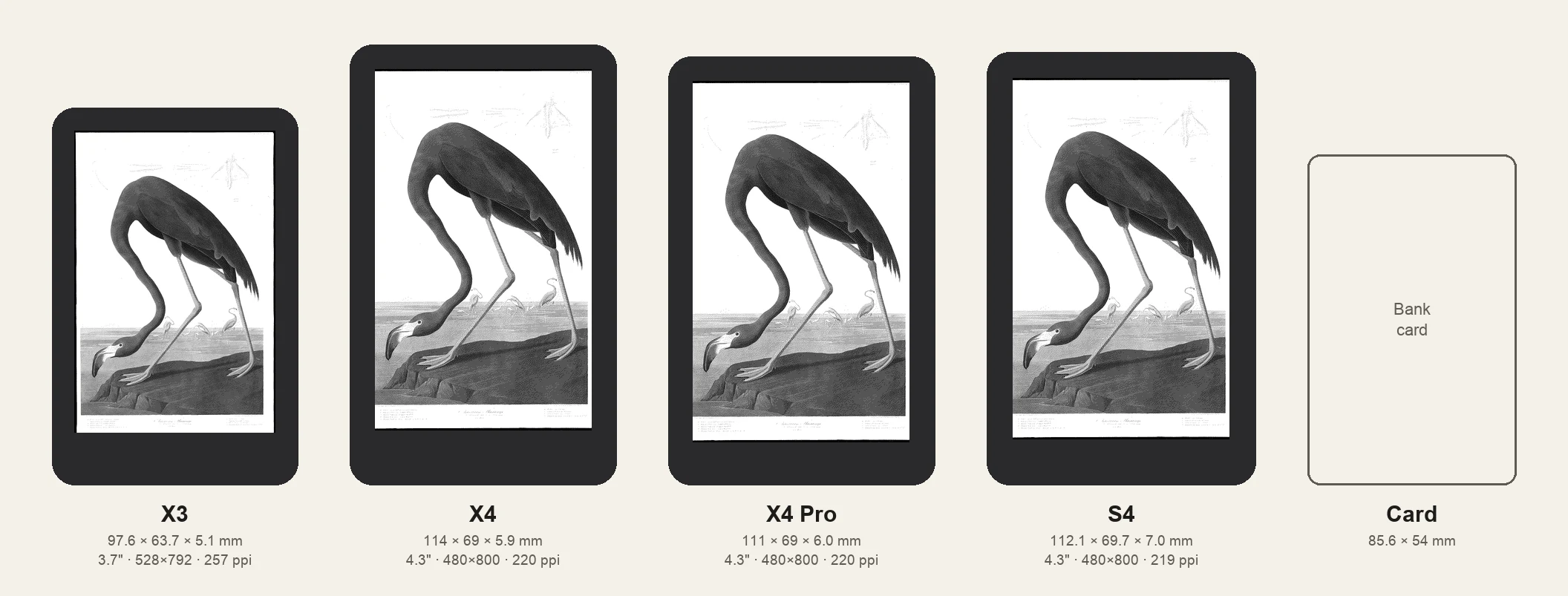
All four Xteink readers are pocket-sized, but not the same size. The X3 is noticeably smaller than the rest; the X4, X4 Pro and S4 share one 4.3-inch screen in slightly different bodies. Here they are side by side, to scale, next to a bank card.
Sizes and screens
| X3 | X4 | X4 Pro | S4 | |
|---|---|---|---|---|
| Body (mm) | 97.6 × 63.7 × 5.1 | 114 × 69 × 5.9 | 111 × 69 × 6.0 | 112 × 70 × 7.0 |
| Weight | about 58 g | about 74 g | about 72 g | about 95 g |
| Screen | 3.7" | 4.3" | 4.3" | 4.3" |
| Resolution | 528 × 792 | 480 × 800 | 480 × 800 | 480 × 800 |
| Sharpness | about 257 ppi | about 220 ppi | about 220 ppi | about 219 ppi |
| Front light | No | No | Yes | Yes |
| Touchscreen | No | No | Yes | Yes |
| Charging | Magnetic pins | USB-C | Magnetic pins | USB-C |
| Battery | 650 mAh | 650 mAh | 1100 mAh | 1400 mAh |
| Software | Xteink / CrossPoint | Xteink / CrossPoint | Xteink / CrossPoint | Android 11 |
Weights differ by a few grams between sources and batches. The newer X4 Classic is a revised X4 with a magnetic charger and a slightly thinner body; its screen is the same.
What the size difference means
- X3: the smallest and sharpest. Its body is barely bigger than a bank card and about 15 mm shorter than an X4. The screen is smaller, but it has more pixels per inch, so text looks a little crisper. No light and no touch.
- X4: the most screen for the money. Same 4.3-inch screen as the Pro, buttons only, no light.
- X4 Pro: X4 screen with a light. A few millimetres shorter than the X4, with a front light and a touchscreen for reading in the dark.
- S4: the X4 Pro size on Android. Thicker and the heaviest of the four, because it runs Android 11 and carries a bigger battery. Sold in China only for now.
Cases don't carry over between models: even the X4 and X4 Pro differ by a few millimetres and in where the buttons and charging pins sit.
How much of a novel fits on one page
Screen size matters most when reading. Here is the first page of Pride and Prejudice with the same font, the same physical text size (9.5 pt) and the same margins on both screens. The X4-family screen shows about 30% more text, so you turn the page less often. The X3's text is drawn with more pixels, so letters look slightly finer.
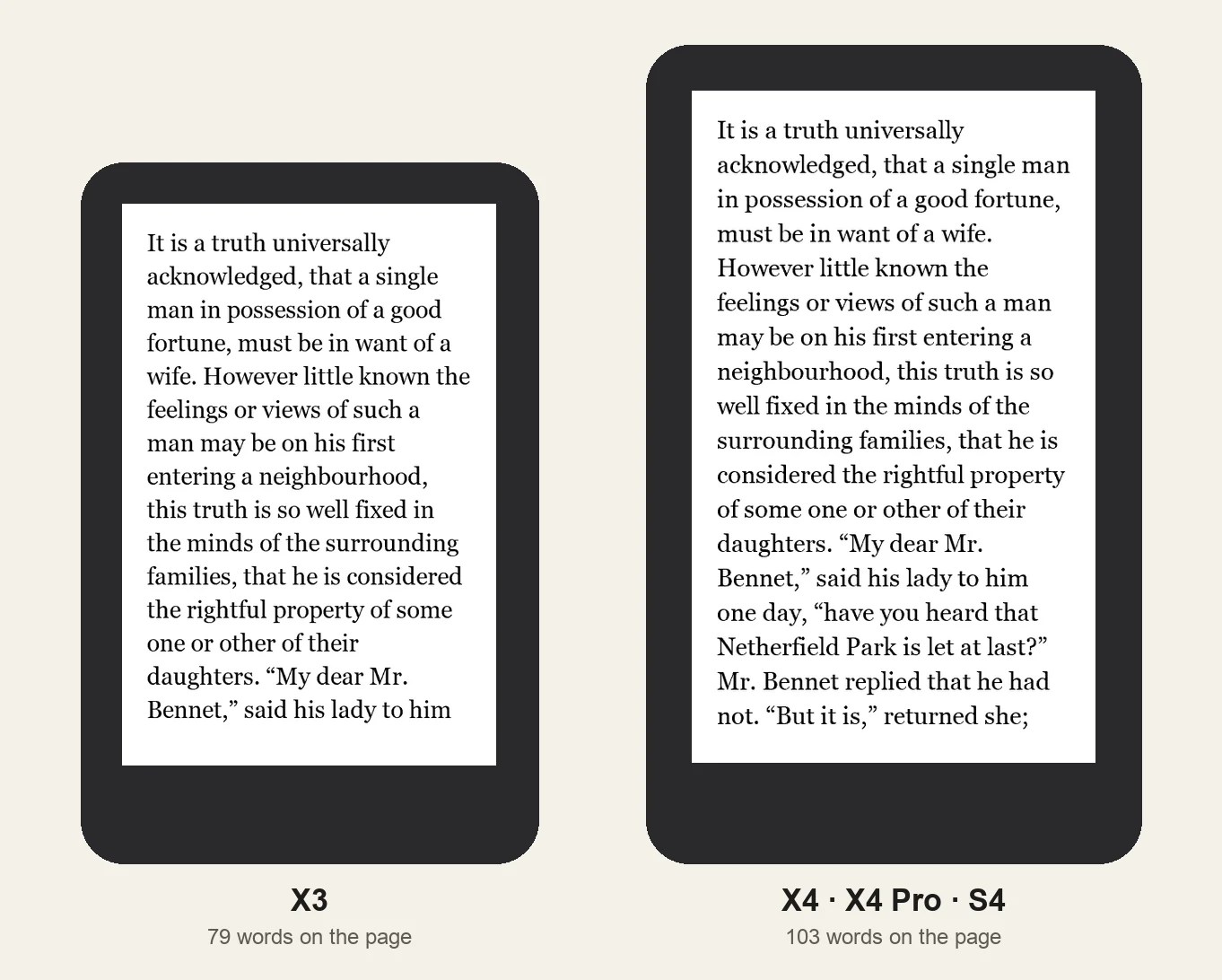
Every reader lets you change the font size, so a smaller screen doesn't force small text, only fewer words per page.
Wallpapers need the right size too
The X3 screen has a different shape (528 × 792, 2:3) from the X4 family (480 × 800, 3:5), so a wallpaper made for one gets bars or a crop on the other. Make each at its own size: X3, X4, X4 Pro or S4.
Where to buy
The X3, X4 and X4 Pro are sold on xteink.com. That's an affiliate link: if you buy through it, einktools earns a small commission at no extra cost to you. It doesn't change anything on this page.