Xteink X3 · 24-bit BMP
Xteink X3 wallpaper size528 × 792 px
The Xteink X3 sleep screen is a 24-bit BMP at 528×792 pixels. The X3 display is wider than the X4 (480×800), so images sized for the X4 show borders unless they are re-made at 528×792.
- Pixel-perfect fit with no black bars
- True e-ink preview
- Photos never leave your device
- Xteink X3
- 528 × 792
- 4 grays
- .bmp
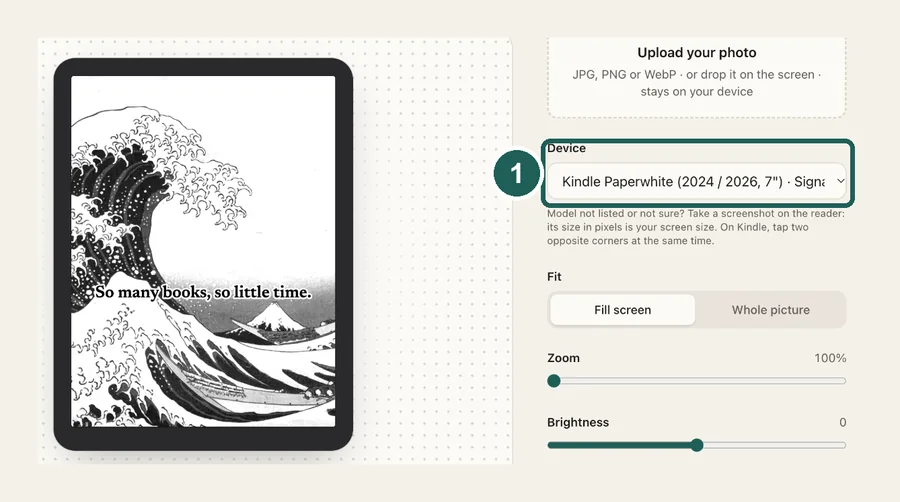
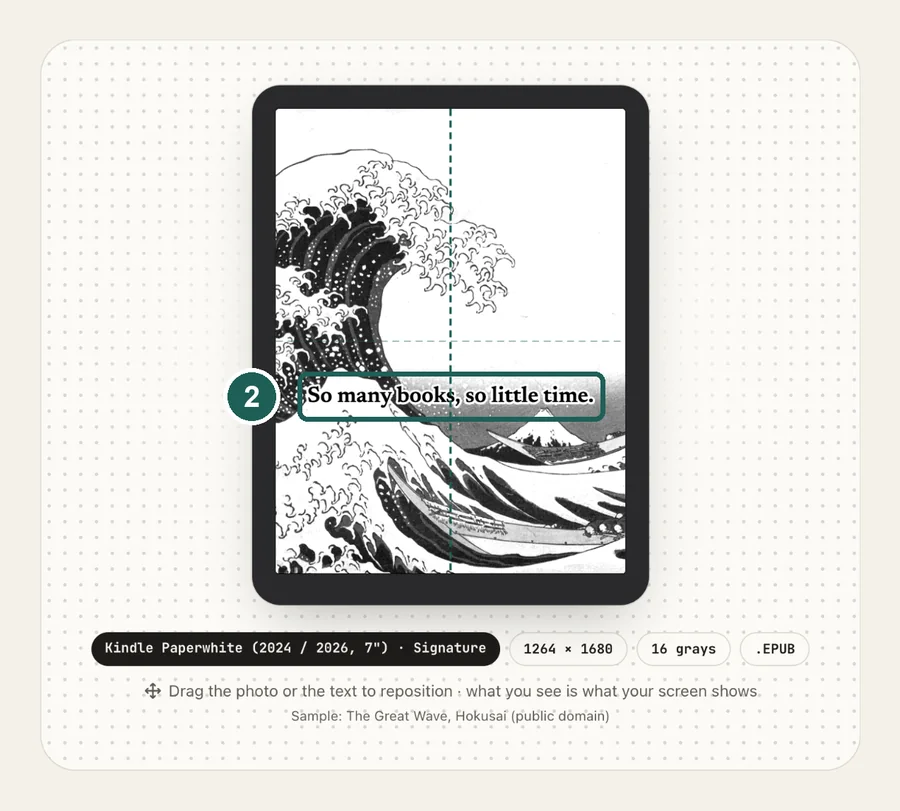
Drag the photo to reposition · live preview matches your screen
Sample: The Great Wave, Hokusai (public domain)
No picture that fits? Browse free artworks →
Don't see your model? Take a screenshot on your reader to find its pixel size (on Kindle, tap opposite corners simultaneously), then choose Custom.
- Copy sleep.bmp to the root of the SD card (or several BMPs into a folder named .sleep).
- Settings → Display → Sleep Screen → Custom.
Something not working, or an idea? Tell us. We read everything.
How it works
 1
1Use the exact size
528×792 pixels, portrait. Anything else gets scaled, padded with bars, or cropped by the device.
 2
2Tune for e-ink
An X4 image (480×800) is narrower and taller than the X3 screen. Re-make it for the X3 here and drag to choose what gets cropped, instead of letting the firmware scale it.
 3
3Install
24-bit BMP: sleep.bmp in the SD card root, or several in /.sleep. Step-by-step instructions are under the download button.
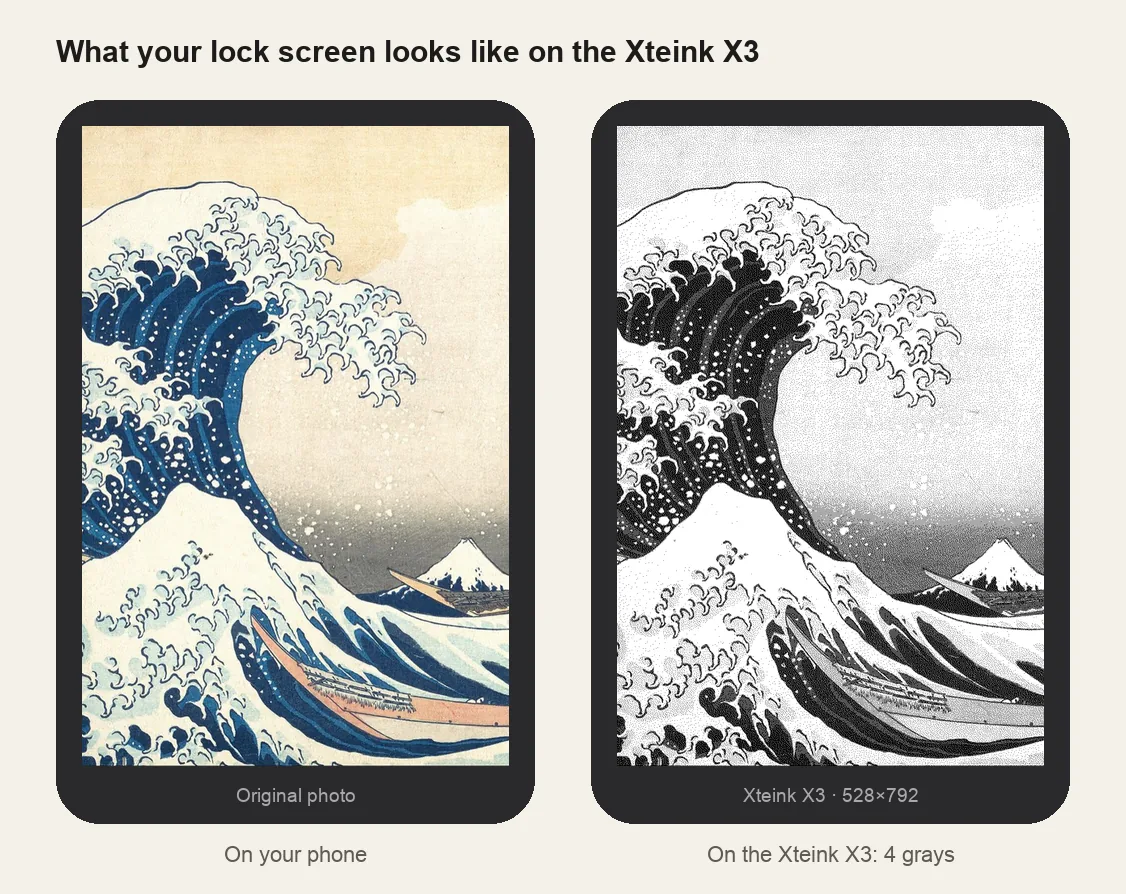
What it looks like on the Xteink X3
Xteink X3 at a glance
| Models | Xteink X3 |
|---|---|
| Wallpaper size | 528×792 px (portrait) |
| Screen | 4 grays |
| How it's installed | 24-bit BMP: sleep.bmp in the SD card root, or several in /.sleep |
SD card/├── sleep.bmp ← one image: shown every time└── .sleep/ ← or many: a random one each time (sleep/ also works)├── wave.bmp└── cat.bmp
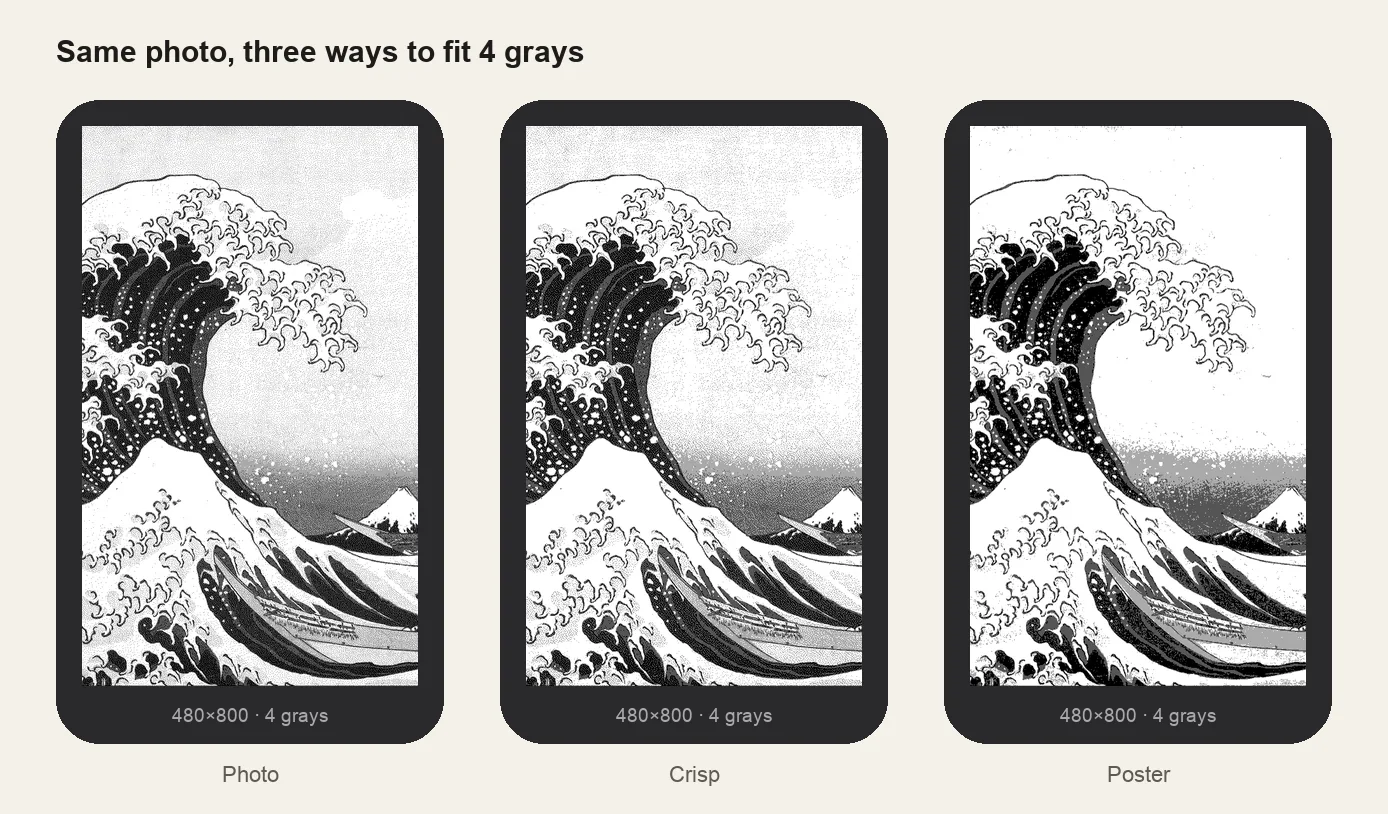
4 grays
Like the X4, the X3 panel shows 4 shades of gray. Pre-dithering here means the preview is exactly what appears on the device.
Several wallpapers
Put multiple BMPs in a folder named .sleep (or sleep) in the SD card root and a random one shows each time.
Other sizes and models: see the full e-reader screen size chart.
Common questions
›My X3 wallpaper has white borders
It was made for the X4 (480×800). Use 528×792 for the X3.
›The sleep screen didn't change
Check the name sleep.bmp, the location (SD card root), and that Sleep Screen is set to Custom.
›It looks muddy
Raise contrast and try the Crisp or Poster look. Busy photos lose detail at 4 grays; simpler images hold up better.