Kobo Clara · Images in .kobo/screensaver
Kobo Clara screensaver size1072 × 1448 px
The Kobo Clara screensaver resolution is 1072×1448 pixels across Clara HD, Clara 2E, Clara BW, and Clara Colour. Kobo supports custom sleep screens natively: put correctly sized images in the .kobo/screensaver folder and turn on Show current read and Show book covers full screen.
- Pixel-perfect fit with no black bars
- True e-ink preview
- Photos never leave your device
- Kobo Clara BW · 2E · HD
- 1072 × 1448
- 16 grays
- .png
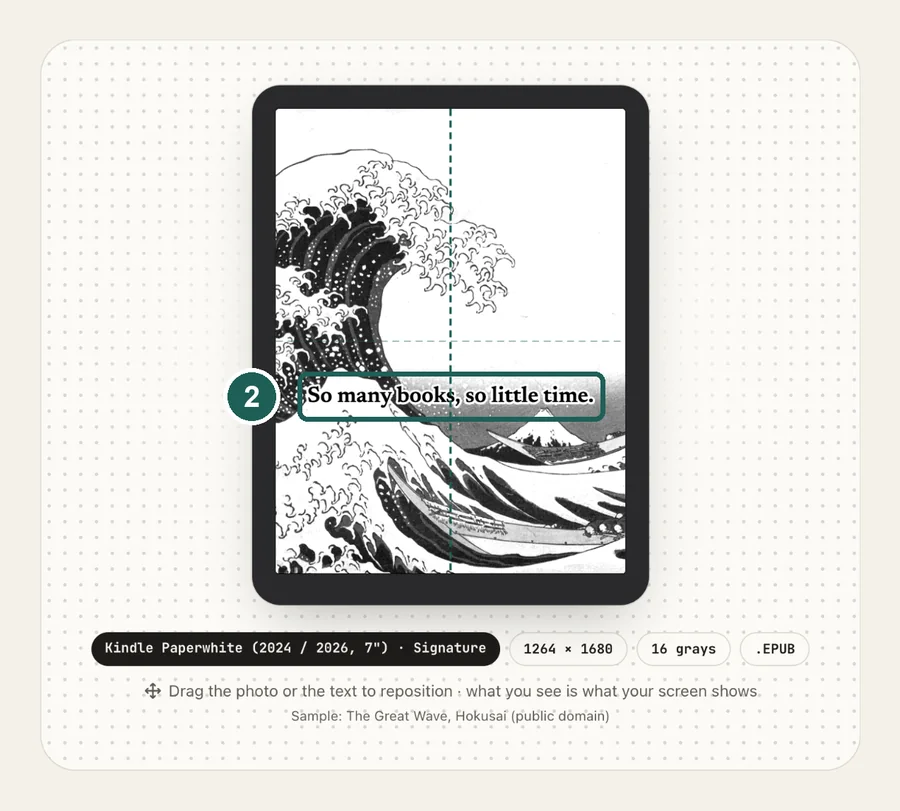
Drag the photo to reposition · live preview matches your screen
Sample: The Great Wave, Hokusai (public domain)
No picture that fits? Browse free artworks →
Don't see your model? Take a screenshot on your reader to find its pixel size (on Kindle, tap opposite corners simultaneously), then choose Custom.
- Connect by USB and copy the PNG into .kobo/screensaver (create the folder; the .kobo folder is hidden).
- Settings → Energy saving and privacy → turn on Show current read and Show book covers full screen.
Something not working, or an idea? Tell us. We read everything.
How it works
 1
1Use the exact size
1072×1448 pixels, portrait. Anything else gets scaled, padded with bars, or cropped by the device.
 2
2Tune for e-ink
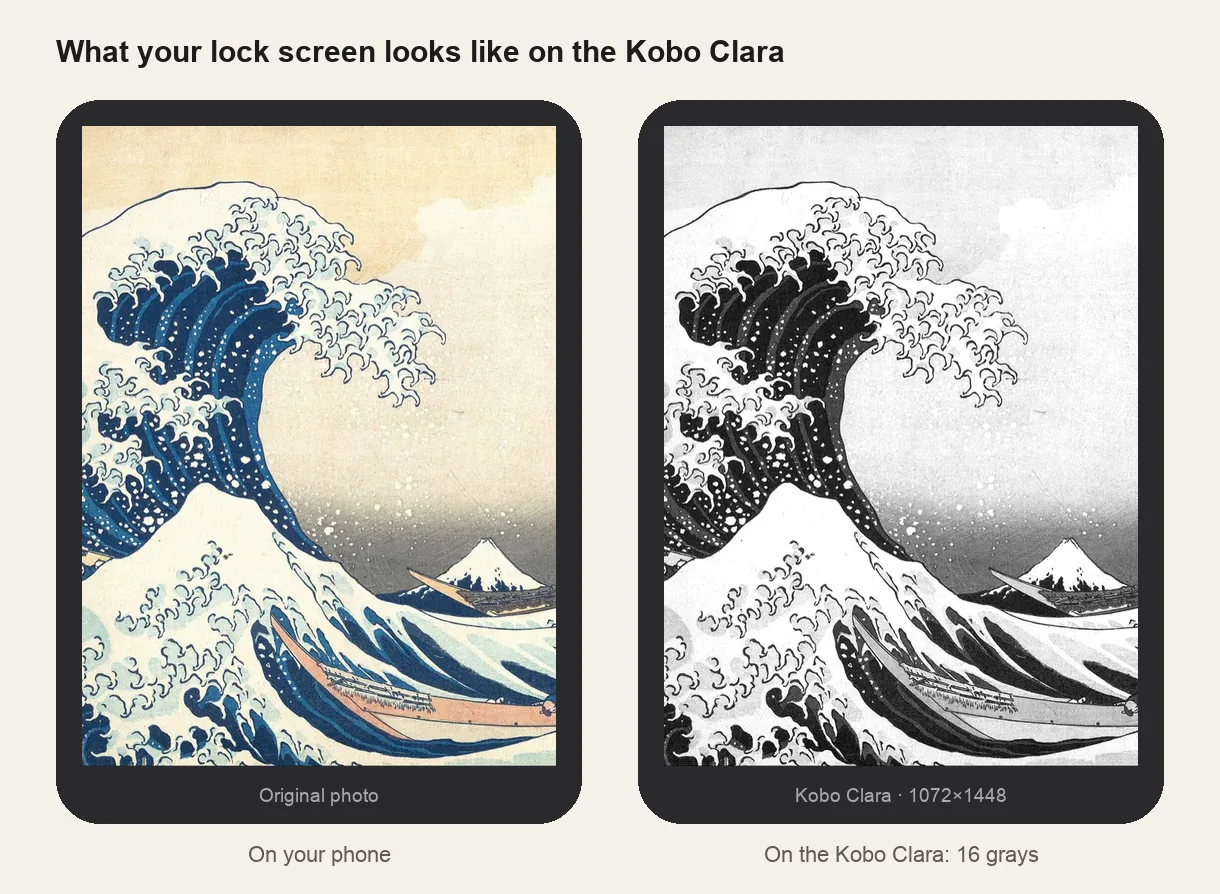
Same size, different panel. For Clara Colour pick it in the maker to keep colors; for HD, 2E and BW the image is converted to grayscale tuned for e-ink.
 3
3Install
Images in .kobo/screensaver (firmware 4.13+). Step-by-step instructions are under the download button.
What it looks like on the Kobo Clara
Kobo Clara at a glance
| Models | Kobo Clara HD, Clara 2E, Clara BW and Clara Colour |
|---|---|
| Screensaver size | 1072×1448 px (portrait) |
| Screen | 6-inch, 300 ppi (Clara Colour: color at 150 ppi) |
| How it's installed | Images in .kobo/screensaver (firmware 4.13+) |
KOBOeReader/└── .kobo/ ← hidden folder└── screensaver/ ← create it: lowercase, singular├── lock-screen-1.png└── lock-screen-2.png ← one is picked at random
Use several images
Kobo picks a random image from the folder each time it sleeps. Five to ten images keeps it fresh without slowing anything down.
Eject before unplugging
Kobo indexes files when you disconnect. Pulling the cable mid-index can leave it on a Processing screen for a minute or two.
Other sizes and models: see the full e-reader screen size chart.
Common questions
›My Clara shows Sleeping instead of my image
An e-book must be currently open. Kobo only displays your custom screensaver when sleeping from an active book; from the home screen, it shows the default sleeping screen.
›Nothing changed after copying the images
Check the folder is exactly .kobo/screensaver: lowercase and singular, inside the hidden .kobo folder. Then turn on Show current read and Show book covers full screen in Settings → Energy saving and privacy.
›I can't see the .kobo folder
It's hidden. On Mac press Cmd + Shift + . in Finder; on Windows tick View → Hidden items.
›The image is stretched or blurry
It isn't 1072×1448. Re-make it at that size.