M5Stack Paper Mono · 24-bit BMP on CrossPoint
M5Stack Paper Mono wallpaper size480 × 800 px
The M5Stack Paper Mono sleep screen is a 24-bit BMP at 480×800 pixels. M5Stack offers CrossPoint as its reader firmware, so the Paper Mono takes the same sleep.bmp and .sleep folder as an Xteink X4, on a smaller 3.97-inch screen with 4 grays.
- Pixel-perfect fit with no black bars
- True e-ink preview
- Photos never leave your device
- M5Stack Paper Mono · Paper Mono Lite
- 480 × 800
- 4 grays
- .bmp
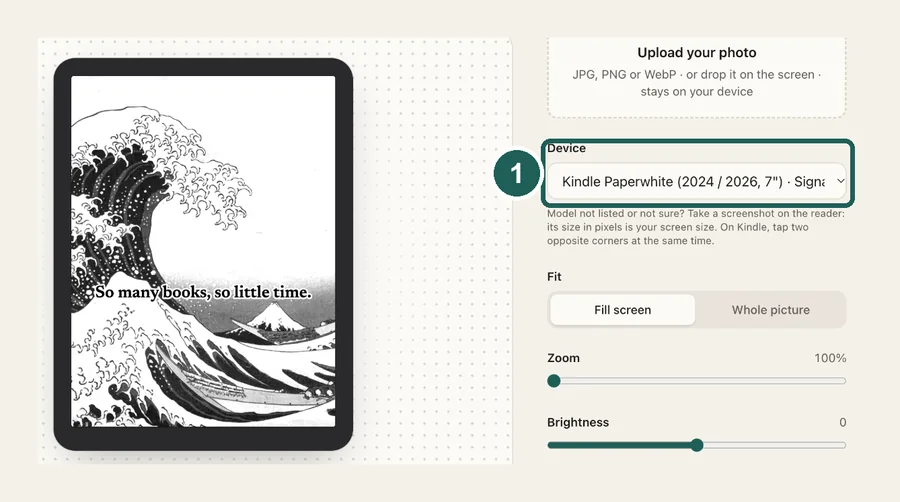
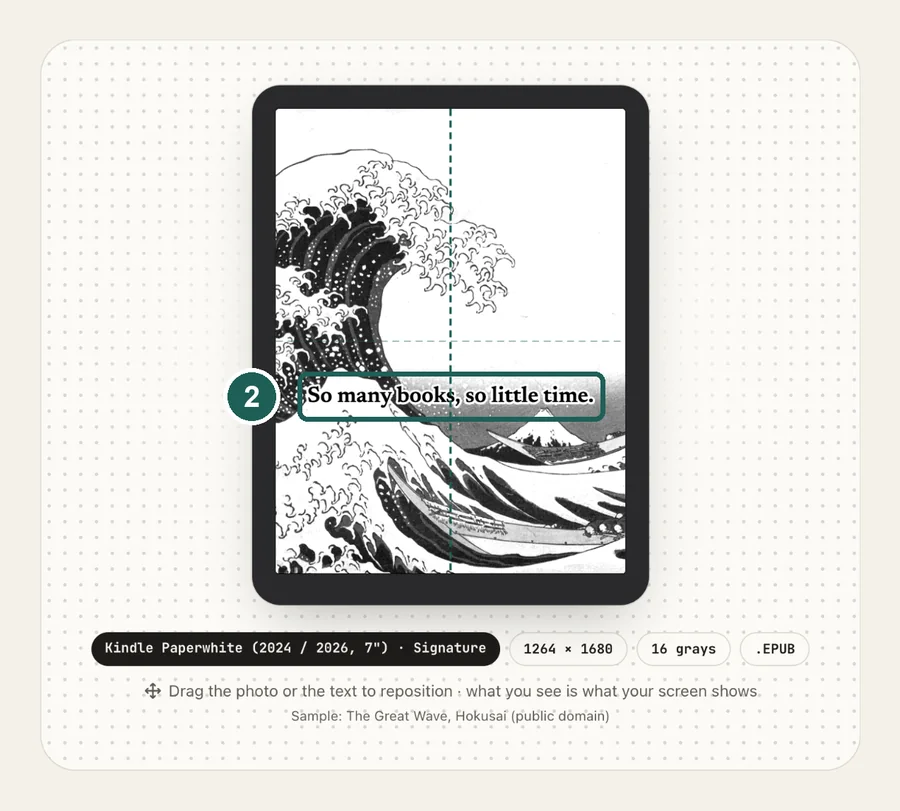
Drag the photo to reposition · live preview matches your screen
Sample: Girl with a Pearl Earring, Johannes Vermeer (public domain)
No picture that fits?
Don't see your model? Take a screenshot on your reader to find its pixel size (on Kindle, tap opposite corners simultaneously), then choose Custom.
Keeps just the person, pet or object on plain paper. Runs on your device; the first use is a one-time 59 MB download.
Lower strength keeps soft edges like hair and fur. Keep background fades the old background in instead of erasing it.
Fine-tune
CrossPoint / CrossInk: copy sleep.bmp to the root of the SD card (or several BMPs into a folder named .sleep), then Settings → Display → Sleep Screen → Custom.
Something not working, or an idea? Tell us. We read everything.
How it works
 1
1Use the exact size
480×800 pixels, portrait. Anything else gets scaled, padded with bars, or cropped by the device.
 2
2Tune for e-ink
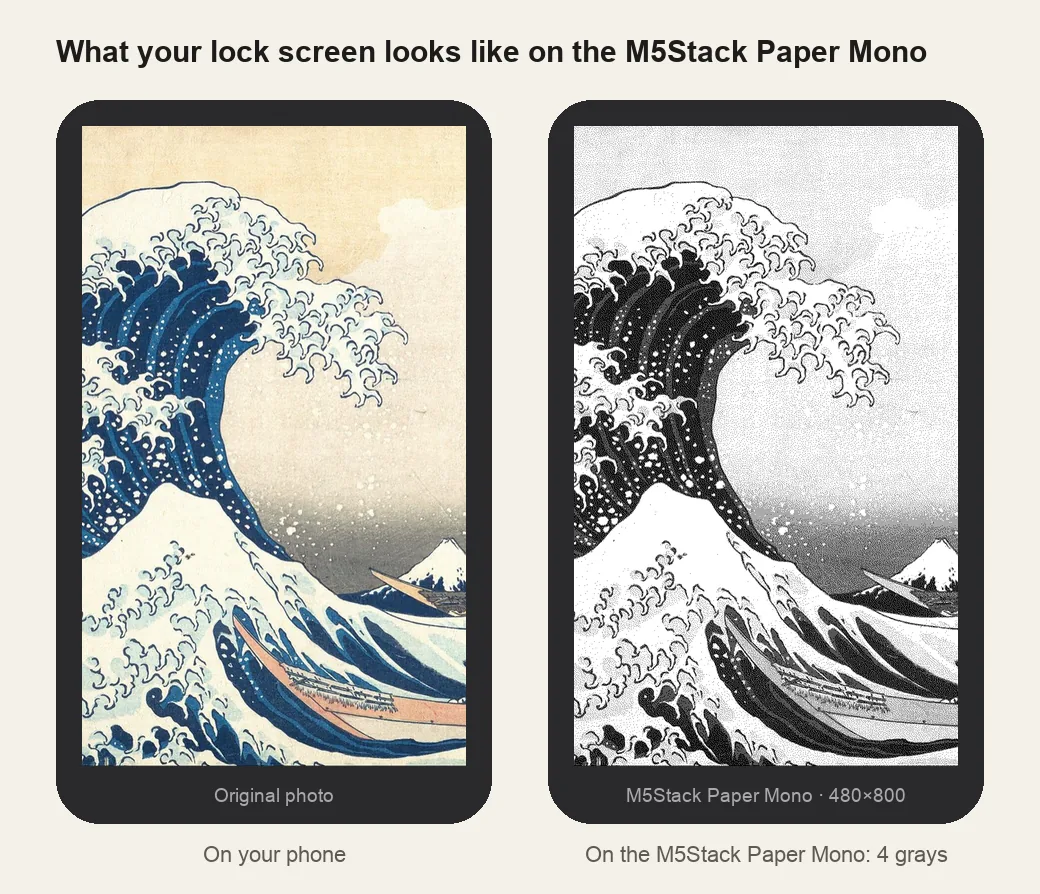
The panel shows black, two grays and white. Pre-dithering here keeps faces and gradients readable instead of turning blotchy, and the preview is what the screen shows.
 3
3Install
24-bit BMP on CrossPoint: sleep.bmp in the SD card root or several in /.sleep. Step-by-step instructions are under the download button.
What it looks like on the M5Stack Paper Mono
M5Stack Paper Mono at a glance
| Models | M5Stack Paper Mono and Paper Mono Lite running CrossPoint |
|---|---|
| Wallpaper size | 480×800 px (portrait) |
| Screen | 3.97-inch, 4 grays, touch, front light |
| How it's installed | 24-bit BMP on CrossPoint: sleep.bmp in the SD card root or several in /.sleep |
SD card/├── sleep.bmp ← one image: shown every time└── .sleep/ ← or many: a random one each time (sleep/ also works)├── wave.bmp└── cat.bmp
Same files as an Xteink X4
CrossPoint reads sleep.bmp from the SD card root, or picks a random BMP from a .sleep folder each time. Set Settings → Display → Sleep Screen → Custom. X4 wallpapers are the same 480×800 size and fit as they are.
Smaller screen, bolder pictures
At 3.97 inches the 480×800 picture is denser than on the X4, so fine detail shrinks. Bold shapes, silhouettes and large text read best.
Transparent overlays work too
On CrossPoint 1.6 or newer, Sleep Screen → Transparent draws a cut-out PNG over the page you were reading. Remove the background here and choose See-through paper.
Other sizes and models: see the full e-reader screen size chart.
Common questions
›Does the Paper Mono run CrossPoint?
Yes. M5Stack offers CrossPoint for the Paper Mono and Paper Mono Lite, and CrossPoint's own flasher lists it.
›The sleep screen didn't change
Check the name sleep.bmp in the SD card root (or a BMP inside .sleep), and that Sleep Screen is set to Custom.
›Can I use Xteink X4 wallpapers?
Yes. Both are 480×800 portrait, so the same BMP fits with no borders.
›The .sleep folder doesn't appear on my Mac
Folders starting with a dot are hidden in Finder. Press Cmd + Shift + . to show them, or name the folder sleep instead.