Kindle Basic · EPUB cover
Kindle Basic lock screen size1072 × 1448 px
The Kindle Basic lock screen size is 1072×1448 pixels: the 6-inch basic Kindle from 2022 on, Kindle Kids, and the older 300 ppi Paperwhite, Voyage and 2016 Oasis. With ads off, the Kindle shows the cover of the last book you opened, so a one-page EPUB with your photo becomes the lock screen.
- Pixel-perfect fit with no black bars
- True e-ink preview
- Photos never leave your device
- Kindle (2022 / 2024 / 2026, 6") · Kids
- 1072 × 1448
- 16 grays
- .epub
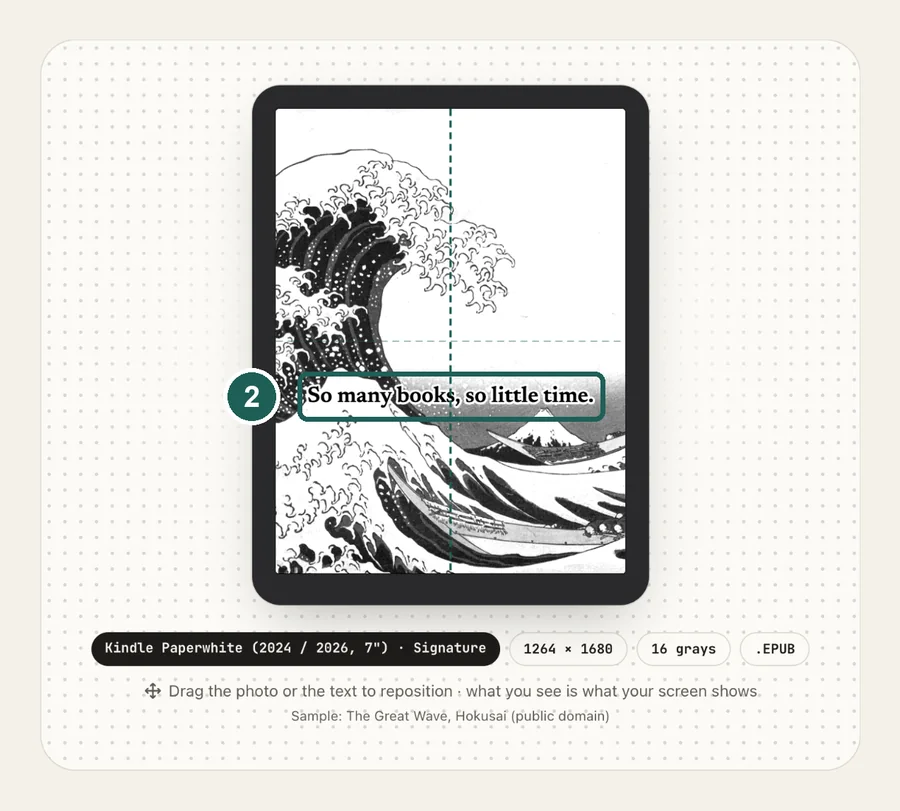
Drag the photo to reposition · live preview matches your screen
Sample: Girl with a Pearl Earring, Johannes Vermeer (public domain)
No picture that fits?
Don't see your model? Take a screenshot on your reader to find its pixel size (on Kindle, tap opposite corners simultaneously), then choose Custom.
Keeps just the person, pet or object on plain paper. Runs on your device; the first use is a one-time 59 MB download.
Lower strength keeps soft edges like hair and fur. Keep background fades the old background in instead of erasing it.
Fine-tune
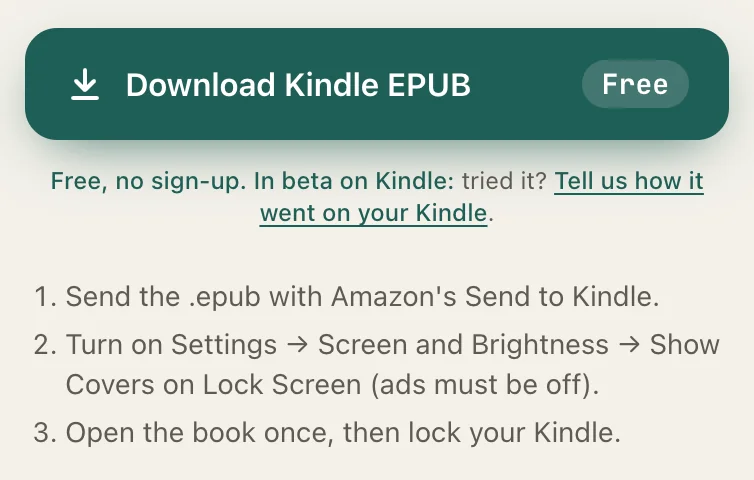
Free, no sign-up. In beta on Kindle: tried it? Tell us how it went on your Kindle.
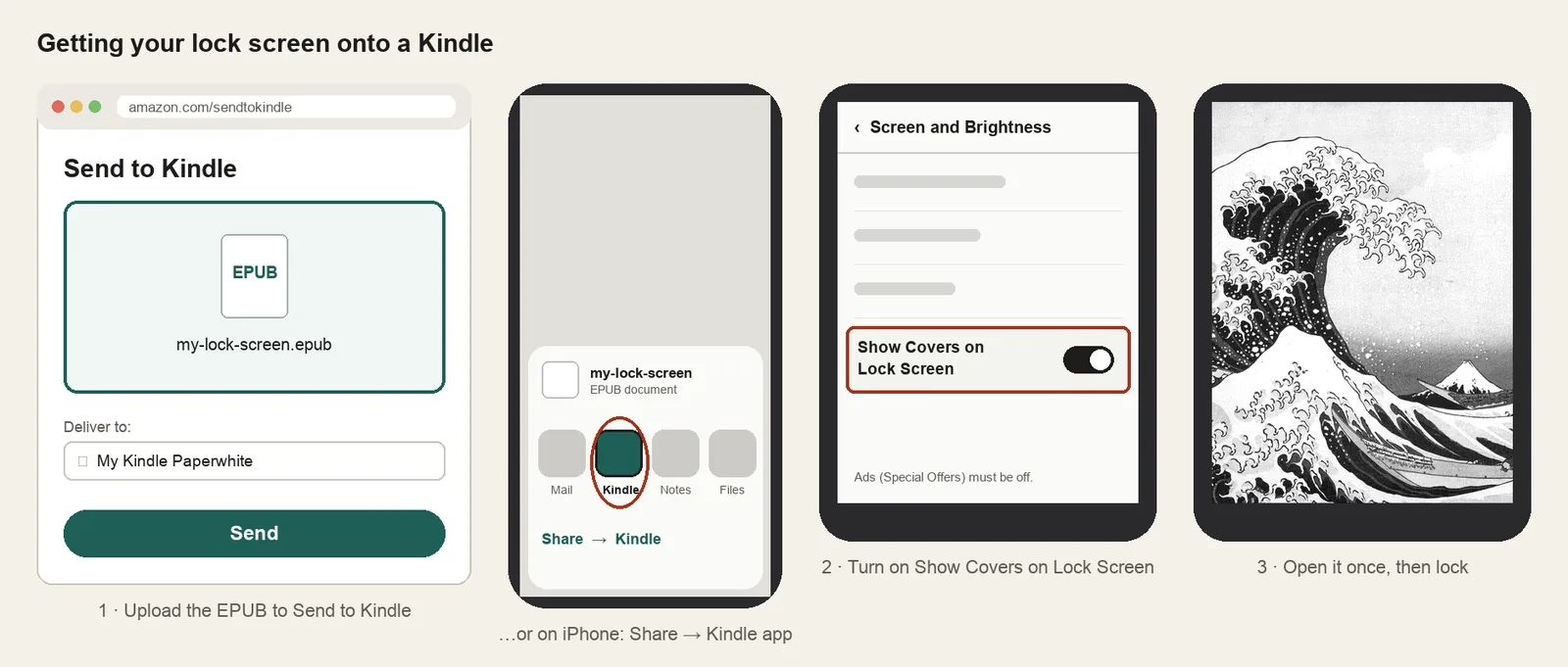
- Send the .epub with Amazon's Send to Kindle.
- Turn on Settings → Screen and Brightness → Show Covers on Lock Screen (ads must be off).
- Open the book once, then lock your Kindle.
Something not working, or an idea? Tell us. We read everything.
How it works
 1
1Use the exact size
1072×1448 pixels, portrait. Anything else gets scaled, padded with bars, or cropped by the device.
 2
2Tune for e-ink
The 2019 basic Kindle (10th generation) and the 2016 one have a 167 ppi screen of only 600×800. A 1072×1448 file still works there, just scaled down. Settings → Device Options → Device Info names your model.
 3
3Install
EPUB cover + Show Covers on Lock Screen. Step-by-step instructions are under the download button.
What it looks like on the Kindle Basic
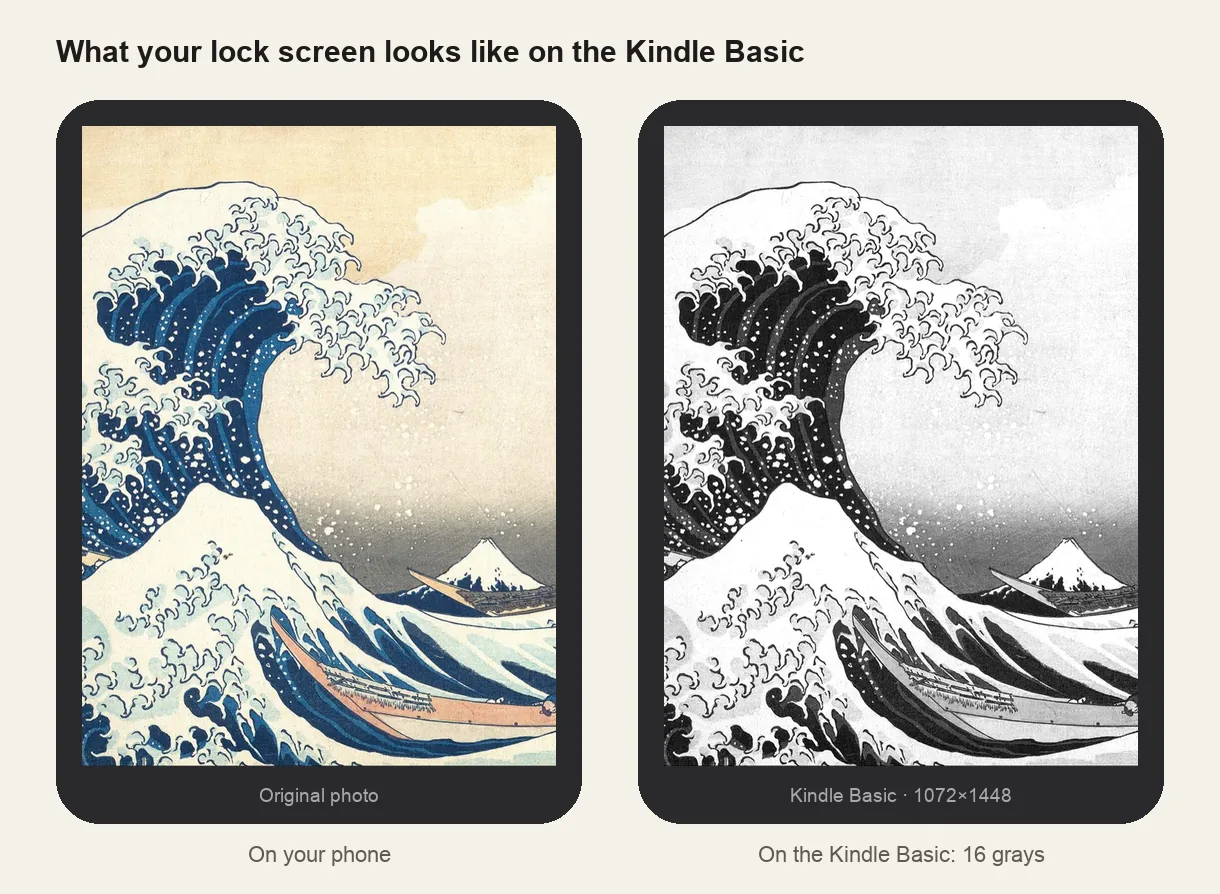
Kindle Basic at a glance
| Models | Kindle 11th generation (2022), the 2024 and 2026 Kindle and Kindle Kids; also the Paperwhite (2015 / 2018), Voyage and Oasis (2016) |
|---|---|
| Lock screen size | 1072×1448 px (portrait) |
| Screen | 6-inch, 300 ppi, 16 grays |
| How it's installed | EPUB cover + Show Covers on Lock Screen |
Don't use a Paperwhite file
Lock screens made for the 7-inch Paperwhite are 1264×1680, a slightly different shape. On a 6-inch Kindle they get thin black bars. Make the file at 1072×1448.
Keep it simple on a small screen
Six inches is small: one subject and a plain background read better than a busy photo. Raise contrast a little and check the grayscale preview before you download.
Other sizes and models: see the full e-reader screen size chart.
Common questions
›It shows ads, not my picture
Remove Special Offers in your Amazon account (Content Library → Devices → your Kindle → Remove offers), sync, then turn on Show Covers on Lock Screen under Screen and Brightness.
›Thin black bars around the picture
The file isn't 1072×1448, often because it was made for a Paperwhite. Re-make it with the 6-inch Kindle preset.
›There's no Show Covers setting
Ads are still on, or the software is old: Settings → Device Options → Advanced → Update your Kindle. Kindles from before 2015 don't have the setting at all.
›The lock screen went back to a book cover
Kindle shows the last book you opened. Open your lock screen book again from the Library, then lock the Kindle.