Kindle Scribe · EPUB cover
Kindle Scribe lock screen size1860 × 2480 px
The Kindle Scribe (2022 and 2024) lock screen size is 1860×2480 pixels. Like other Kindles, the Scribe shows the cover of the last book you opened when ads are off, so a one-page EPUB with your picture becomes its lock screen.
- Pixel-perfect fit with no black bars
- True e-ink preview
- Photos never leave your device
- Kindle Scribe (2022 / 2024, 10.2")
- 1860 × 2480
- 16 grays
- .epub
Drag the photo to reposition · live preview matches your screen
Sample: Girl with a Pearl Earring, Johannes Vermeer (public domain)
No picture that fits?
Don't see your model? Take a screenshot on your reader to find its pixel size (on Kindle, tap opposite corners simultaneously), then choose Custom.
Keeps just the person, pet or object on plain paper. Runs on your device; the first use is a one-time 59 MB download.
Lower strength keeps soft edges like hair and fur. Keep background fades the old background in instead of erasing it.
Fine-tune
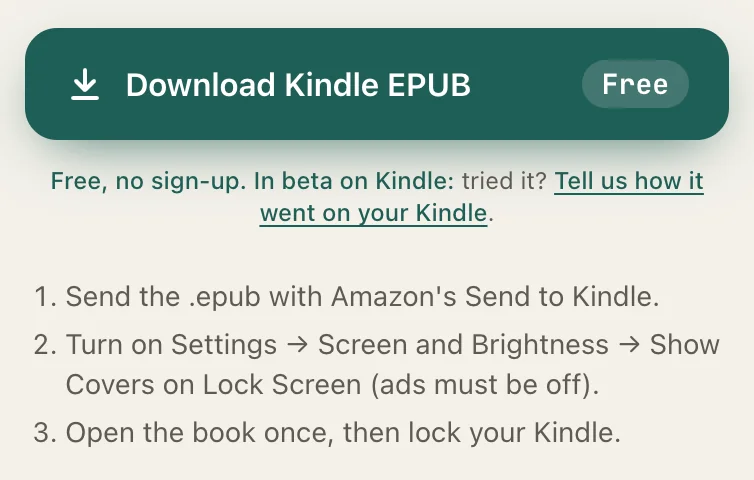
Free, no sign-up. In beta on Kindle: tried it? Tell us how it went on your Kindle.
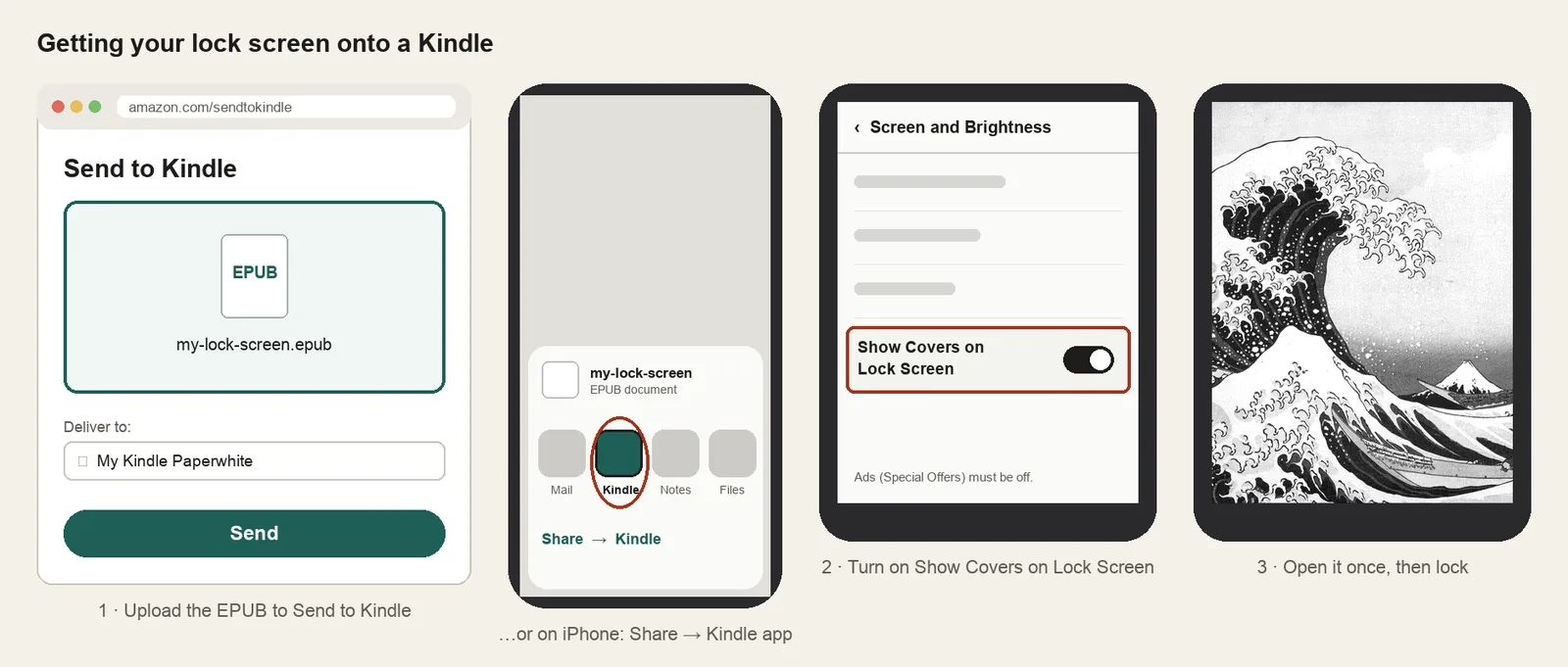
- Send the .epub with Amazon's Send to Kindle.
- Turn on Settings → Screen and Brightness → Show Covers on Lock Screen (ads must be off).
- Open the book once, then lock your Kindle.
Something not working, or an idea? Tell us. We read everything.
How it works
 1
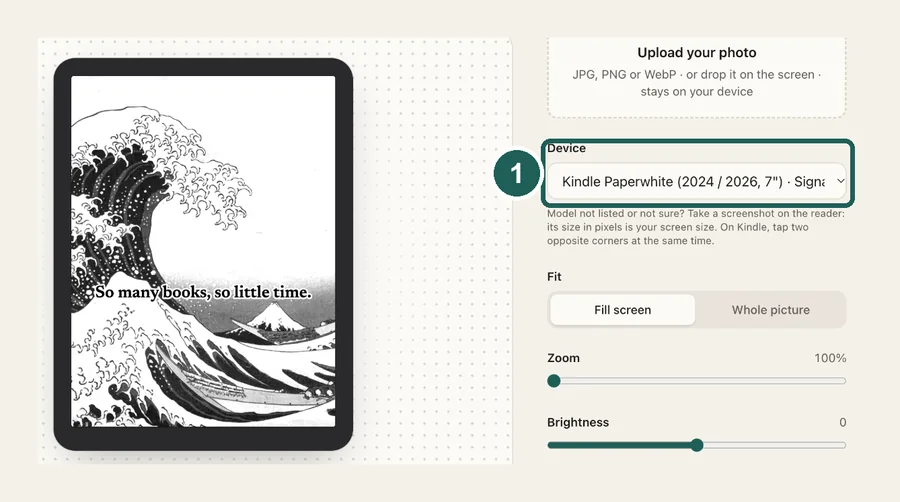
1Use the exact size
1860×2480 pixels, portrait. Anything else gets scaled, padded with bars, or cropped by the device.
 2
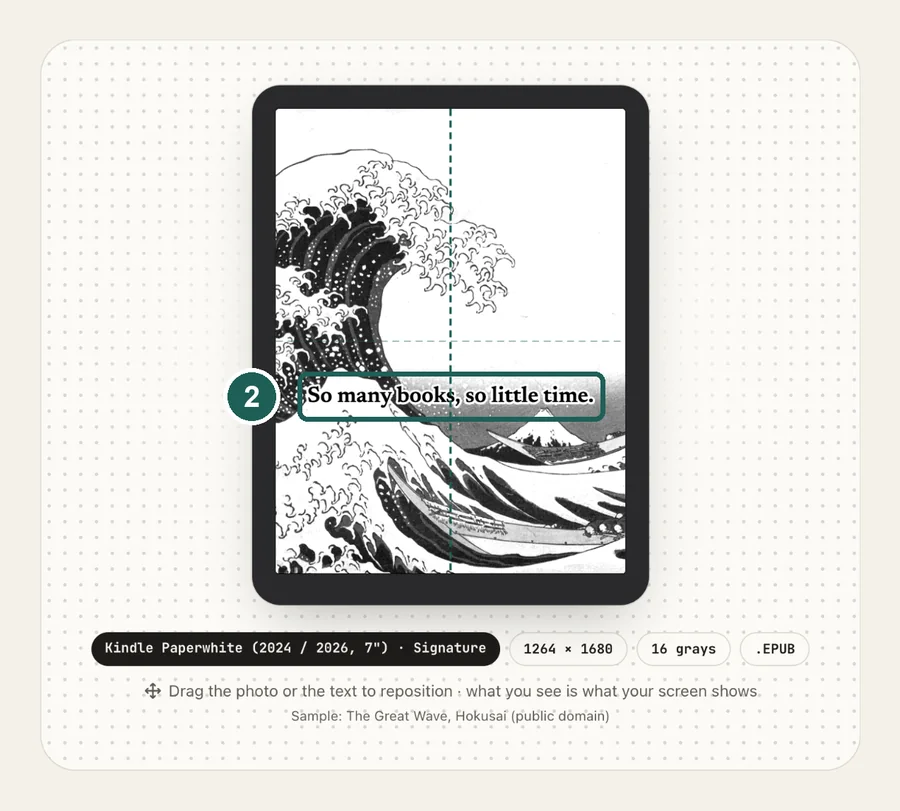
2Tune for e-ink
The 2025 and 2026 Scribe, and the Scribe Colorsoft, have an 11-inch screen. Amazon doesn't publish its pixels; an on-device screenshot gives 1986×2648. Pick that model in the maker, or check with your own screenshot.
 3
3Install
EPUB cover + Show Covers on Lock Screen. Step-by-step instructions are under the download button.
What it looks like on the Kindle Scribe
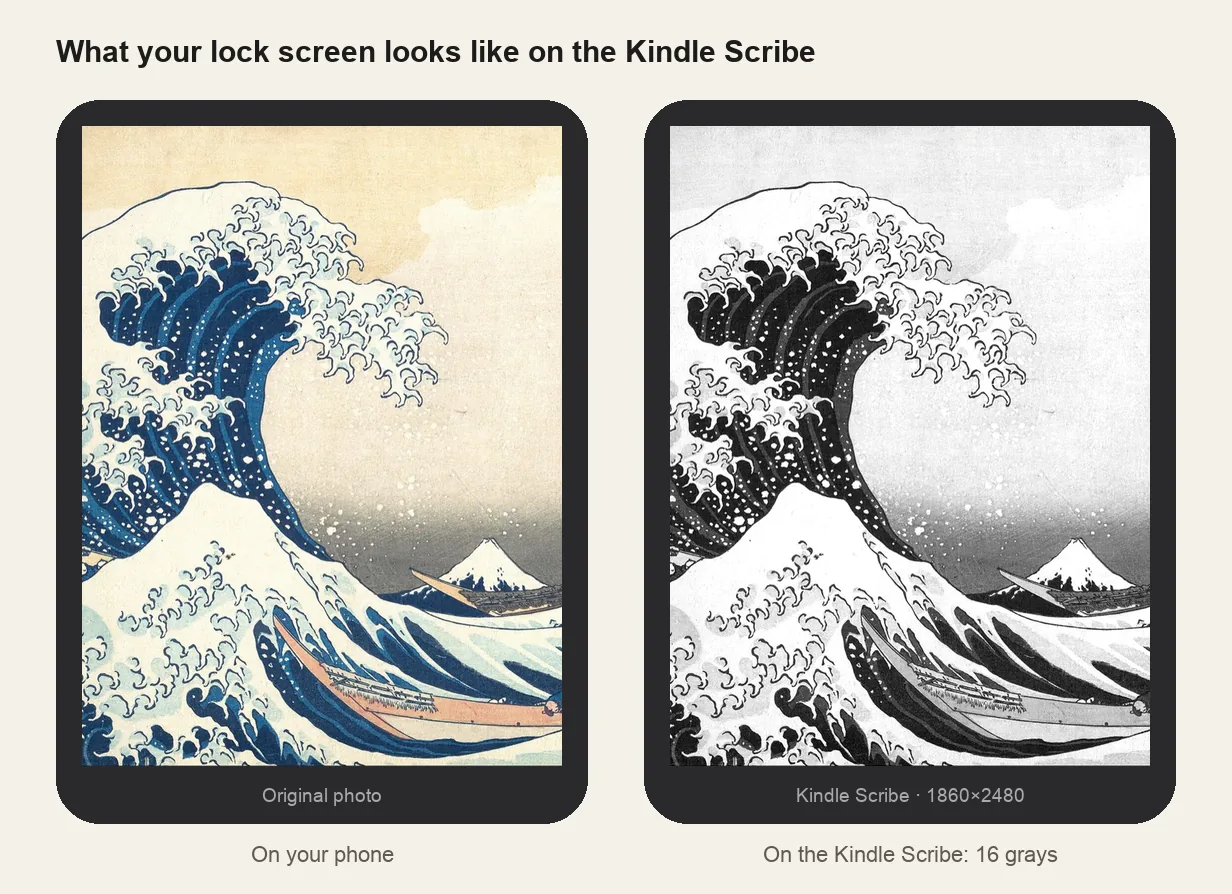
Kindle Scribe at a glance
| Models | Kindle Scribe (2022) and Kindle Scribe (2024), 10.2-inch; the 11-inch 2025 / 2026 Scribe is covered below |
|---|---|
| Lock screen size | 1860×2480 px (portrait) |
| Screen | 10.2-inch, 300 ppi, 16 grays |
| How it's installed | EPUB cover + Show Covers on Lock Screen |
Use a sharp picture
At 10.2 inches and 300 ppi, a small or heavily compressed image looks soft. Start from the original photo, not a screenshot of it or a picture saved from a chat app.
Writing on the Scribe?
The same screen size applies to anything you write on. Free note templates and a linked 2027 calendar sized for the Scribe are on the Kindle Scribe templates page.
Other sizes and models: see the full e-reader screen size chart.
Common questions
›It shows ads, not my picture
Remove Special Offers in your Amazon account, sync, then turn on Show Covers on Lock Screen under Screen and Brightness.
›Black bars around the picture
The file is the wrong size. 1860×2480 is the 10.2-inch Scribe; the 11-inch model needs its own file. Re-make it for your model.
›The picture looks blurry
The source image is too small for a 10.2-inch 300 ppi screen. Use the original photo at full resolution.
›The cover doesn't show at all
Send the EPUB with Send to Kindle rather than copying it over USB, open it once, then lock the Scribe.