Boox Go 7 · Any PNG on the device, picked in Boox's screensaver settings
Boox Go 7 wallpaper size1264 × 1680 px
The Boox Go 7 wallpaper size is 1264×1680 pixels, the same 7-inch screen as the Go Color 7, Leaf5, Leaf3 and Page. A 3:4 photo fits it almost exactly; what makes the difference is tuning the picture for 16 grays (or Kaleido color) before you copy it.
- Pixel-perfect fit with no black bars
- True e-ink preview
- Photos never leave your device
- Boox Go 7
- 1264 × 1680
- 16 grays
- .png
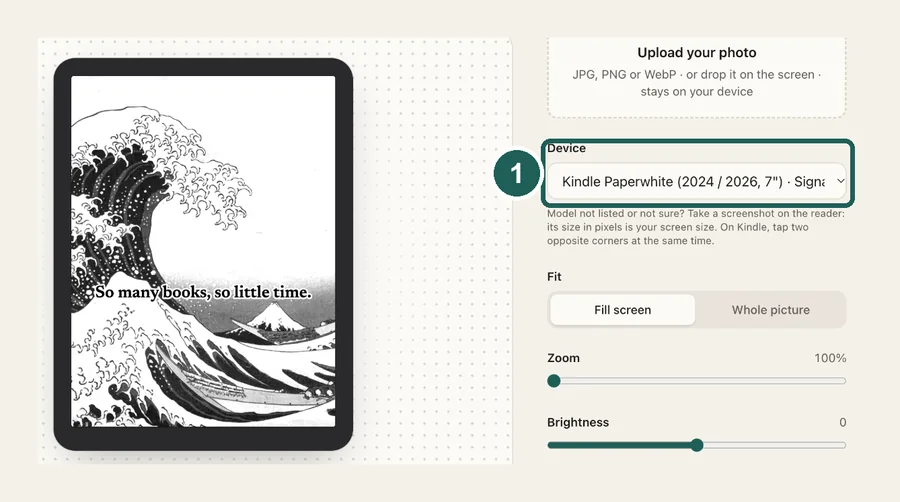
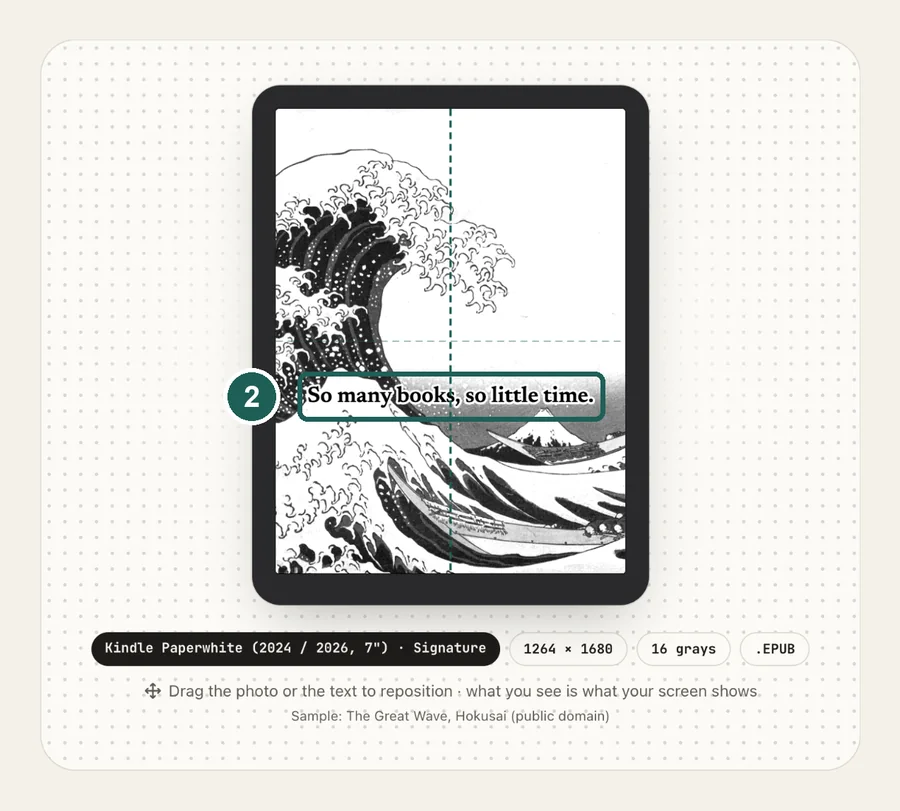
Drag the photo to reposition · live preview matches your screen
Sample: Girl with a Pearl Earring, Johannes Vermeer (public domain)
No picture that fits?
Don't see your model? Take a screenshot on your reader to find its pixel size (on Kindle, tap opposite corners simultaneously), then choose Custom.
Keeps just the person, pet or object on plain paper. Runs on your device; the first use is a one-time 59 MB download.
Lower strength keeps soft edges like hair and fur. Keep background fades the old background in instead of erasing it.
Fine-tune
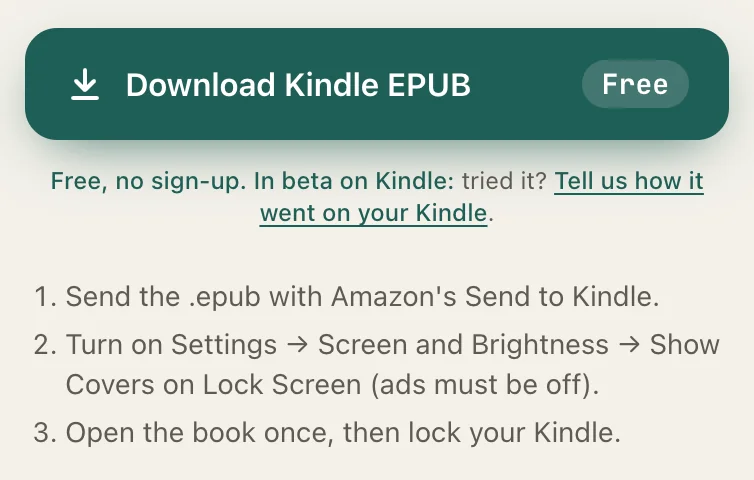
- Copy the PNG to your Boox (USB cable, BooxDrop or cloud storage).
- Open Settings, find the screensaver (sleep screen) option and pick the image.
Something not working, or an idea? Tell us. We read everything.
How it works
 1
1Use the exact size
1264×1680 pixels, portrait. Anything else gets scaled, padded with bars, or cropped by the device.
 2
2Tune for e-ink
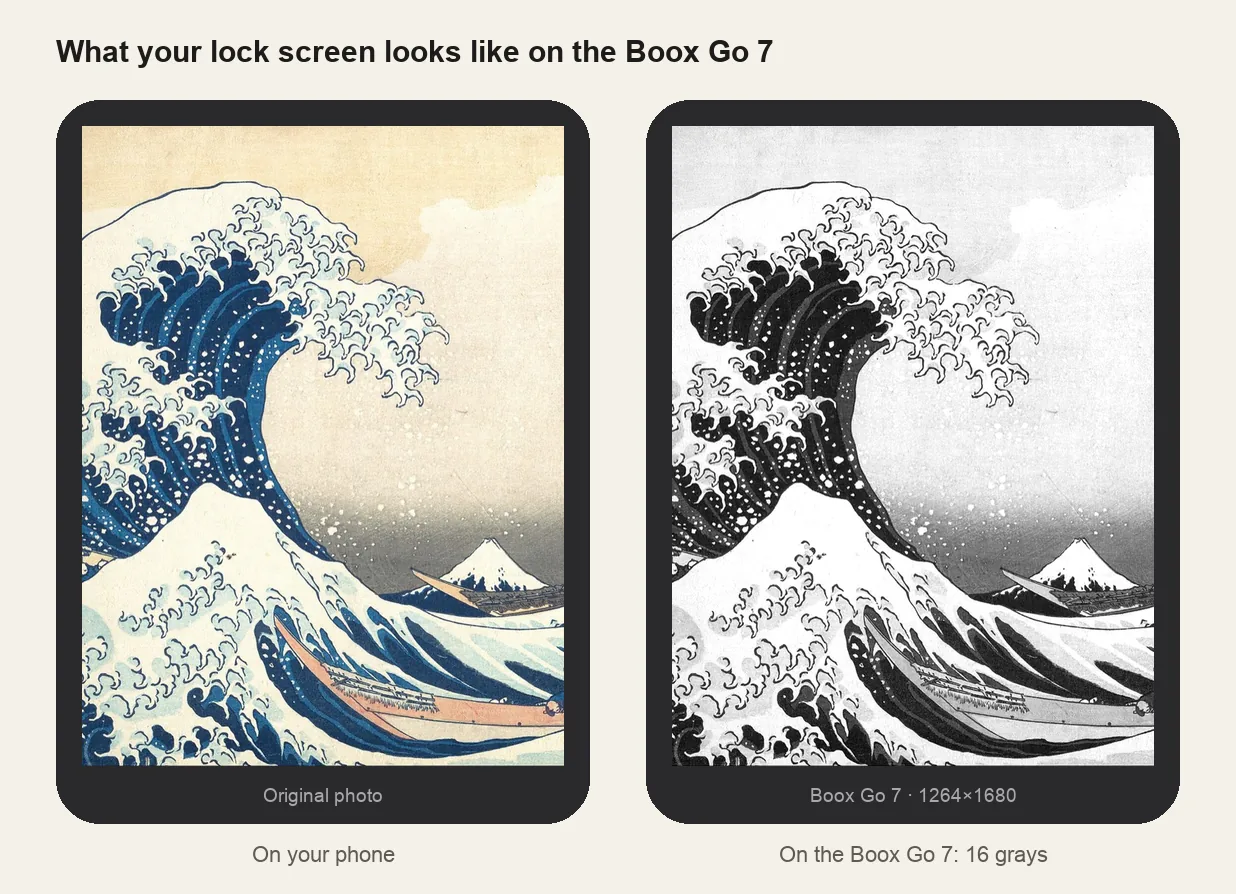
Mid-tones in phone photos turn into a flat gray on the Carta panel. Raise contrast 15–25 in the grayscale preview until the subject stands out.
 3
3Install
Any PNG on the device, picked in Boox's screensaver settings. Step-by-step instructions are under the download button.
What it looks like on the Boox Go 7
Boox Go 7 at a glance
| Models | Boox Go 7 and Go Color 7, plus the Leaf5, Leaf3 and Page, which share the 7-inch 1264×1680 screen |
|---|---|
| Wallpaper size | 1264×1680 px (portrait) |
| Screen | 7-inch, 300 ppi, 16 grays (Go Color 7: Kaleido 3 color) |
| How it's installed | Any PNG on the device, picked in Boox's screensaver settings |
Go Color 7: plan for pale colors
Kaleido 3 shows color at half the black-and-white resolution and much paler than a phone. Pick the Go Color 7 in the tool to keep colors, and choose pictures with strong, simple color areas.
Setting it
Copy the PNG to the device, then pick it in the screensaver settings, where Boox lets you set separate images for sleep and power-off. Menu names move between firmware versions, so search Settings for "screensaver" if you can't find it.
Other sizes and models: see the full e-reader screen size chart.
Common questions
›My Go 7 wallpaper has borders
It isn't 1264×1680. Re-make it at that size, portrait.
›Do the Go 7 and Leaf5 use the same wallpaper?
Yes. Go 7, Go Color 7, Leaf5, Leaf3 and Page all share the 1264×1680 screen.
›It looks muddy
Raise contrast and judge it in the grayscale preview, not on your phone.