60 sleep screens · BMP · free
Xteink wallpapersready to copy.
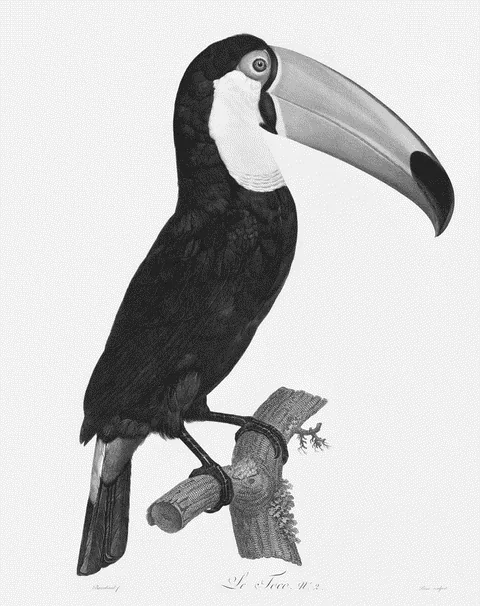
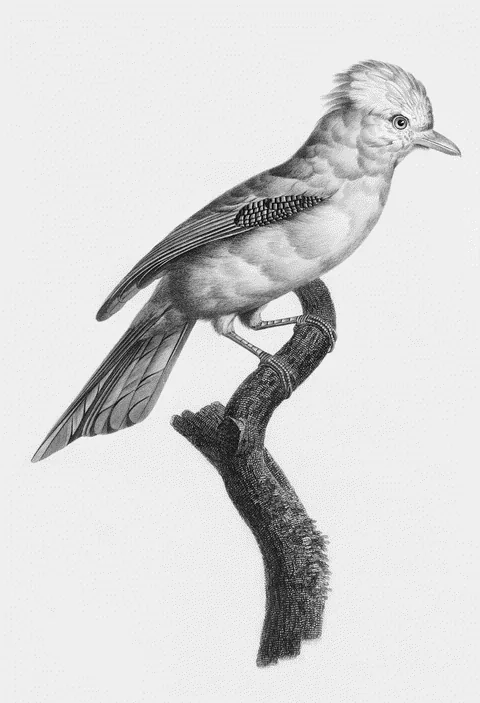
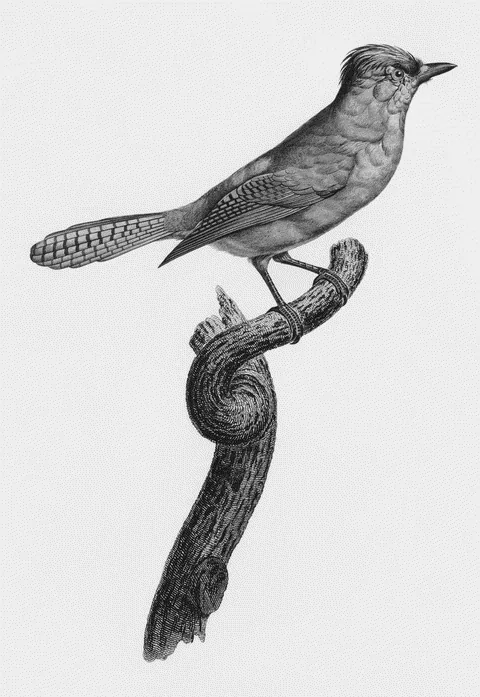
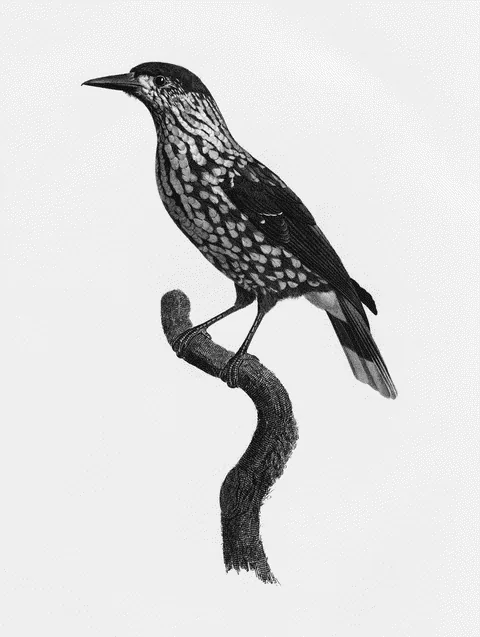
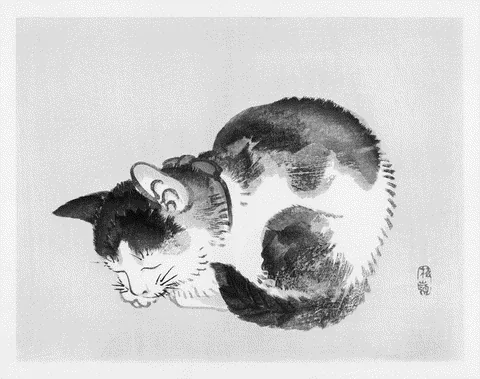
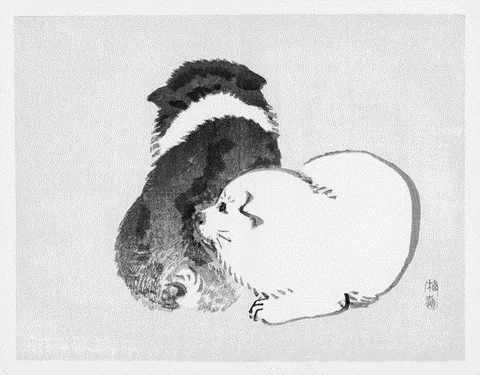
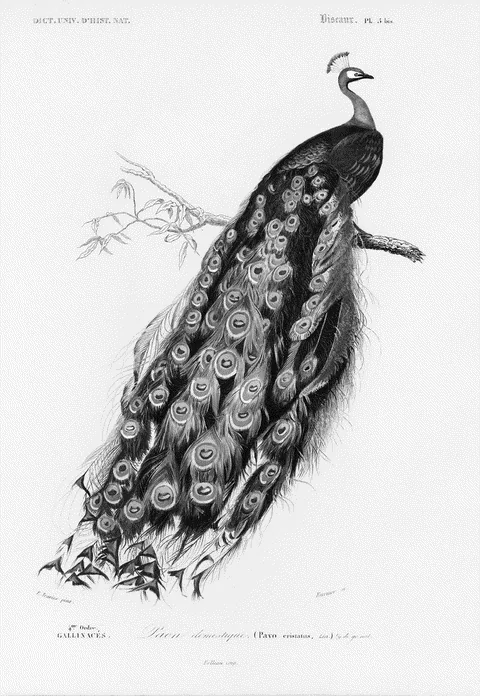
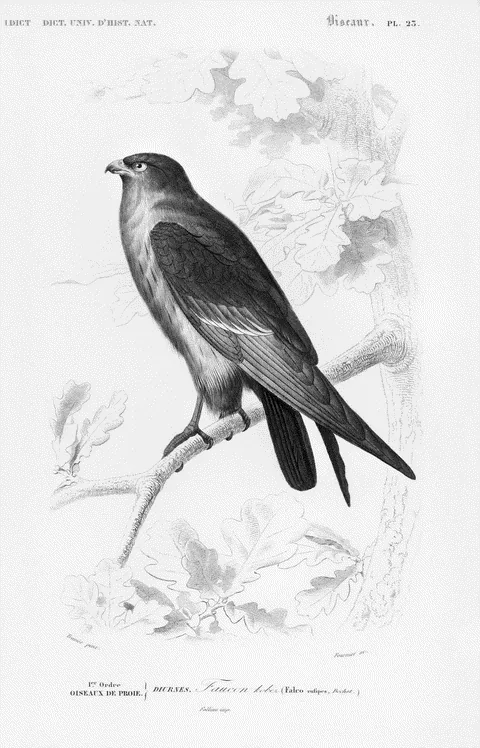
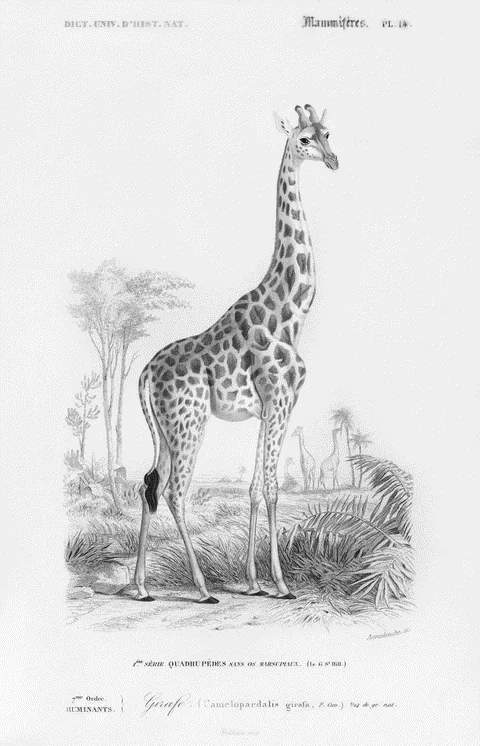
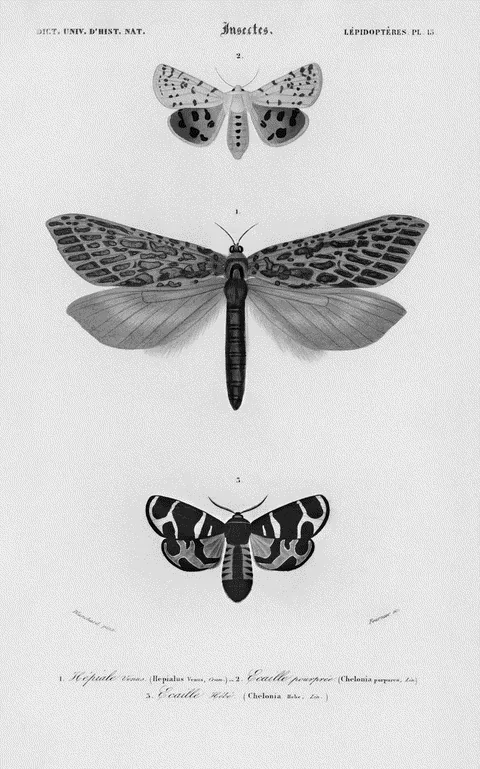
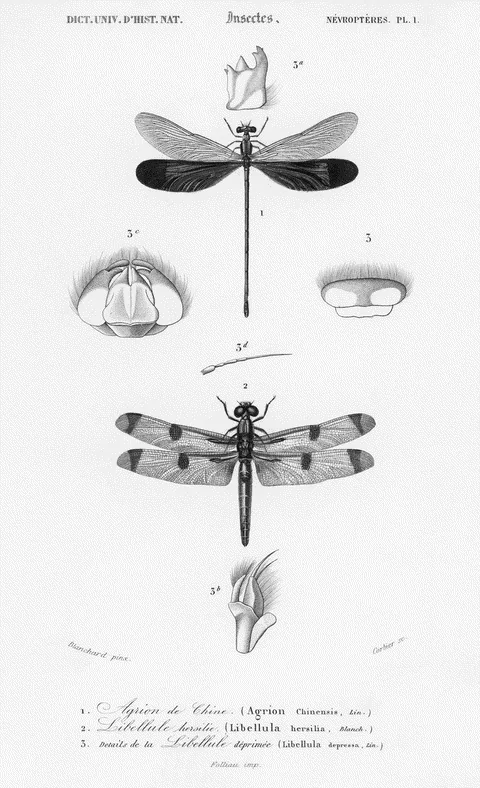
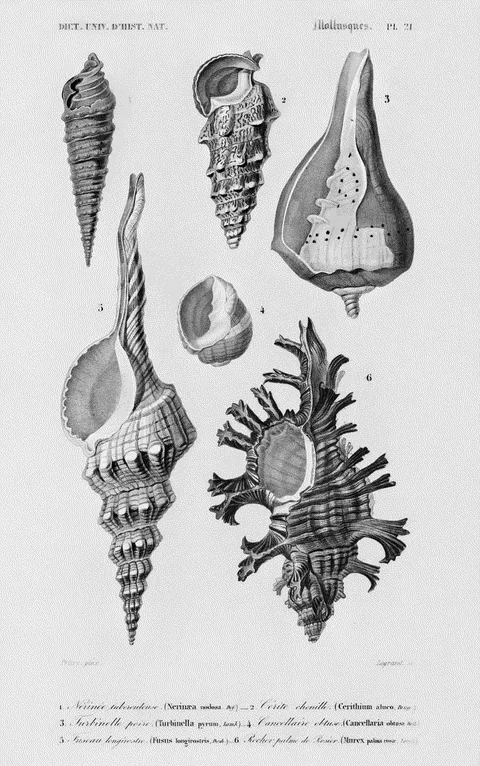
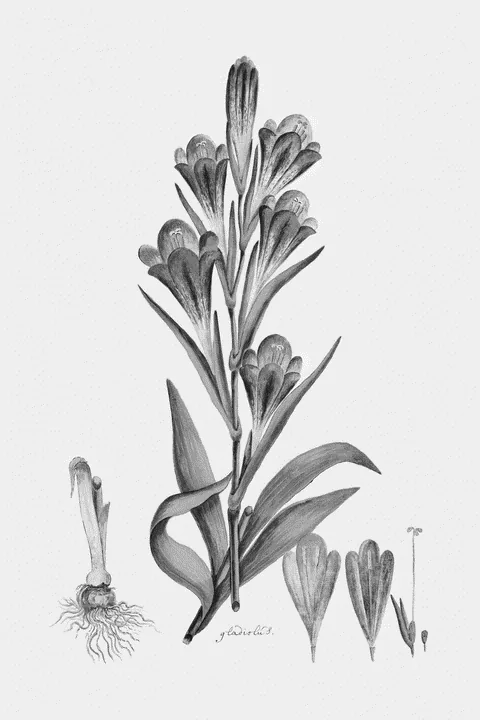
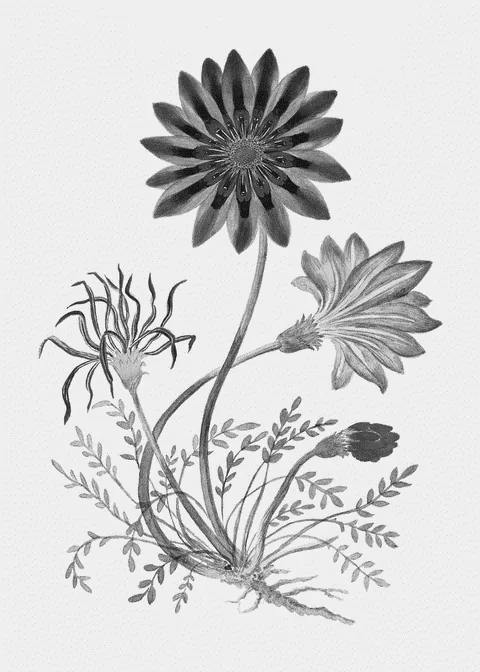
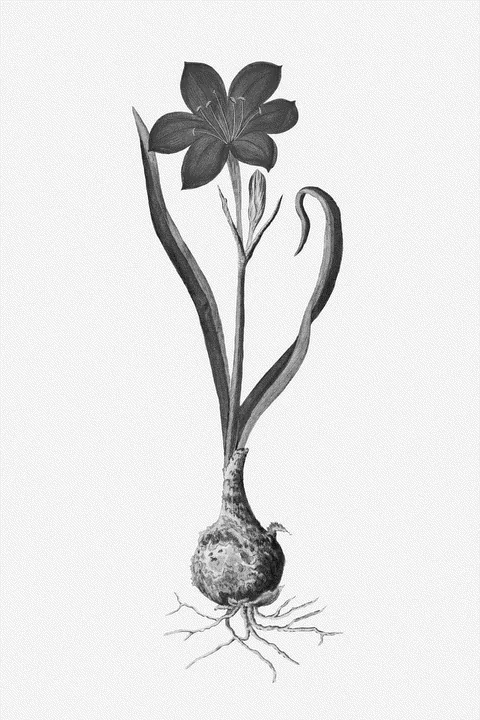
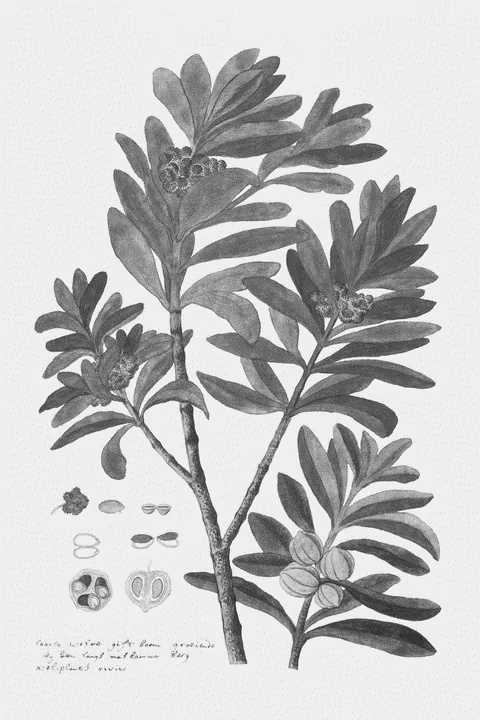
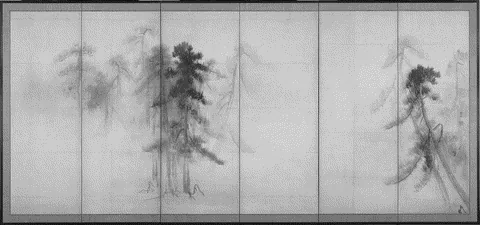
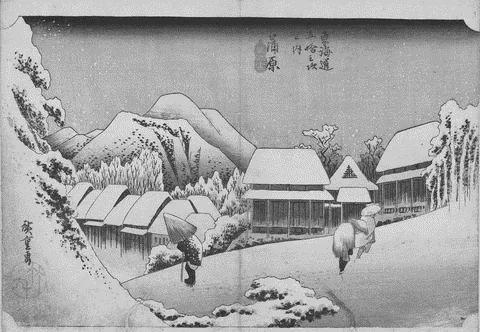
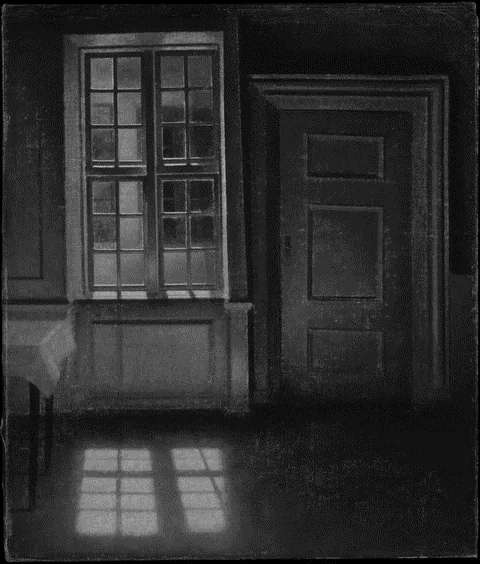
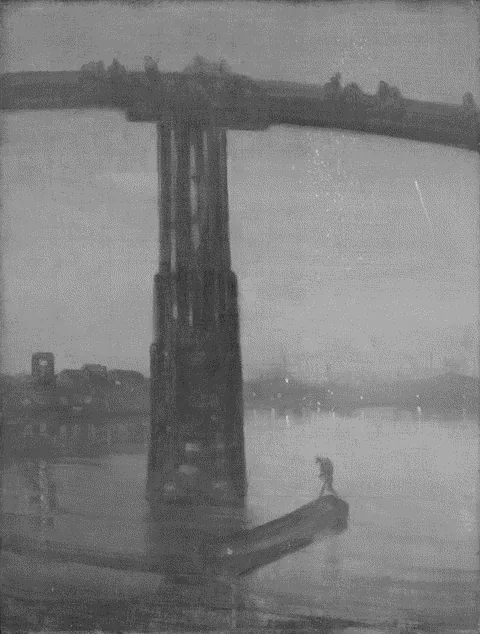
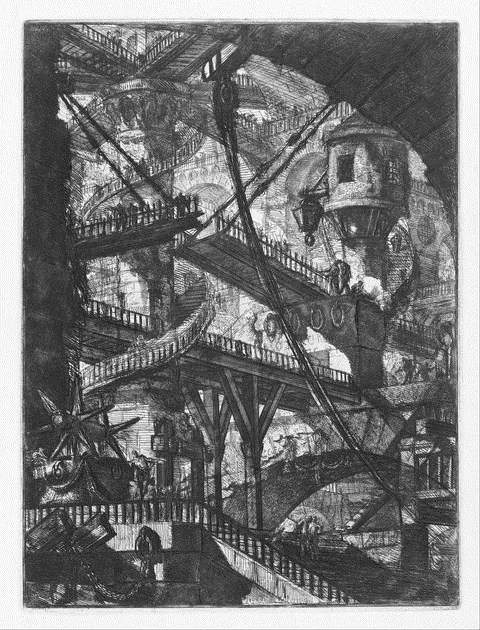
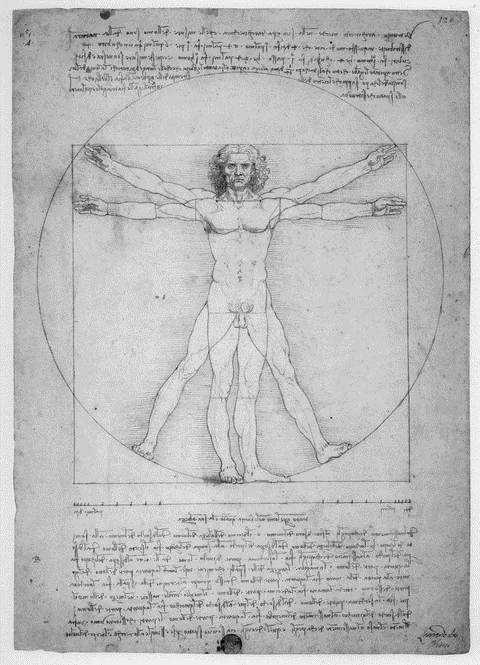
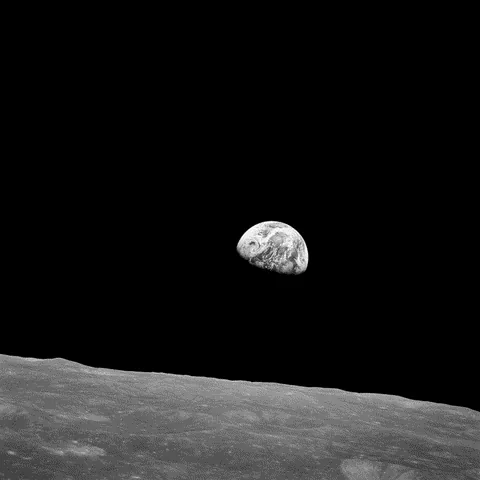
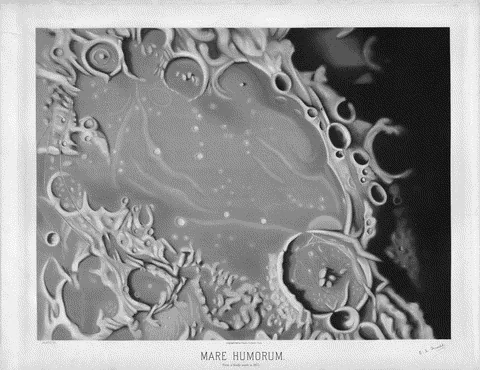
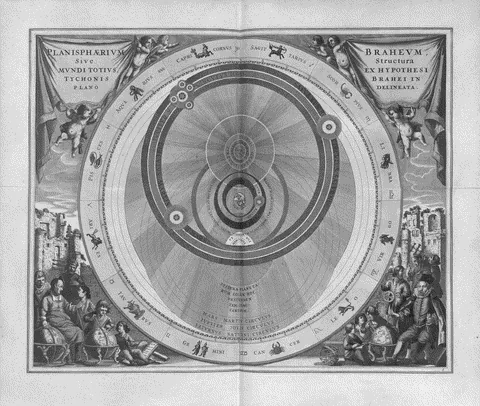
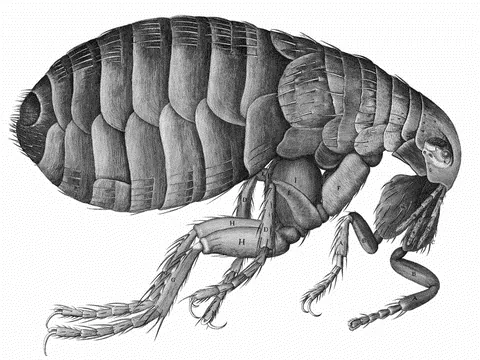
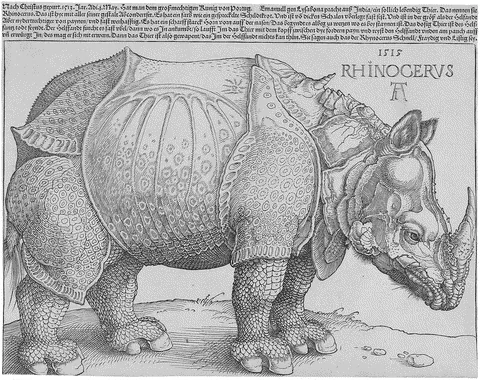
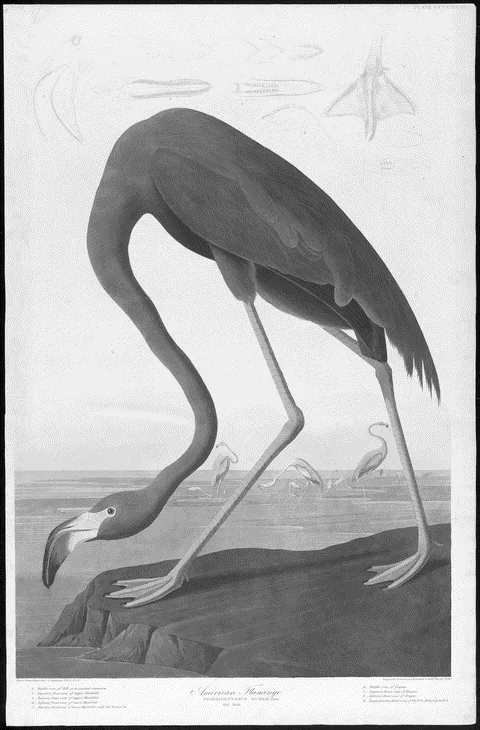
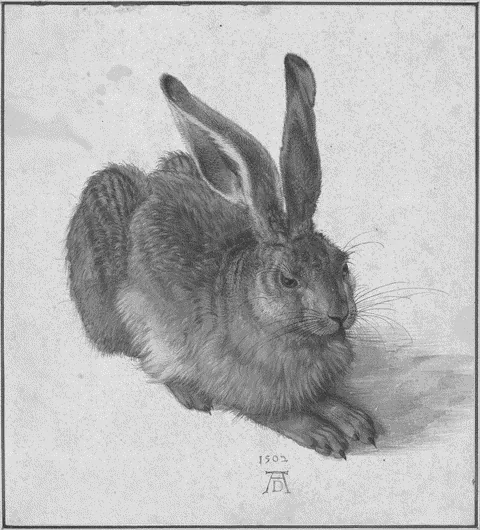
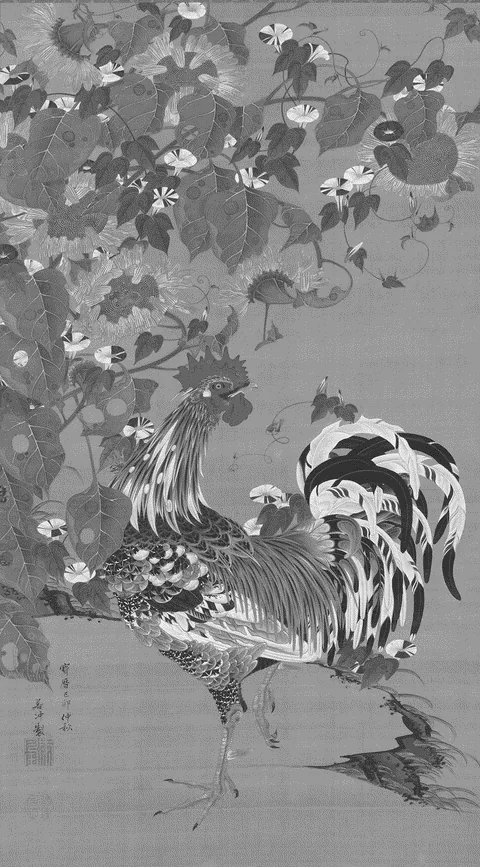
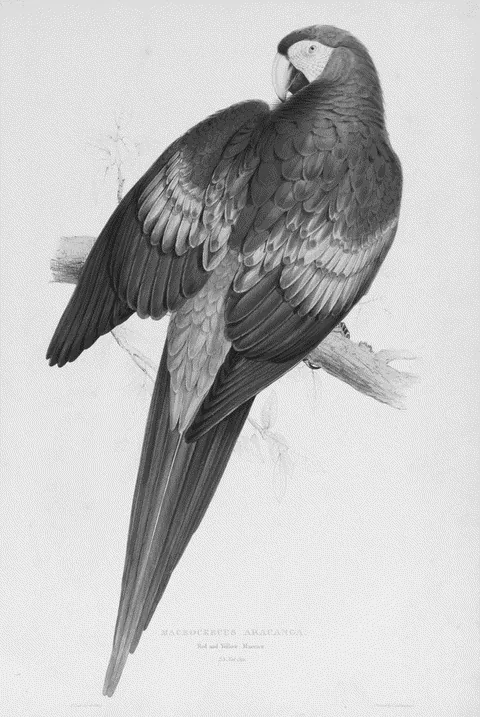
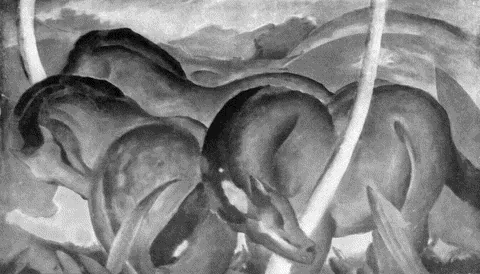
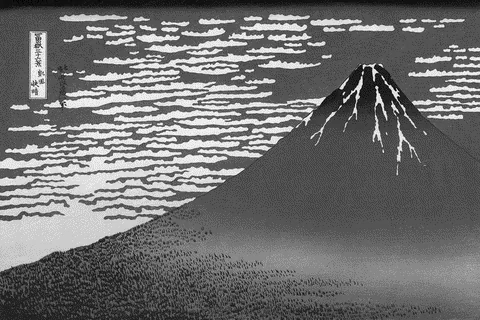
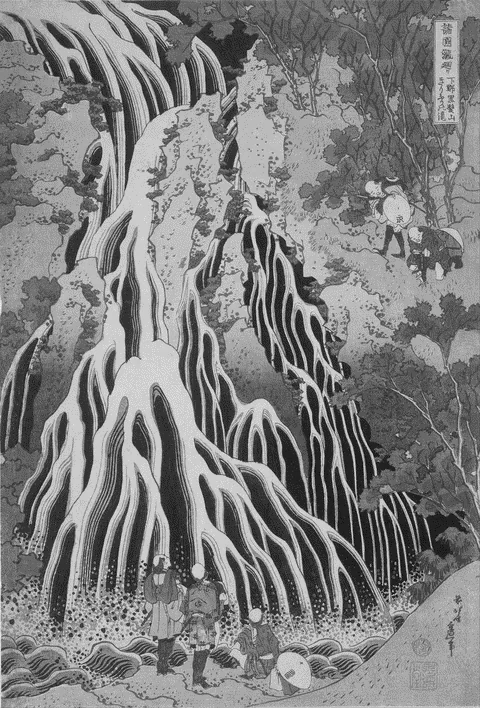
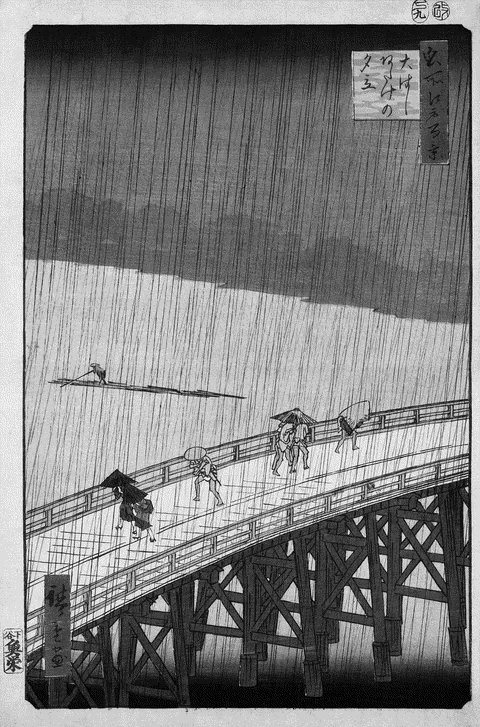
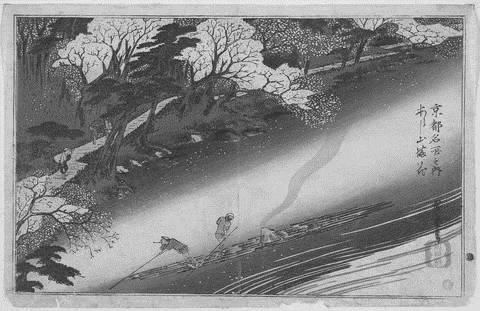
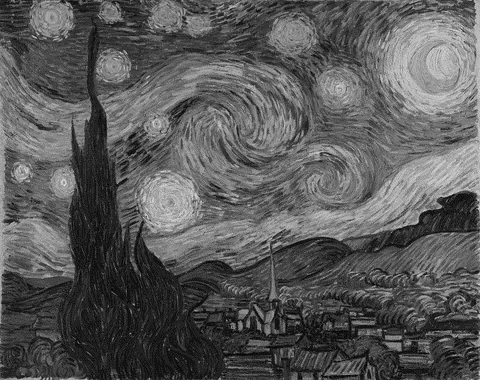
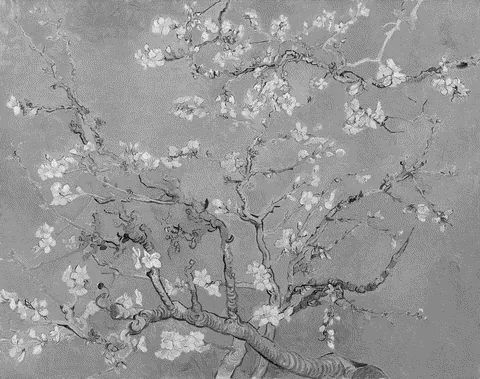
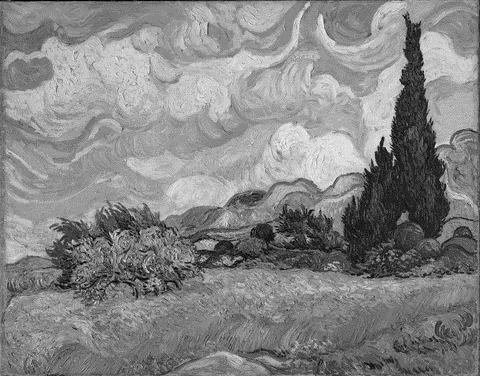
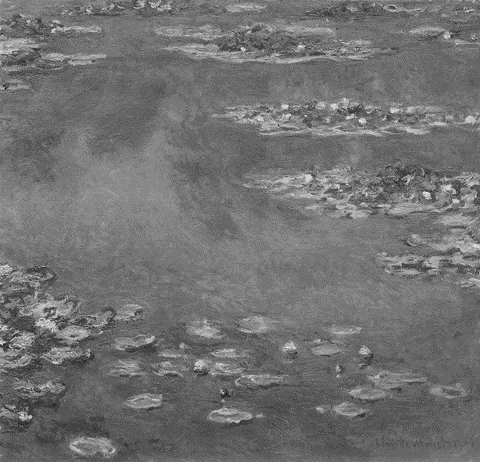
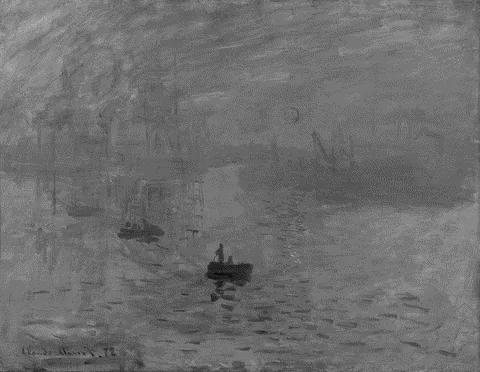
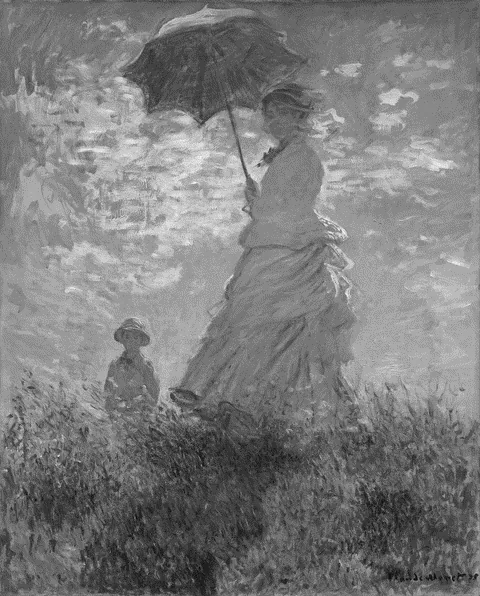
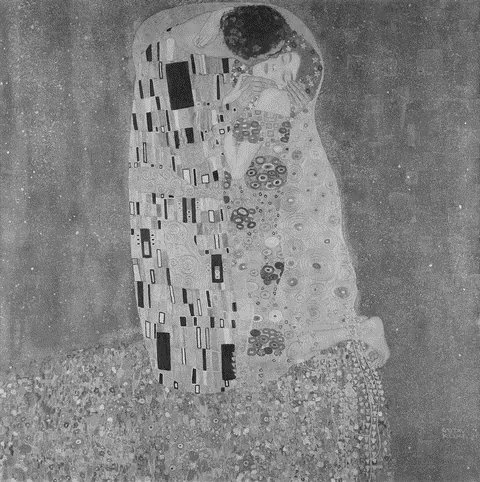
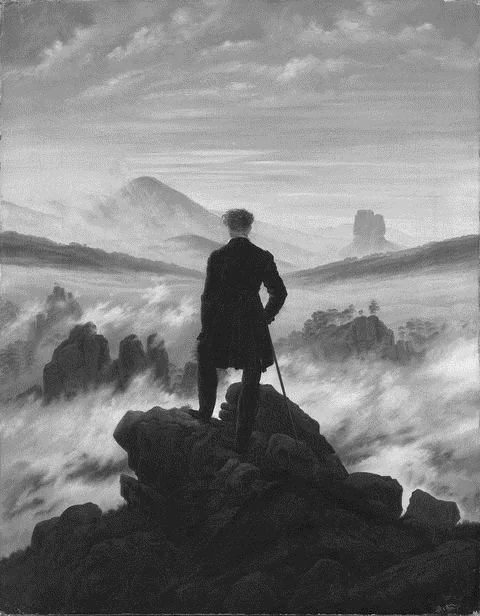
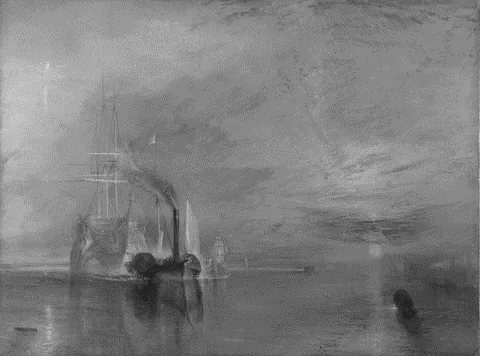
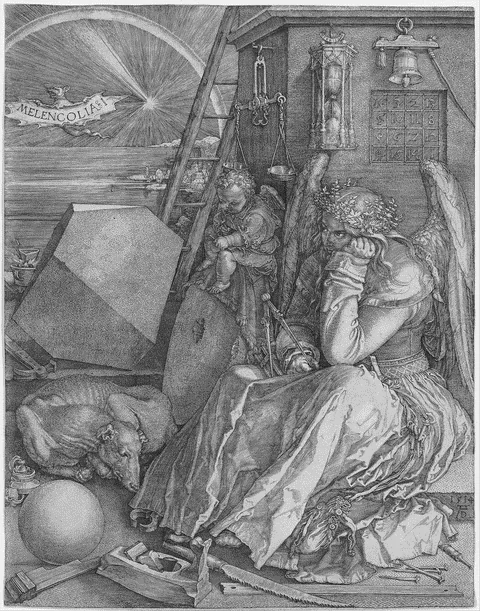
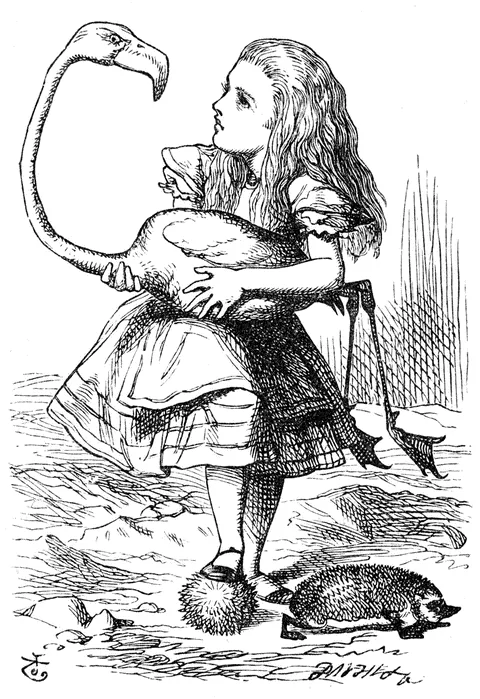
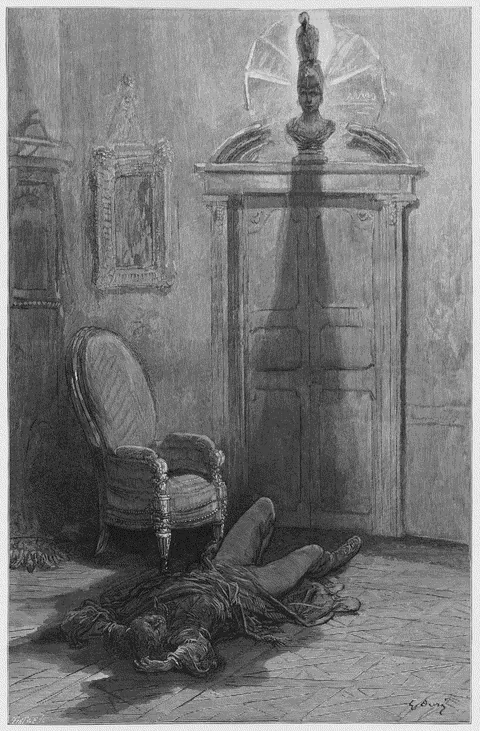
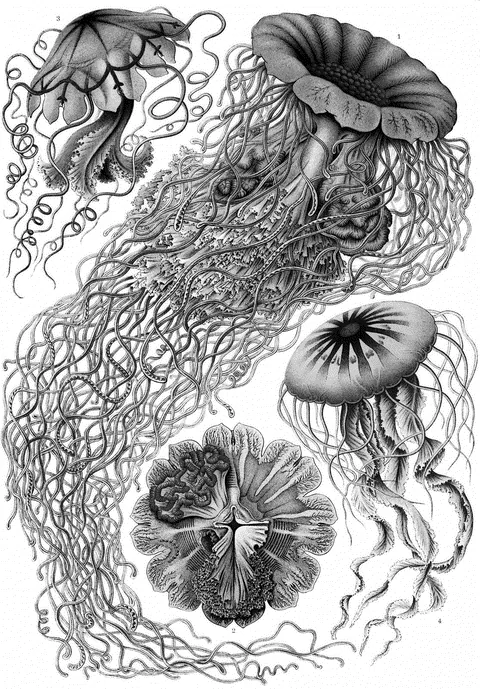
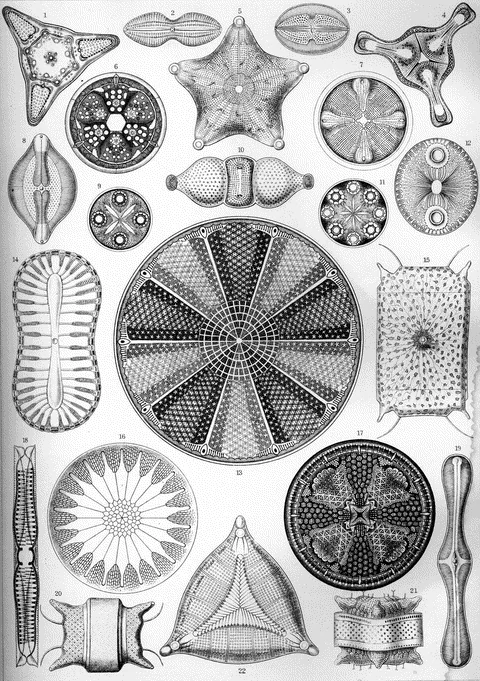
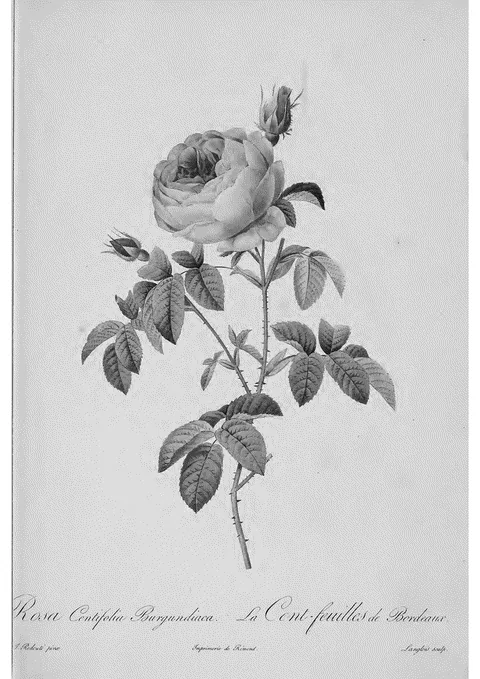
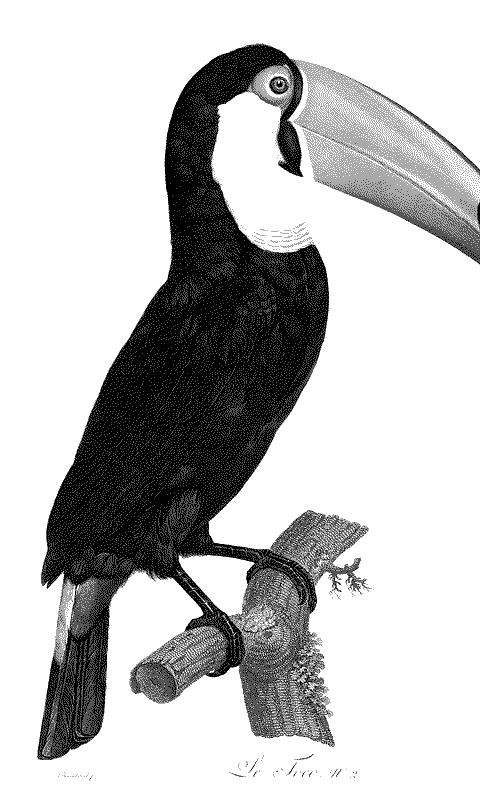
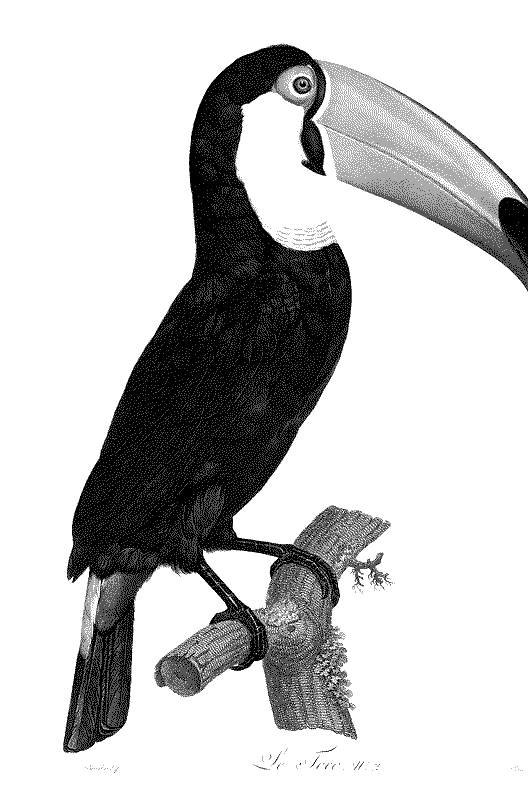
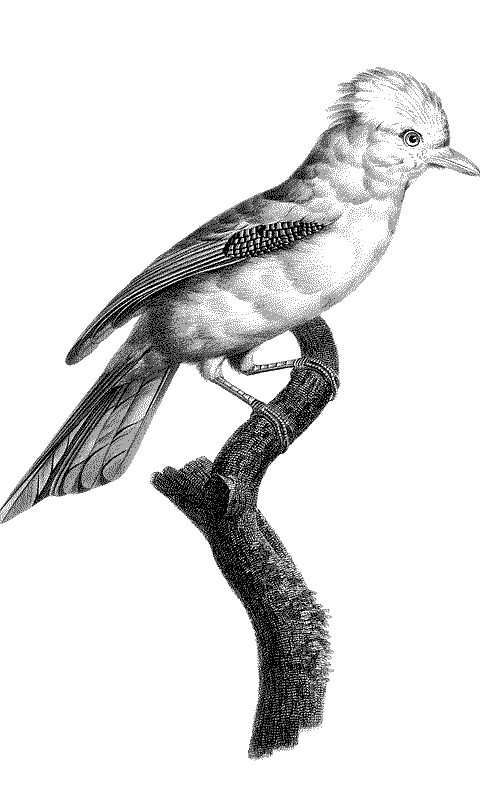
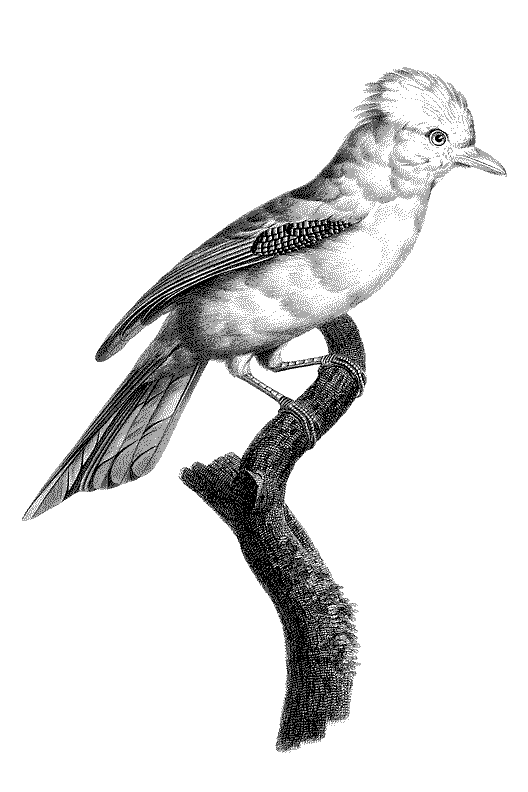
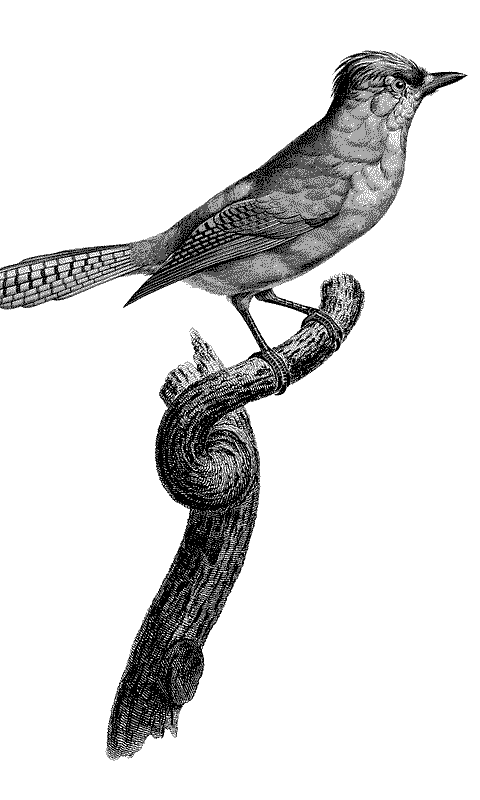
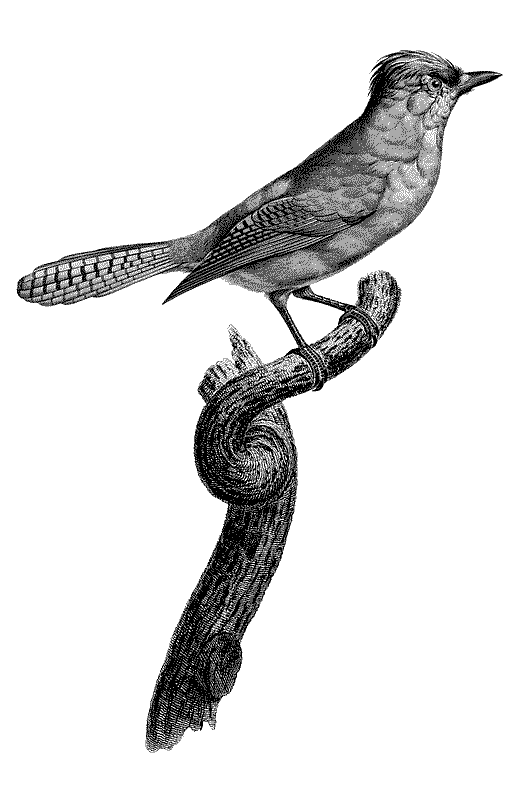
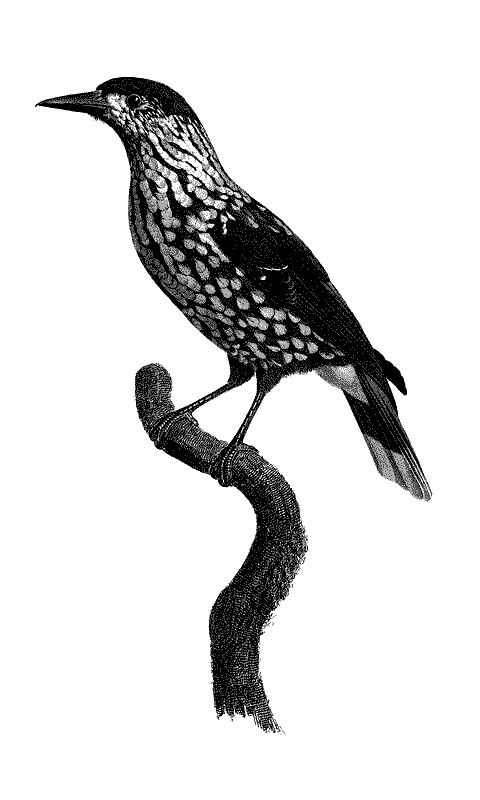
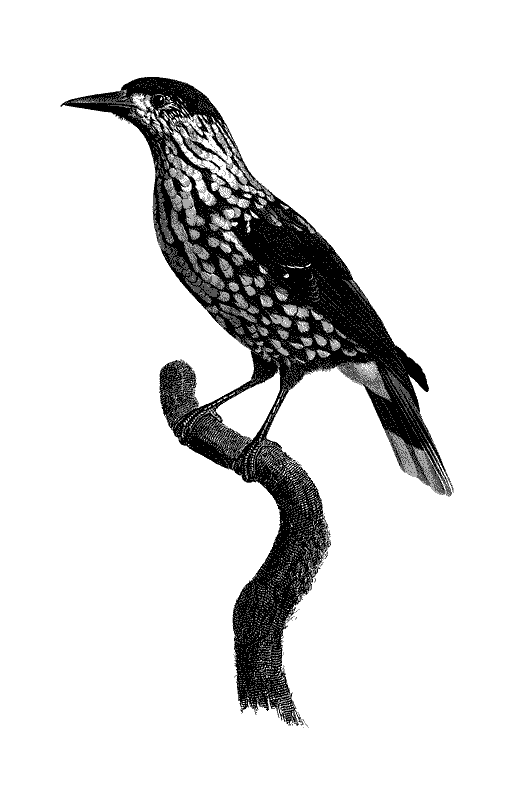
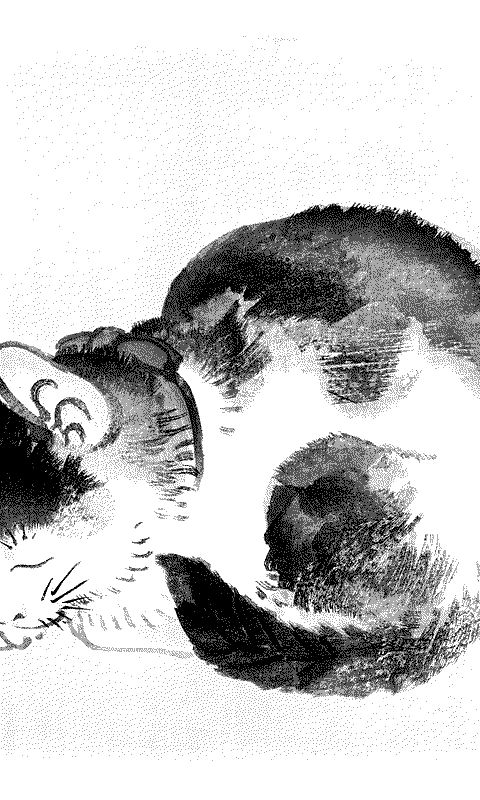
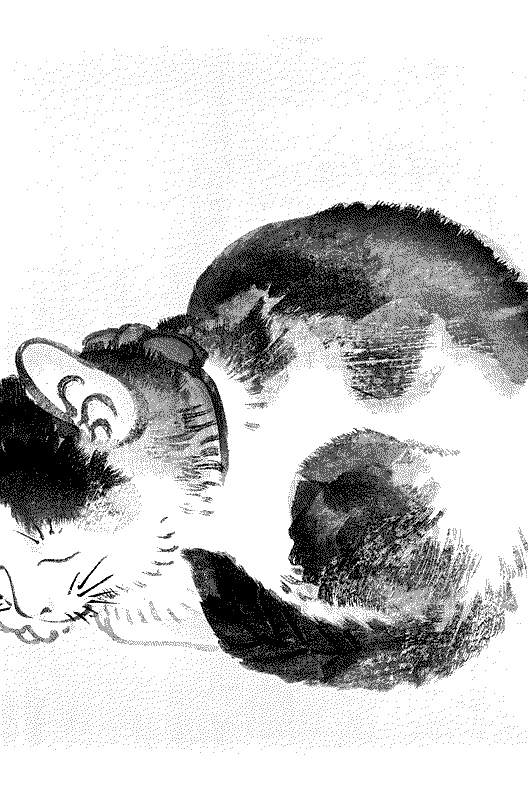
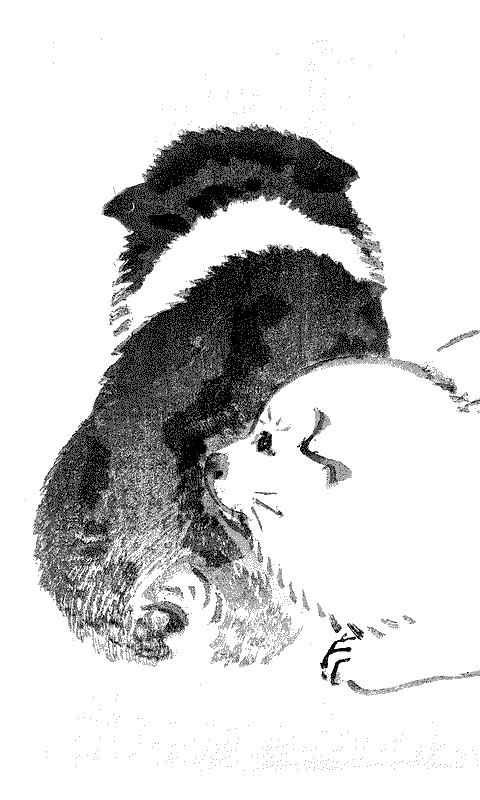
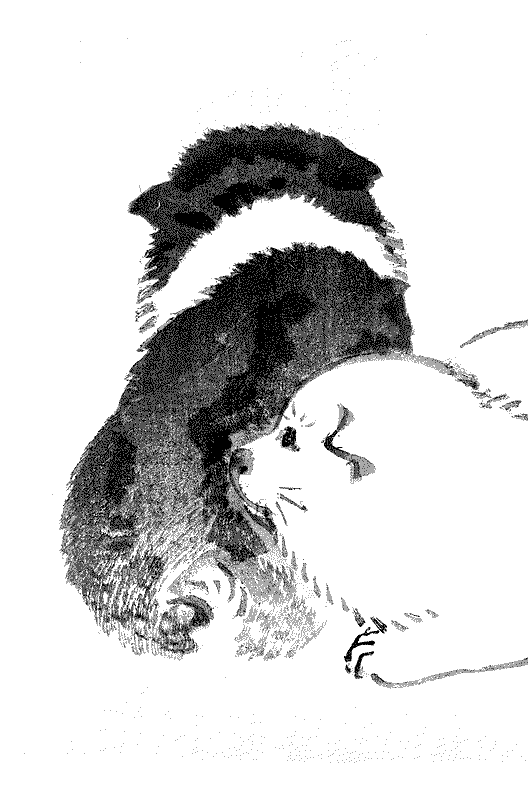
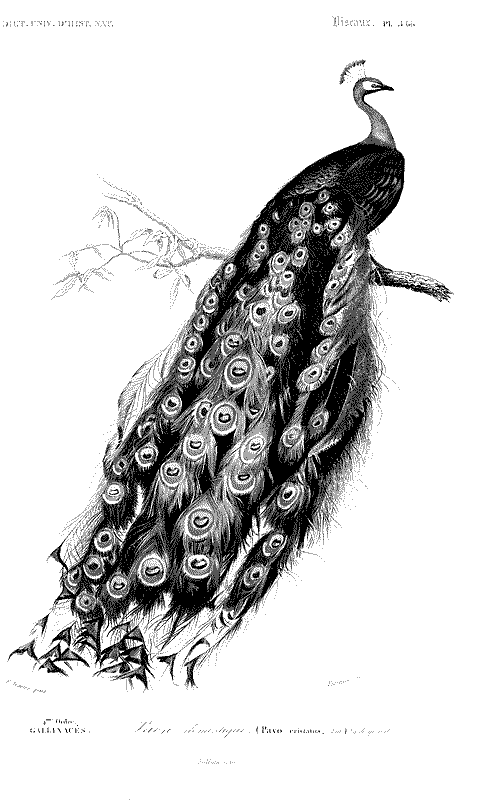
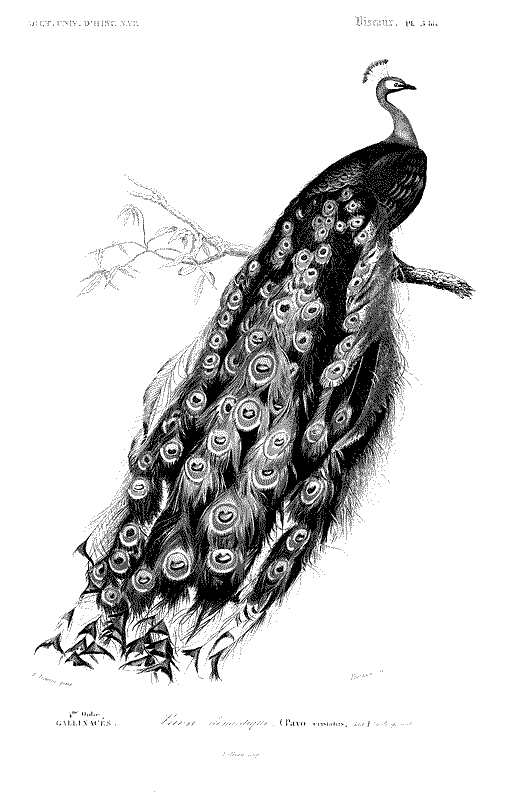
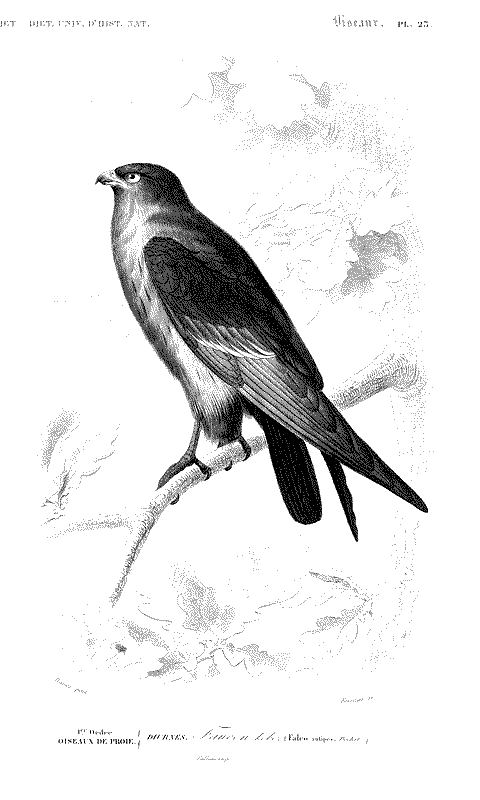
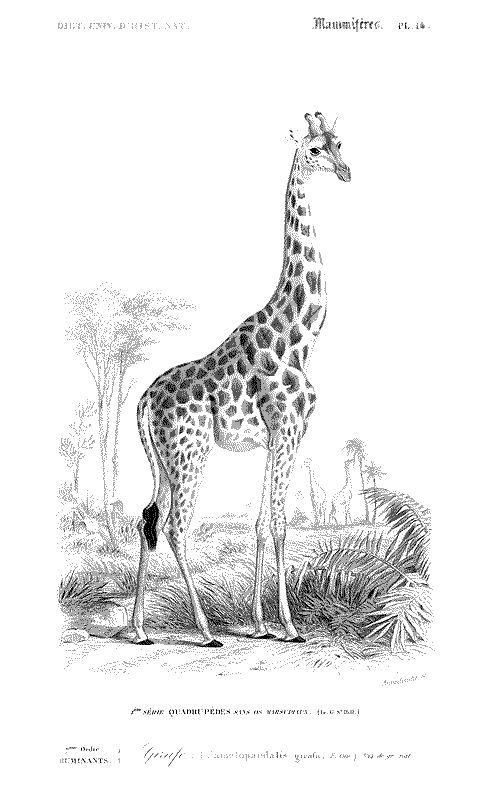
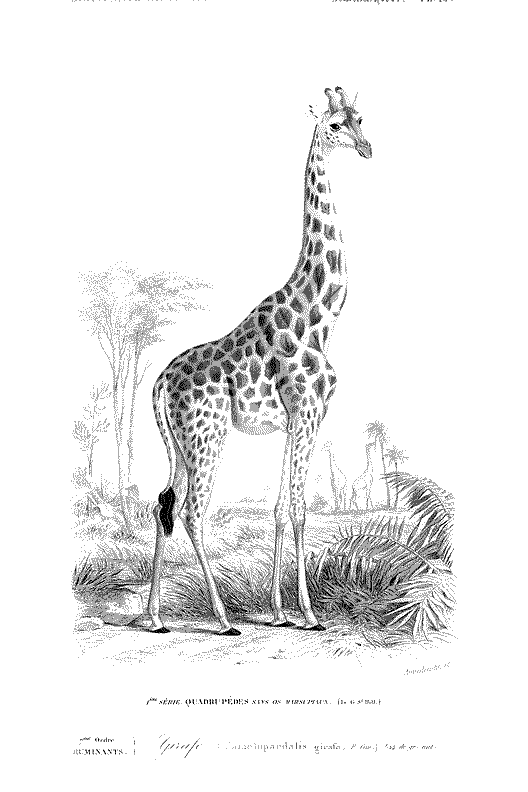
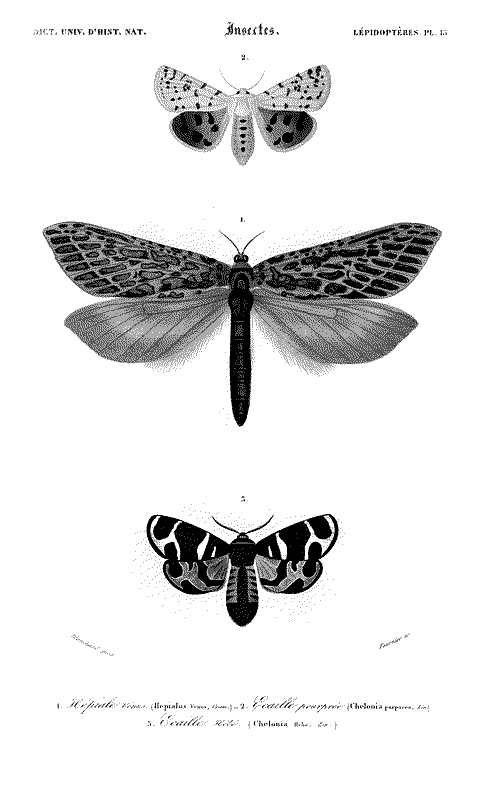
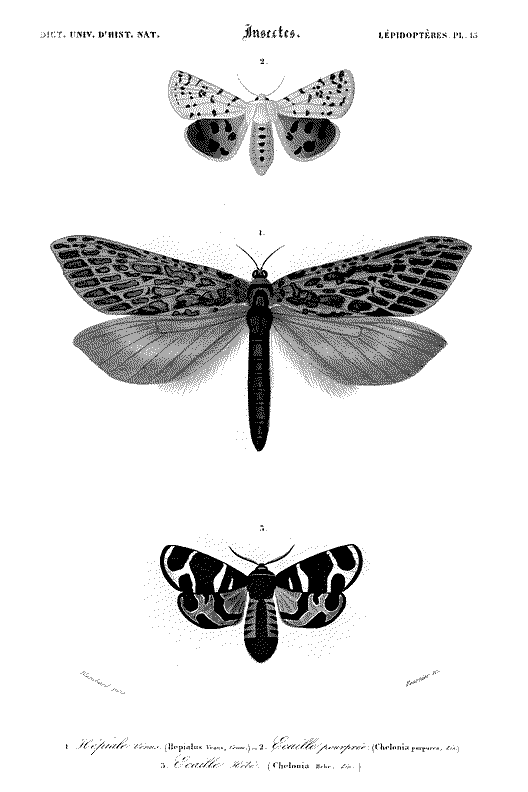
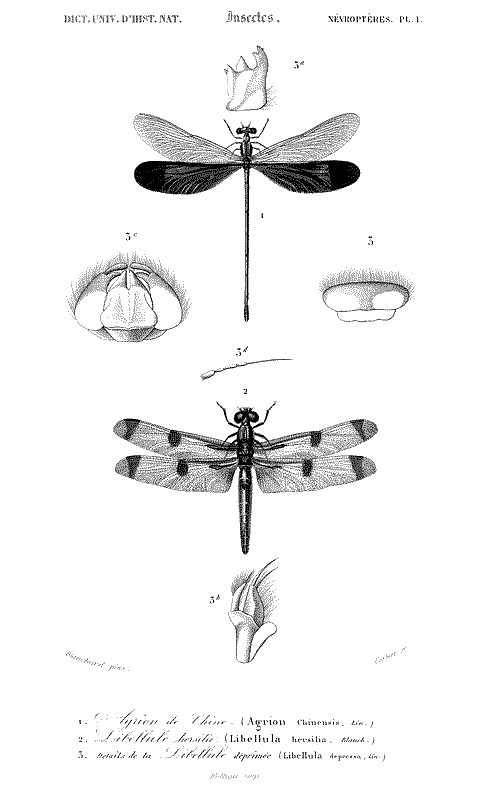
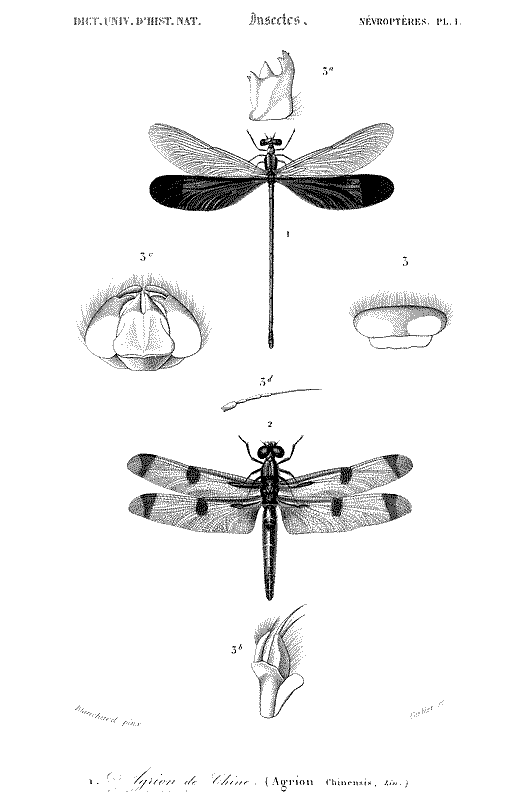
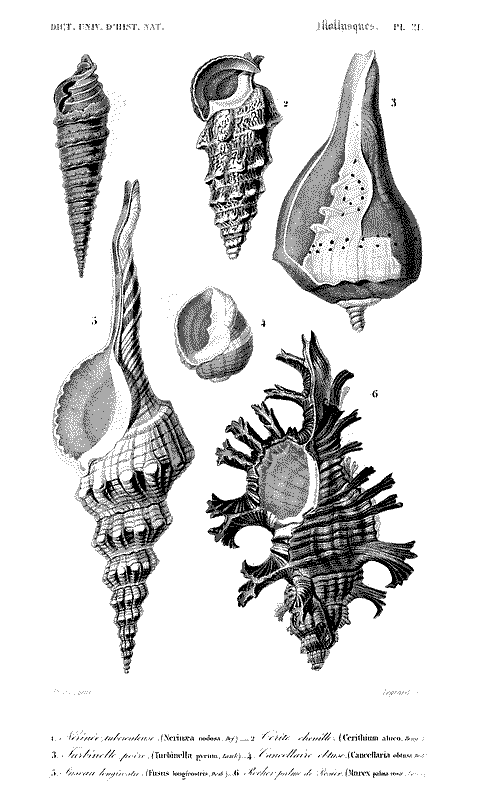
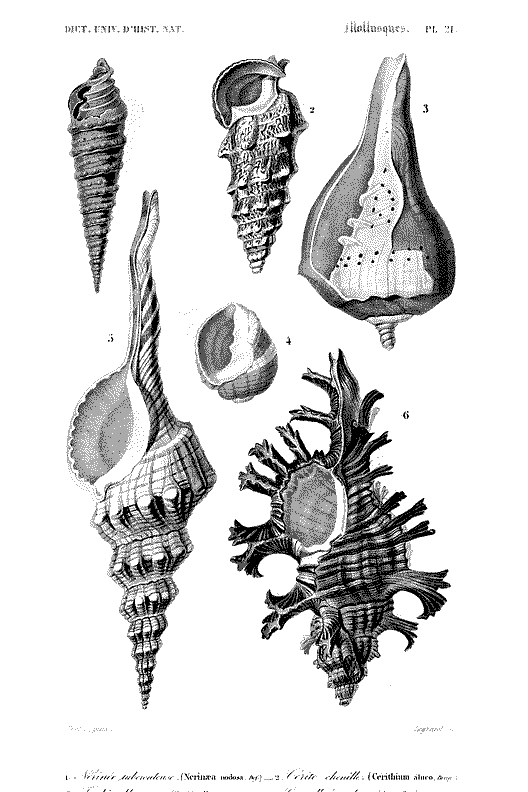
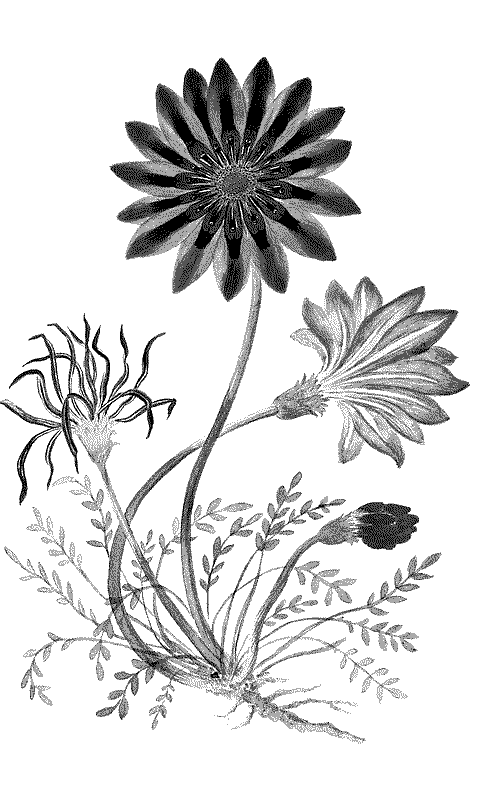
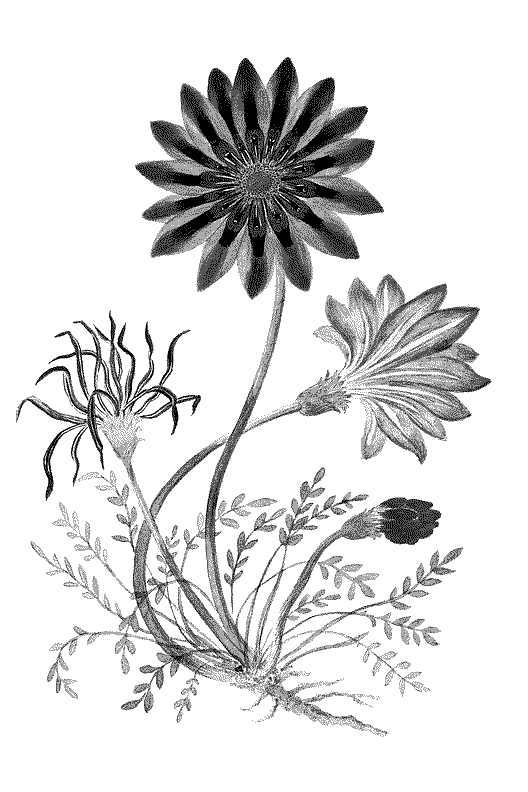
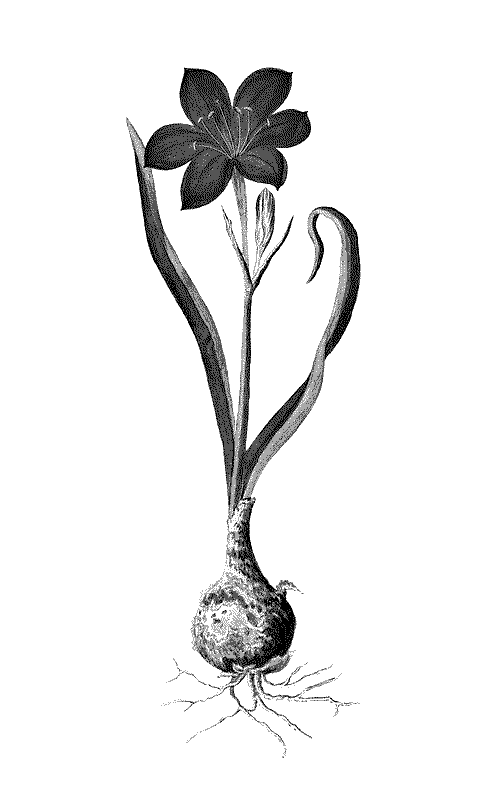
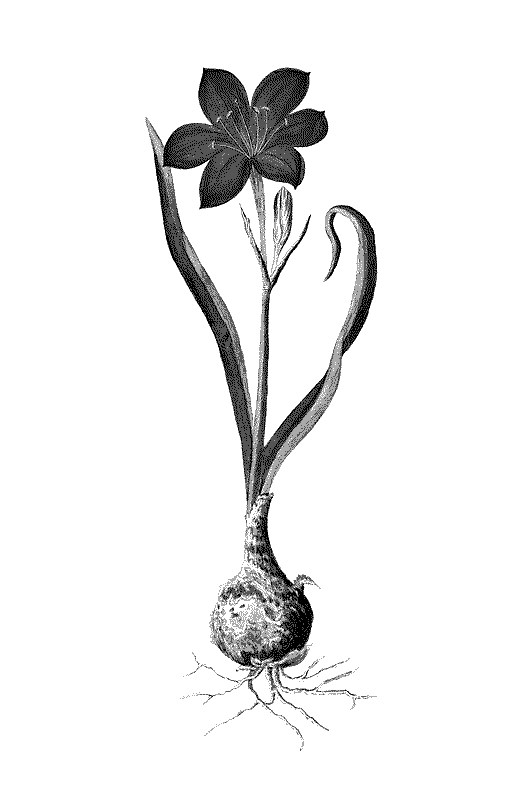
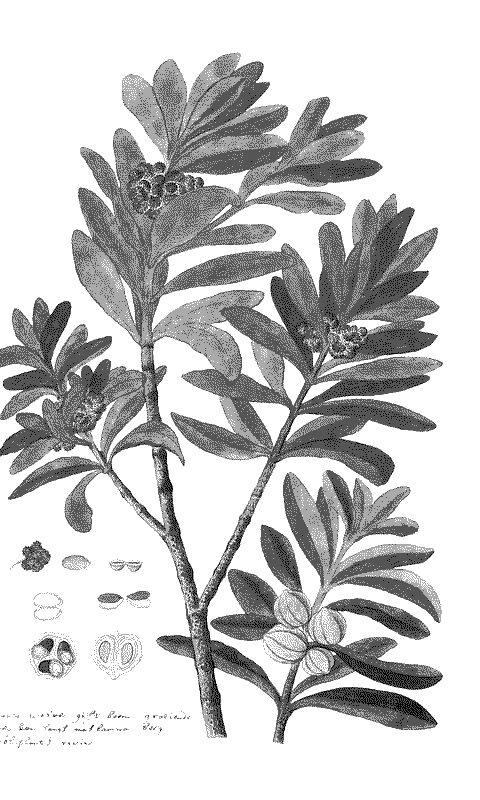
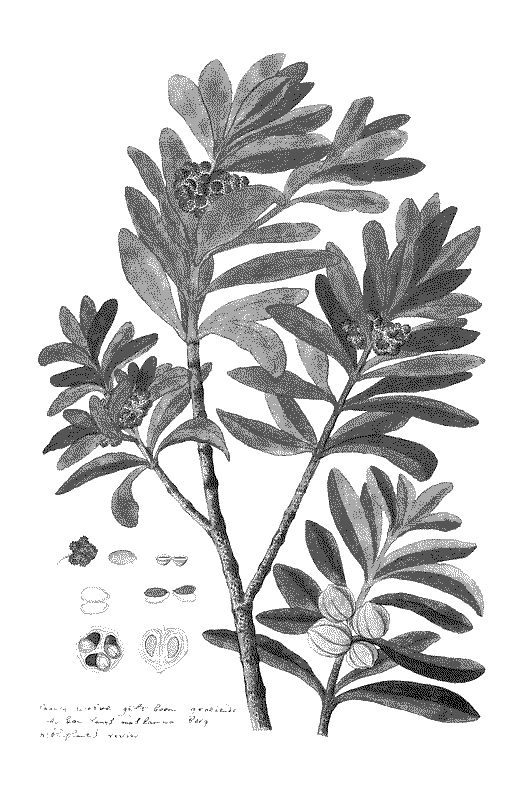
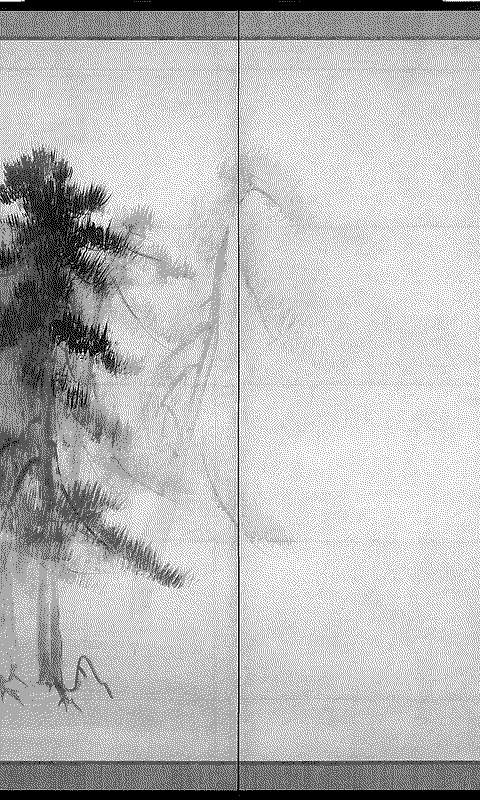
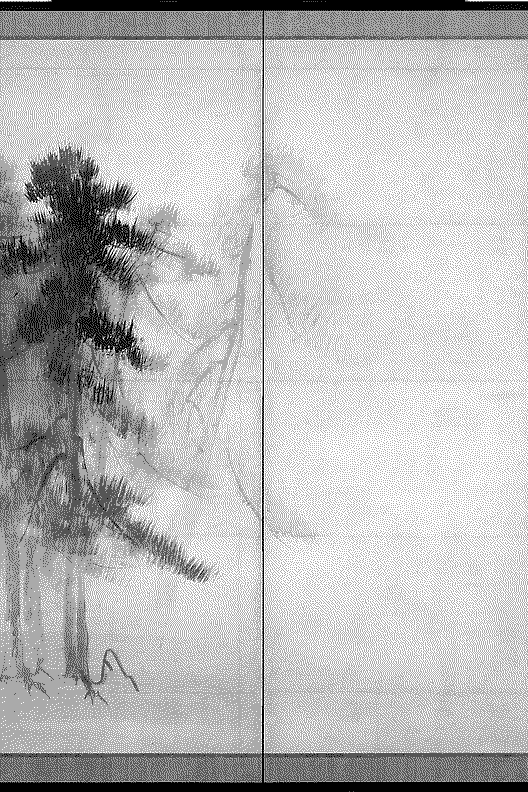
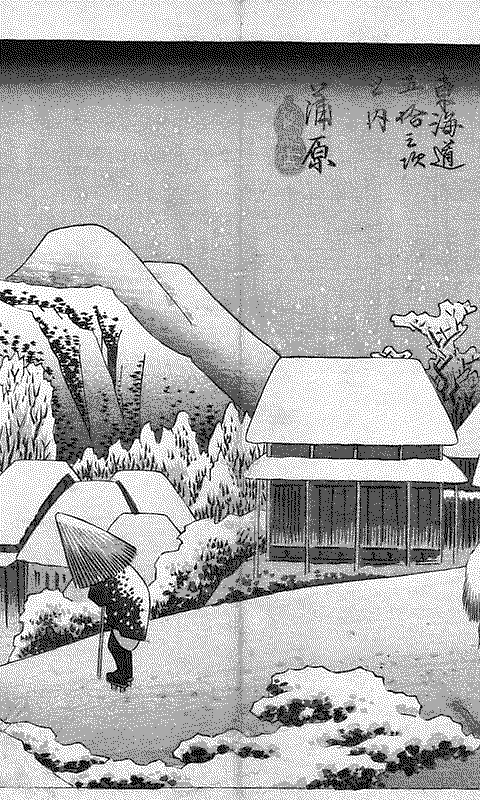
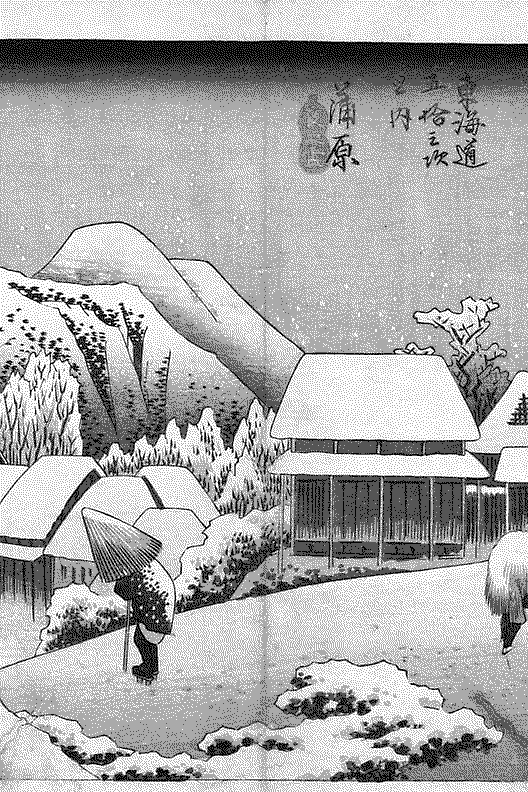
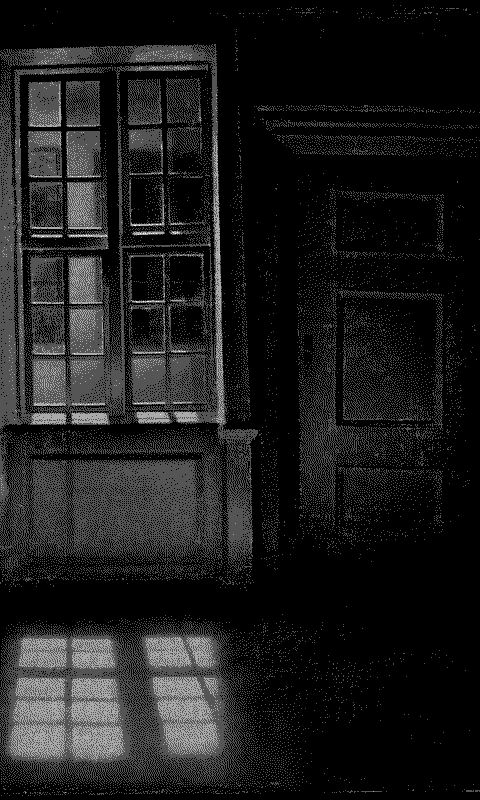
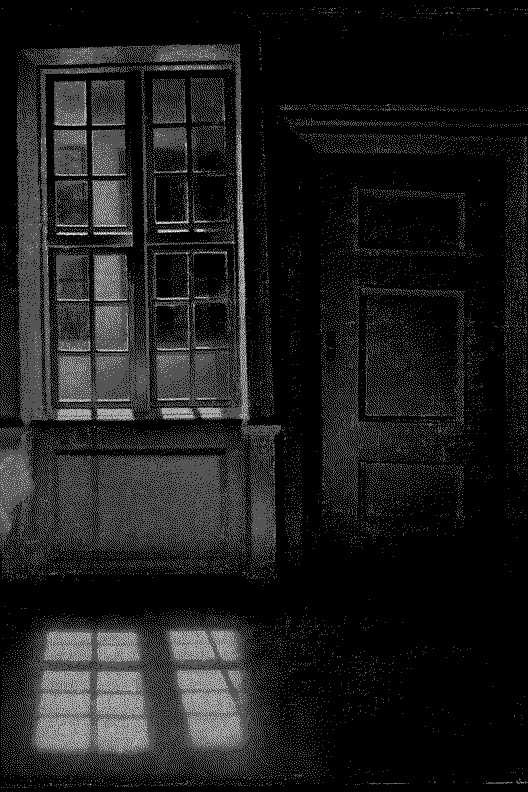
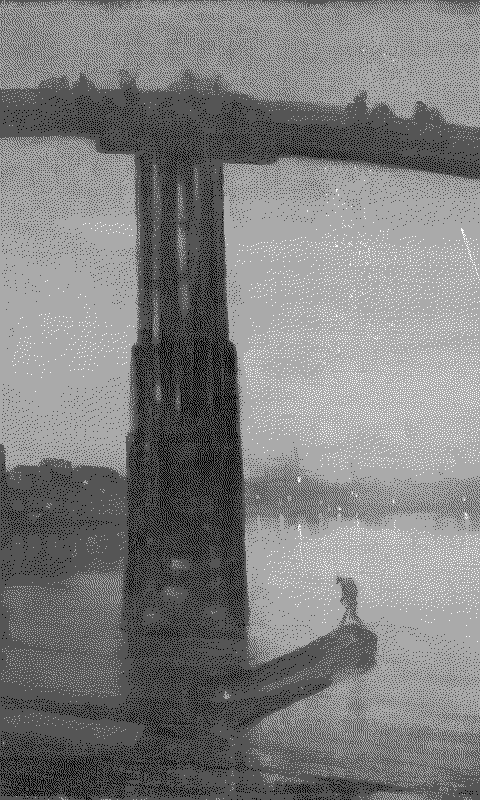
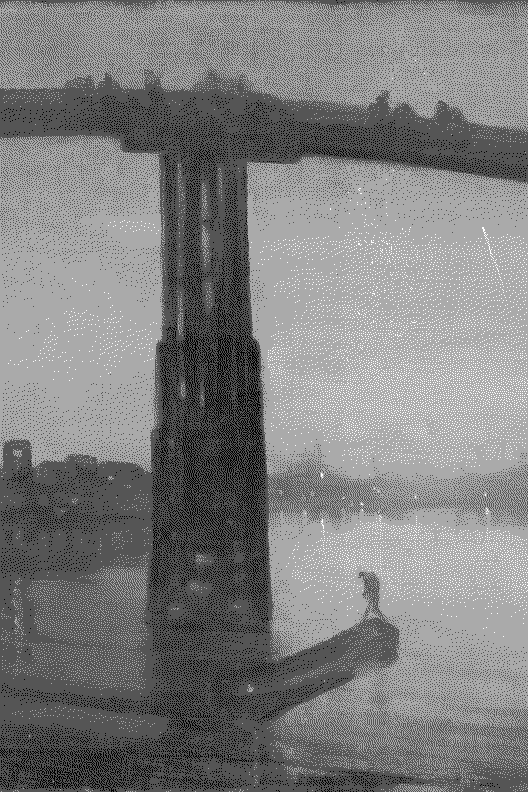
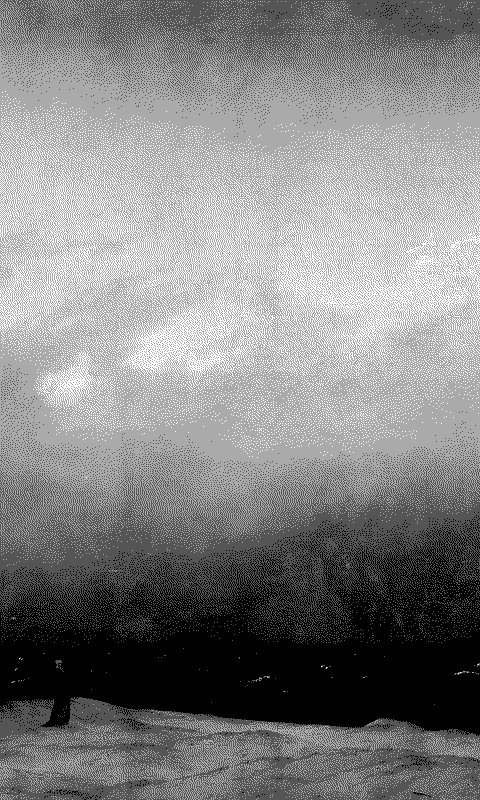
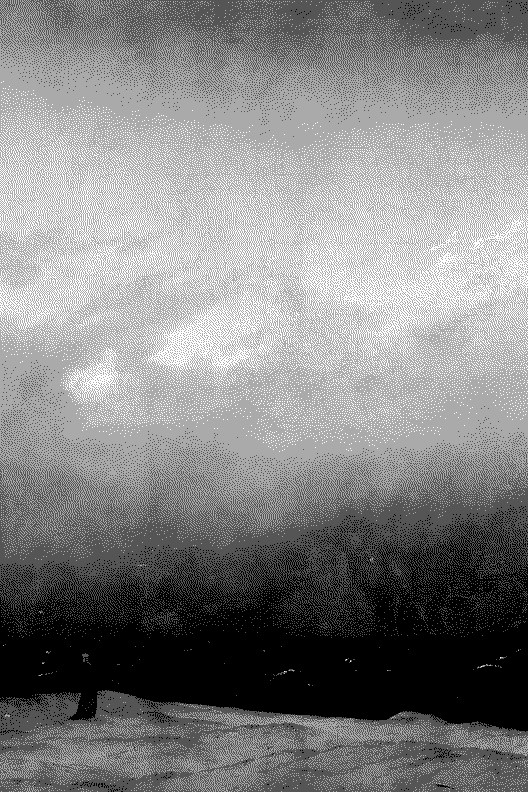
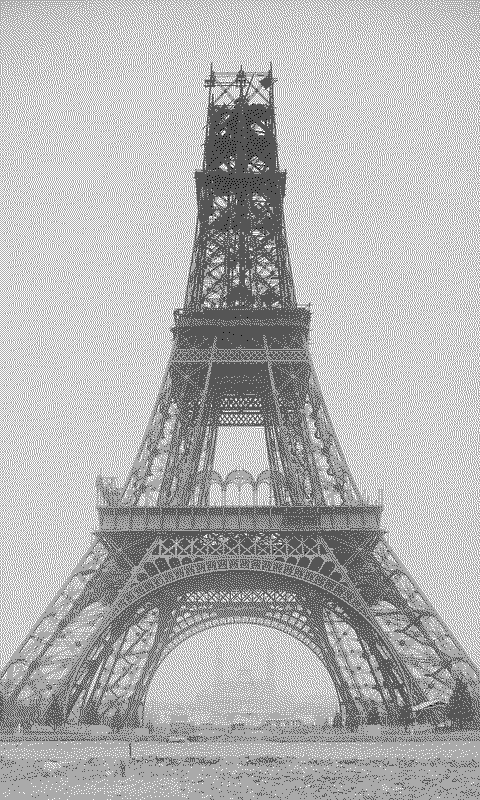
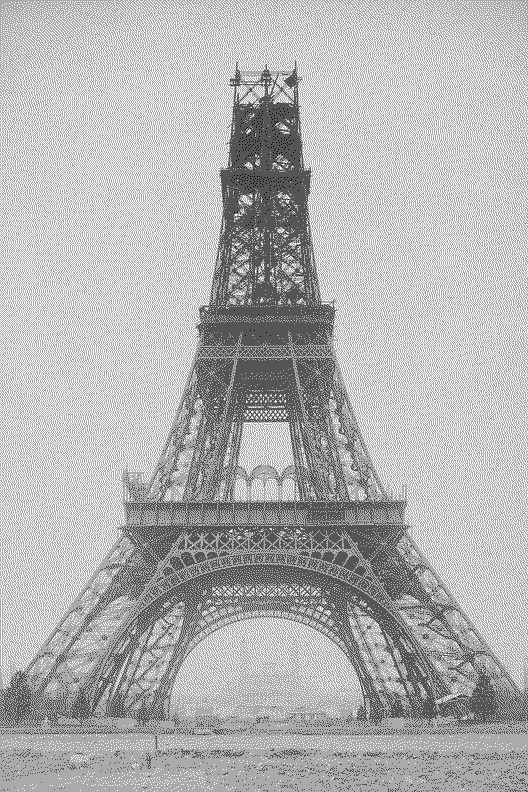
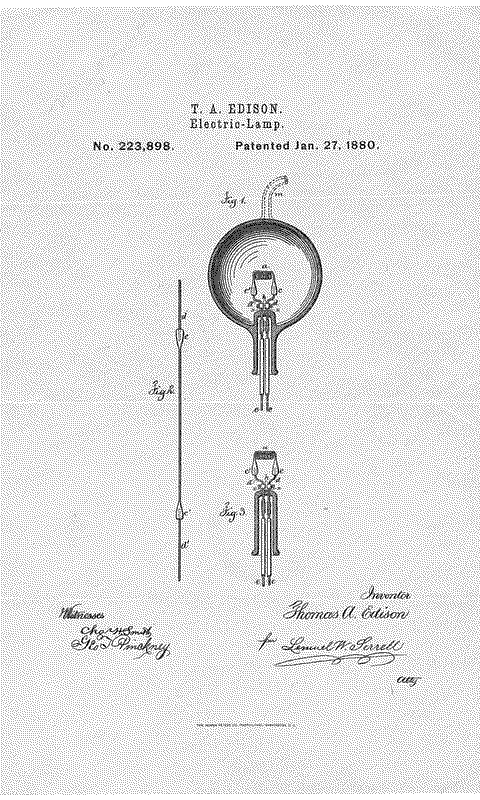
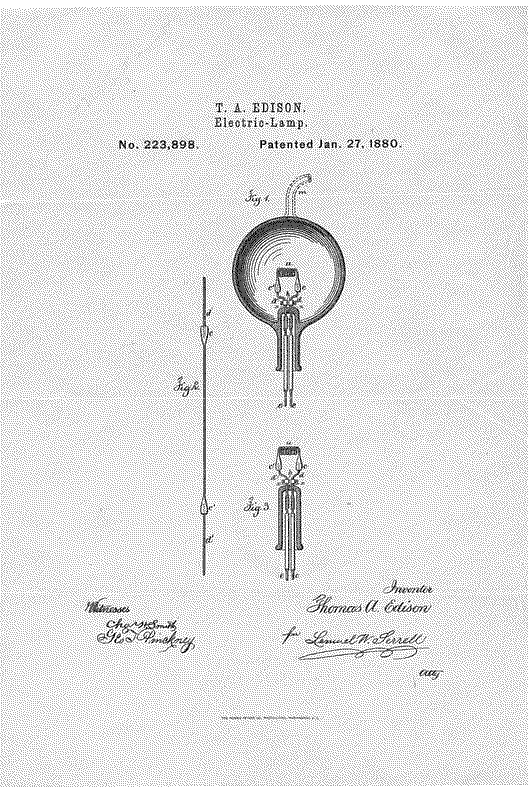
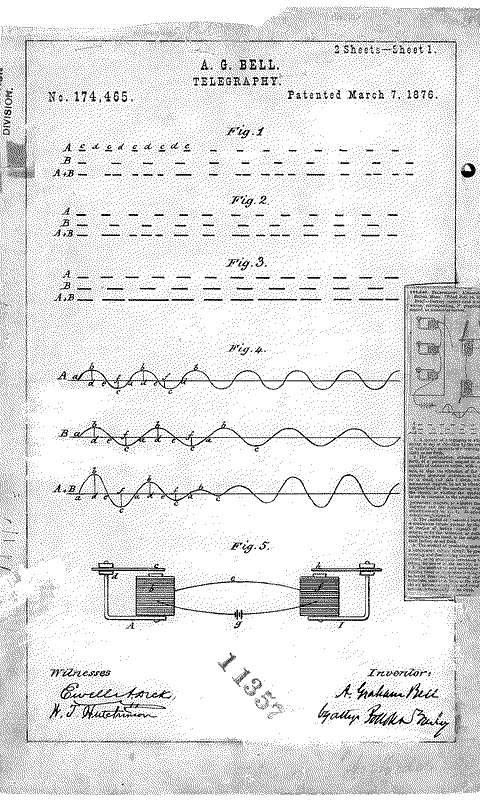
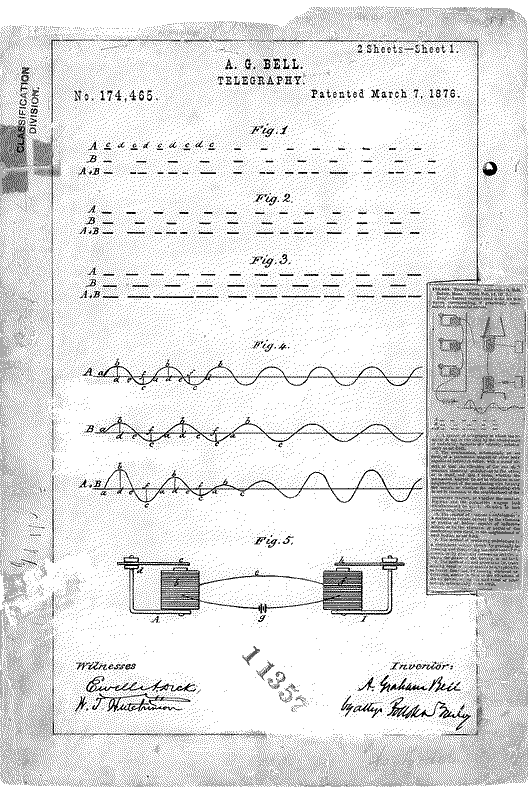
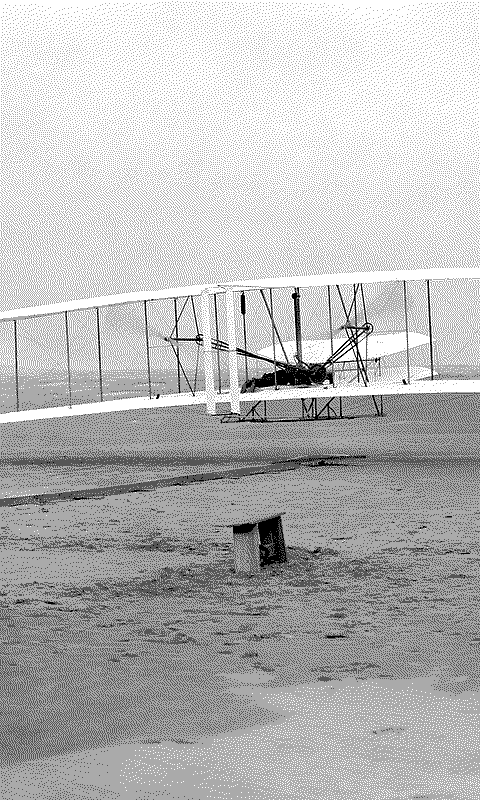
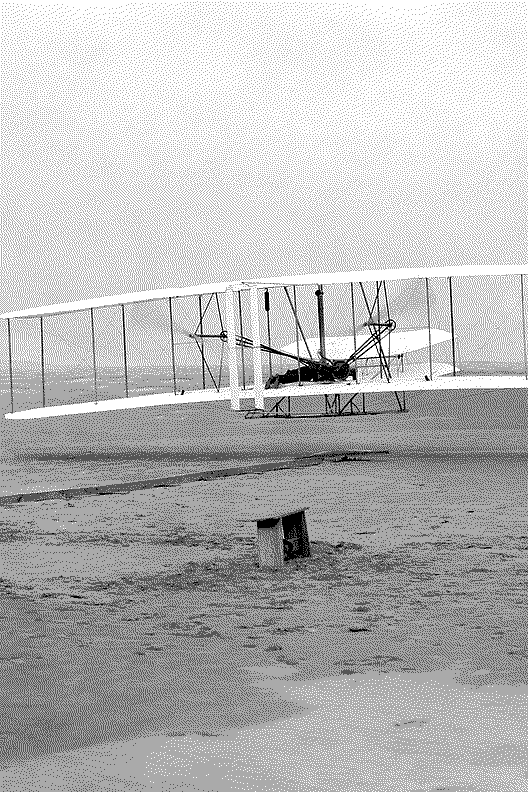
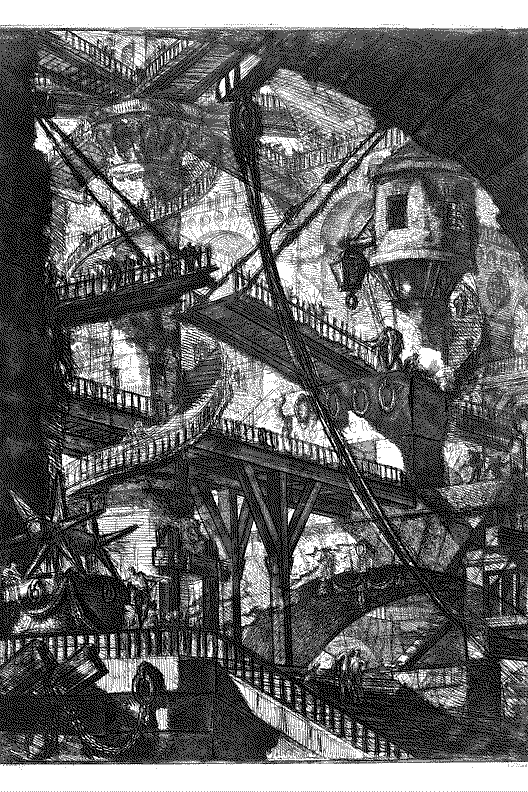
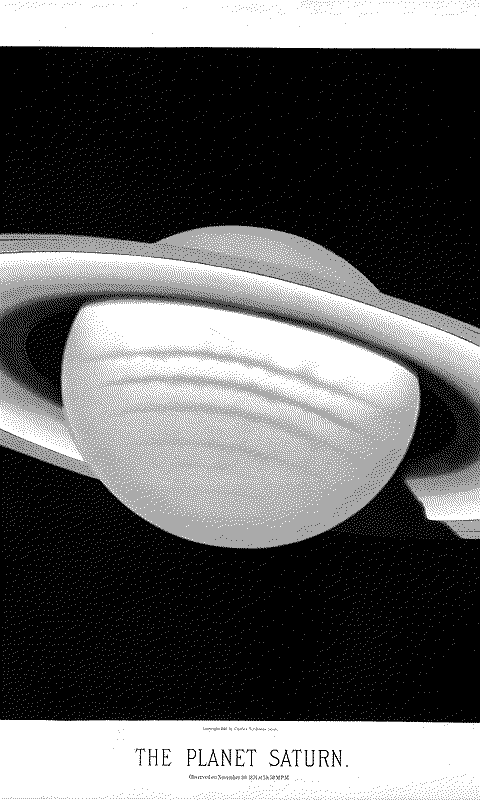
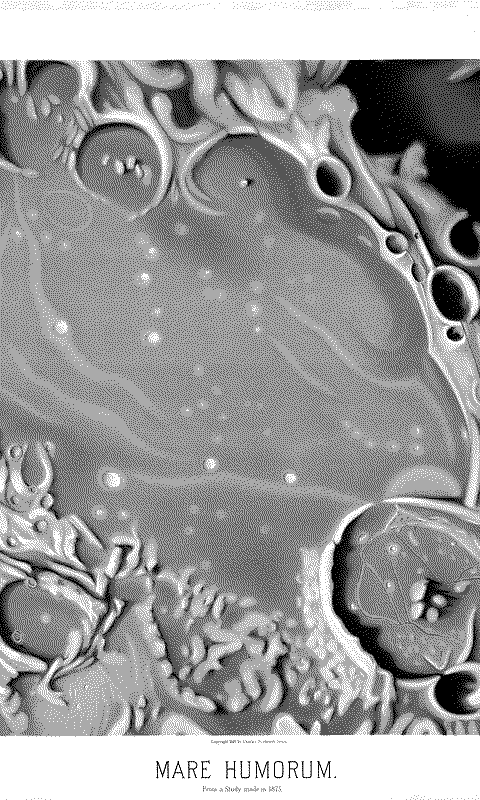
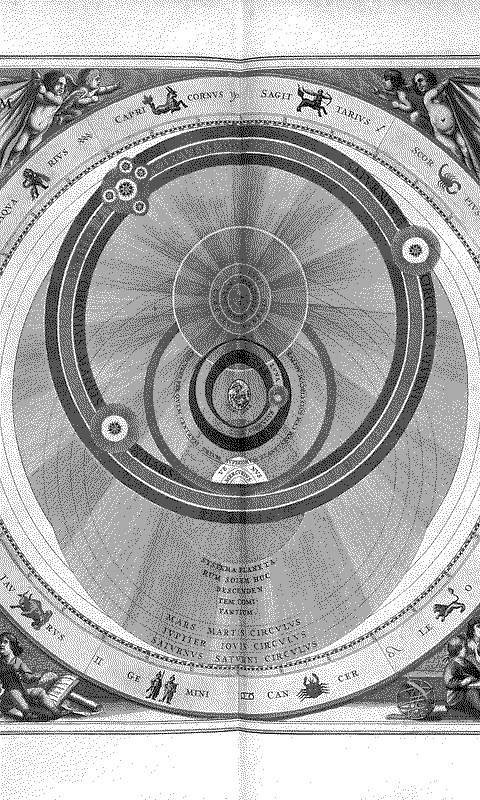
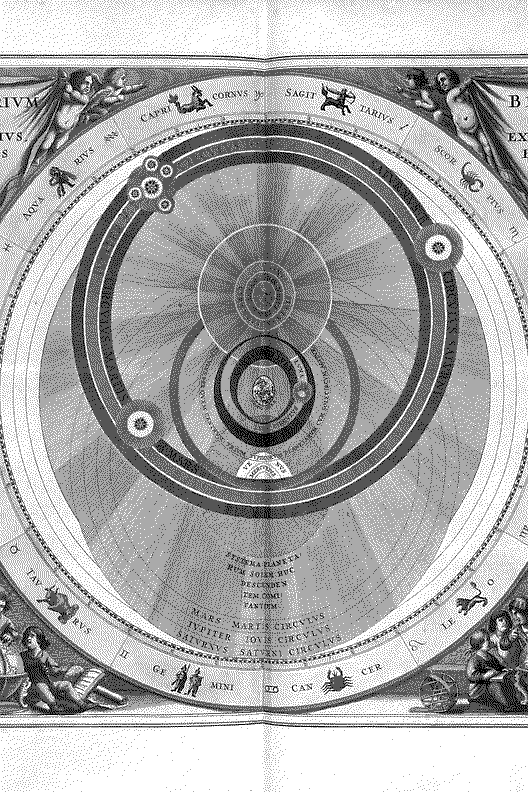
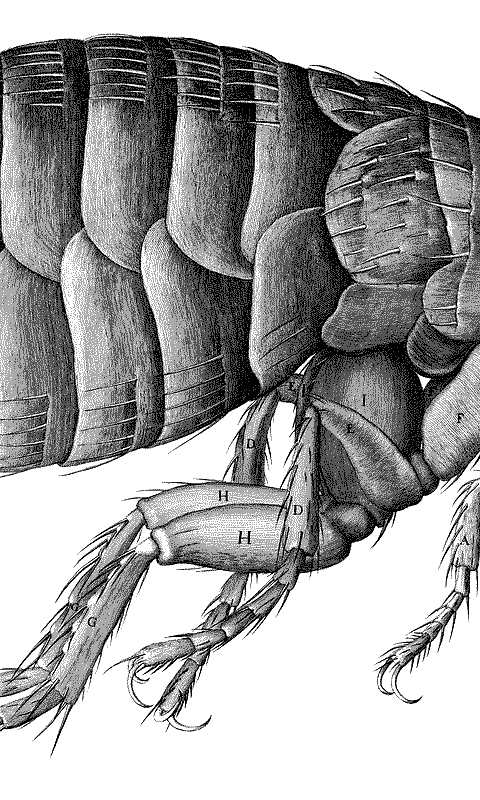
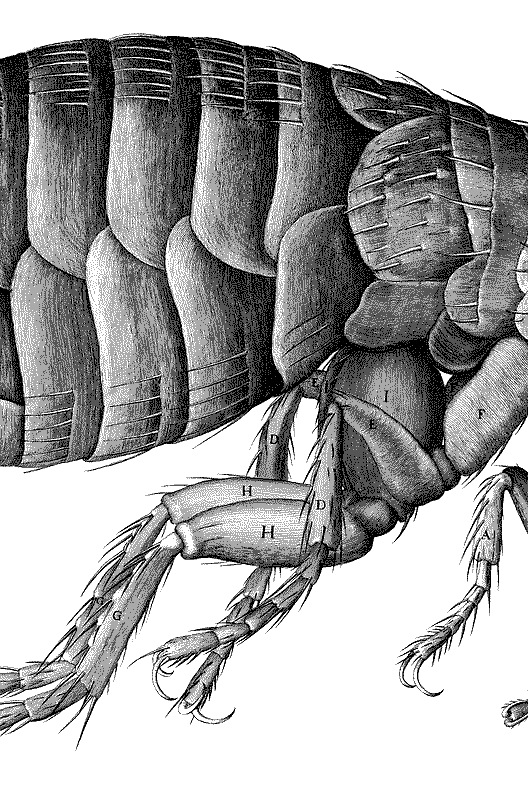
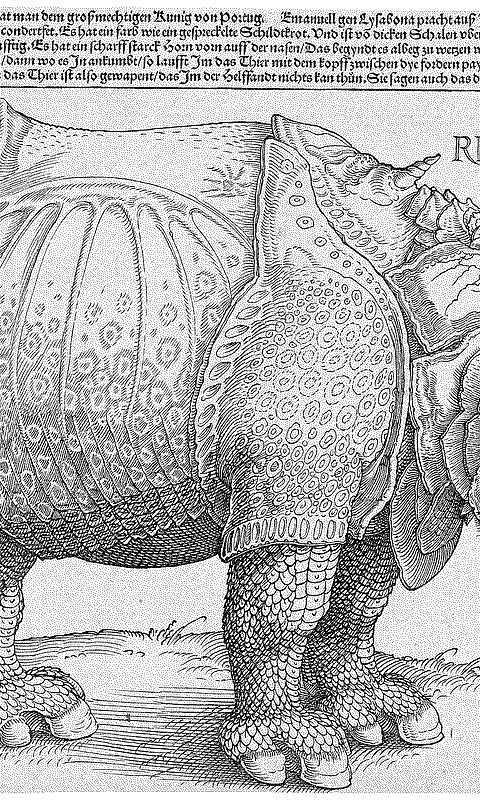
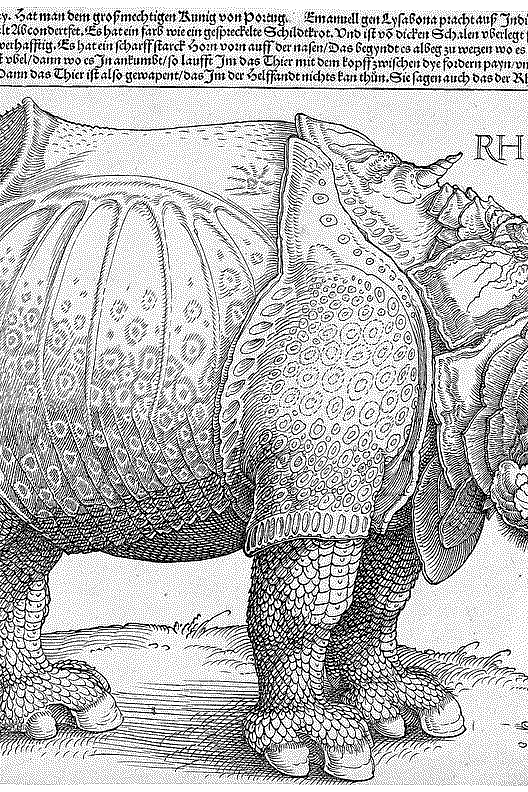
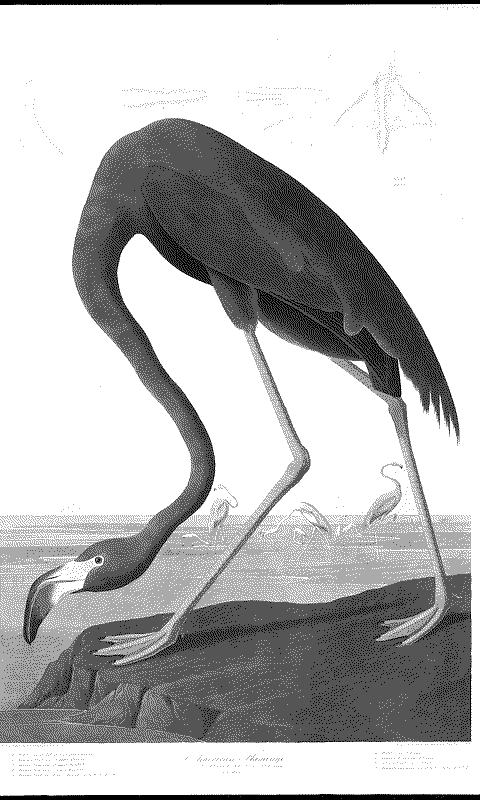
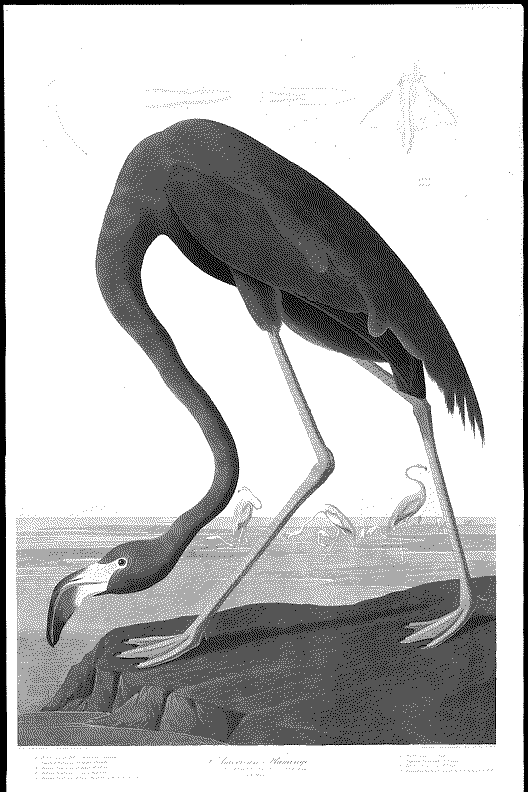
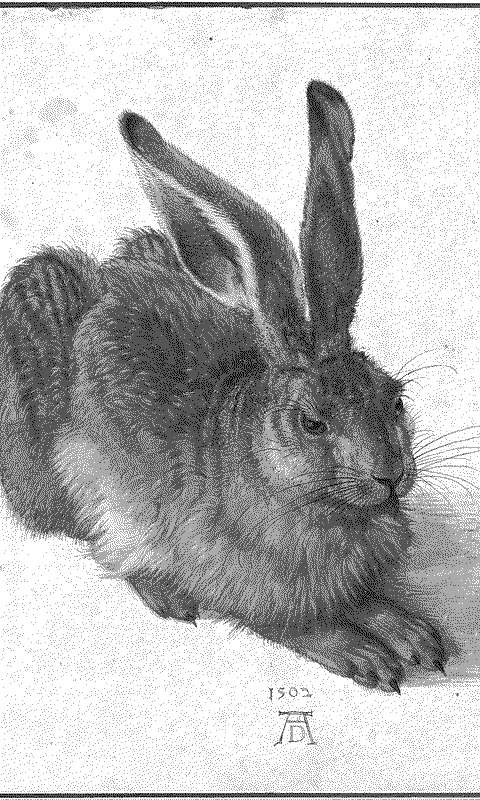
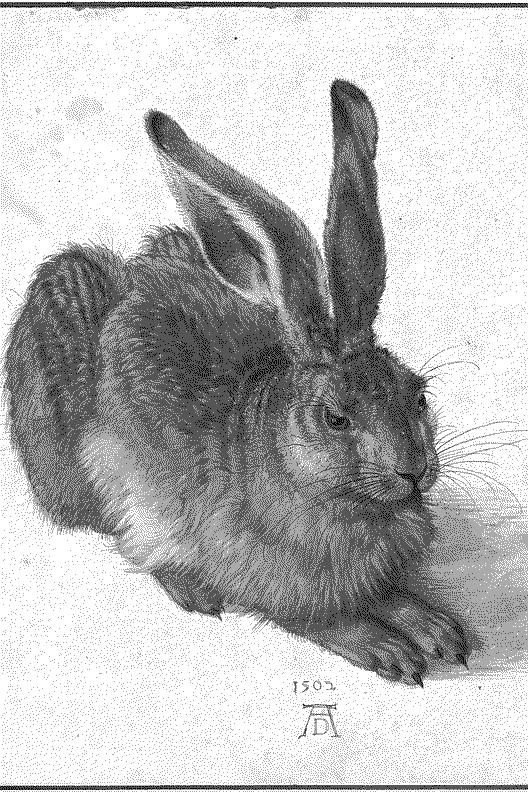
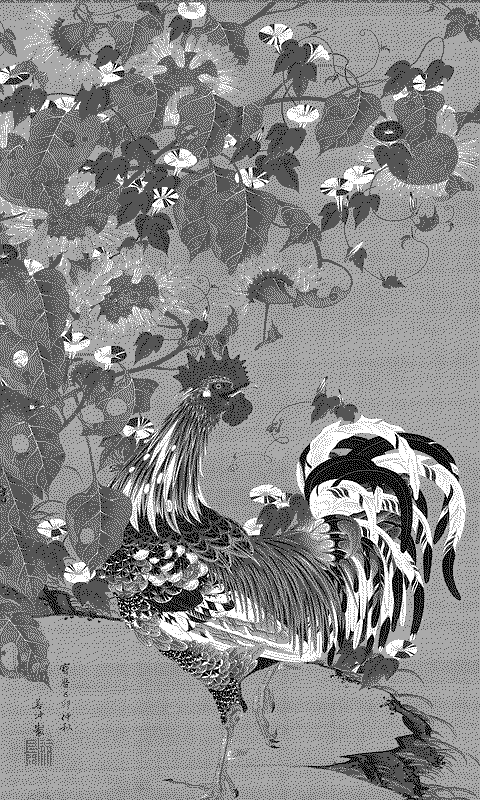
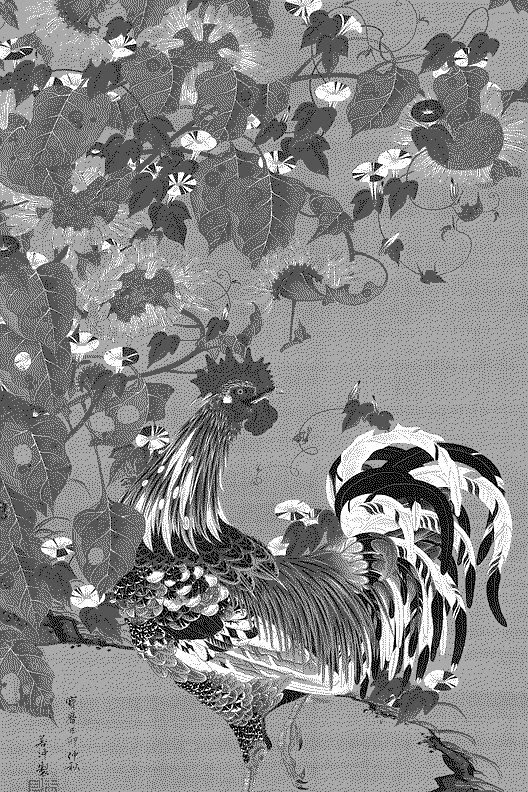
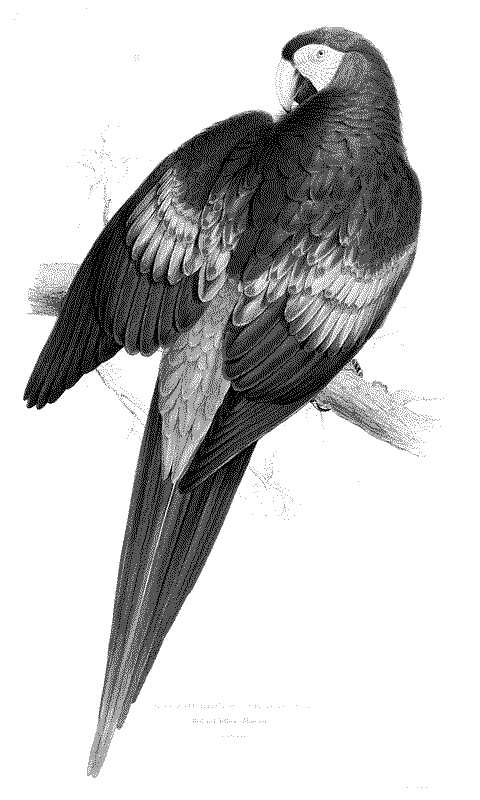
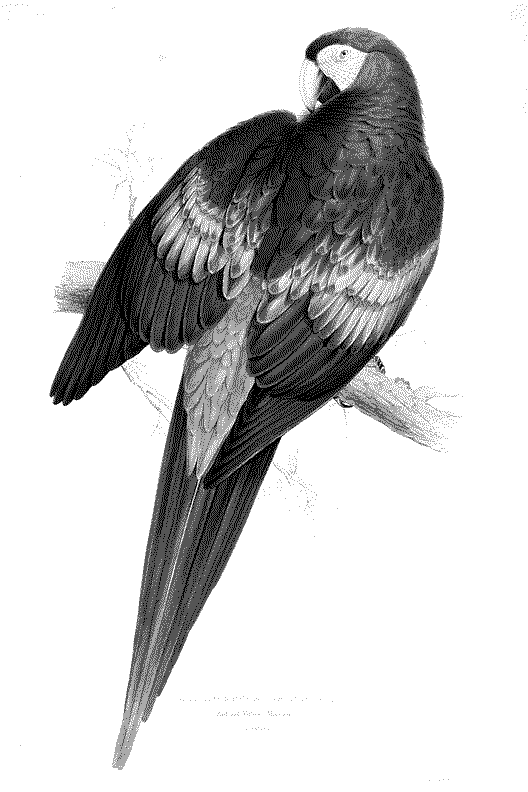
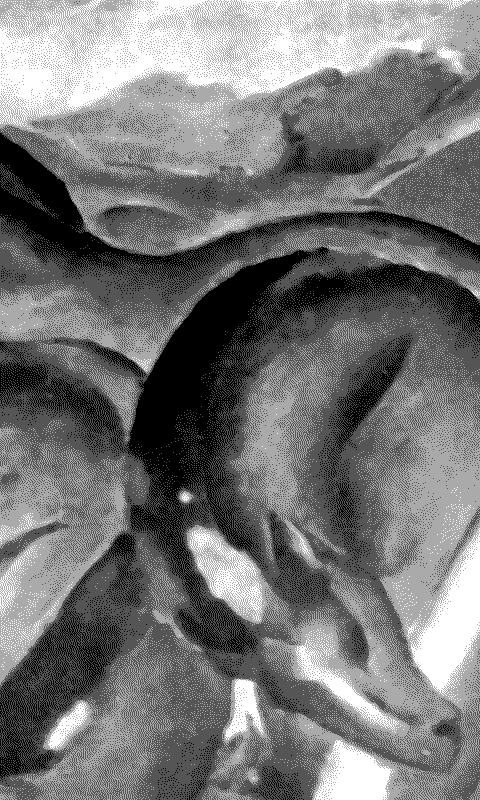
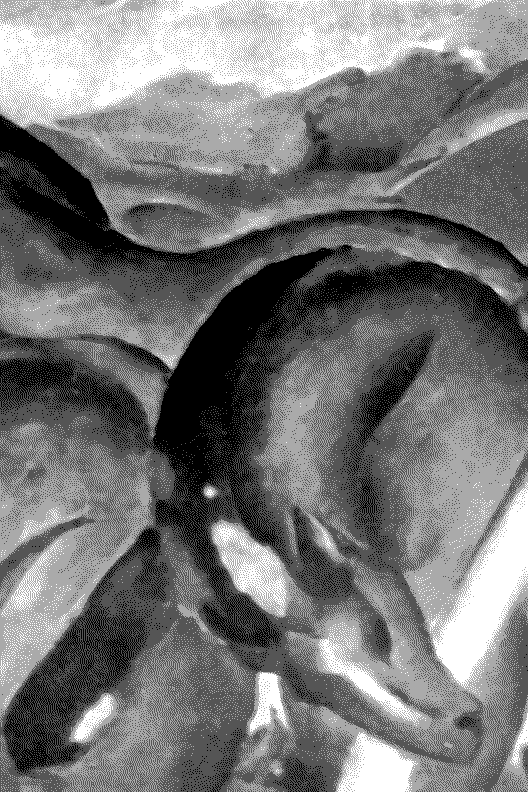
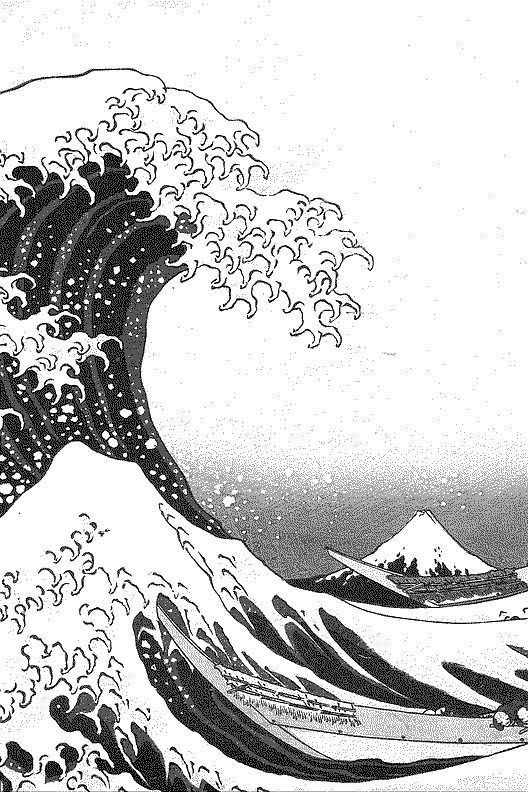
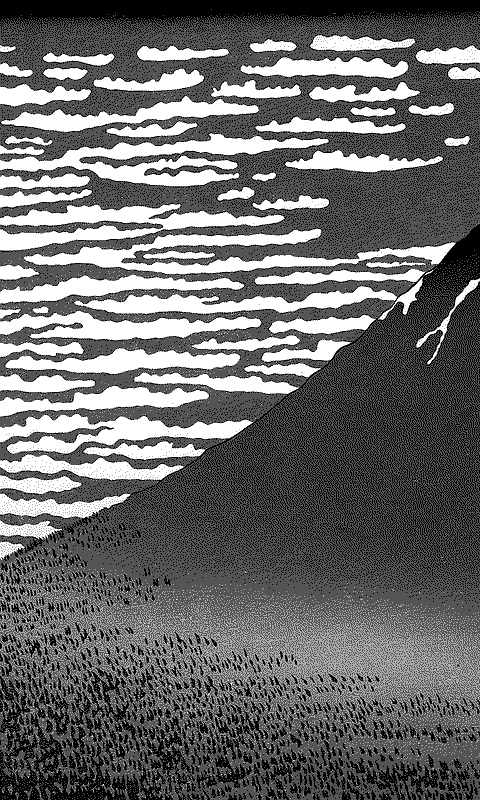
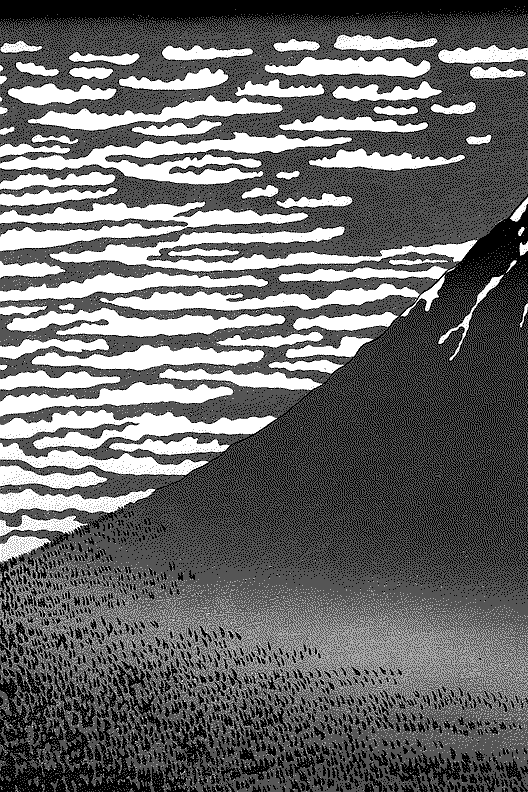
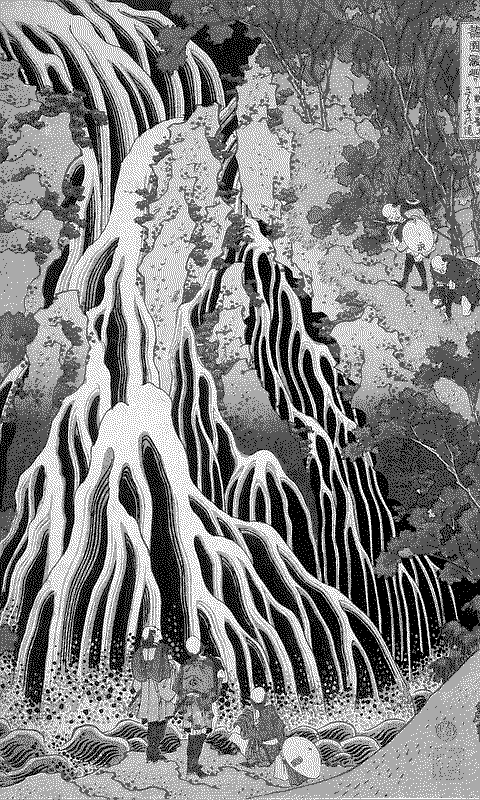
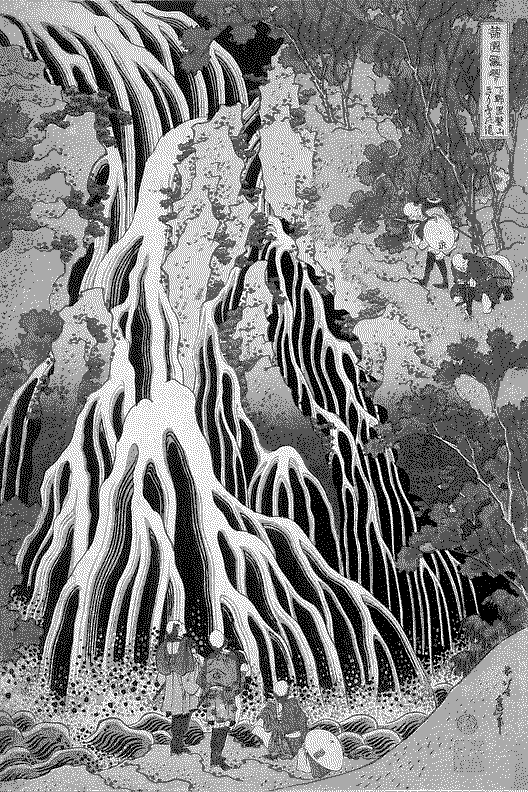
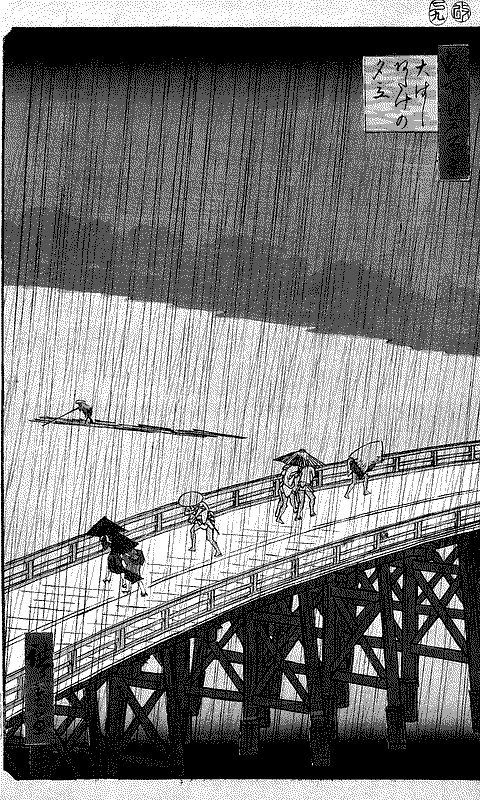
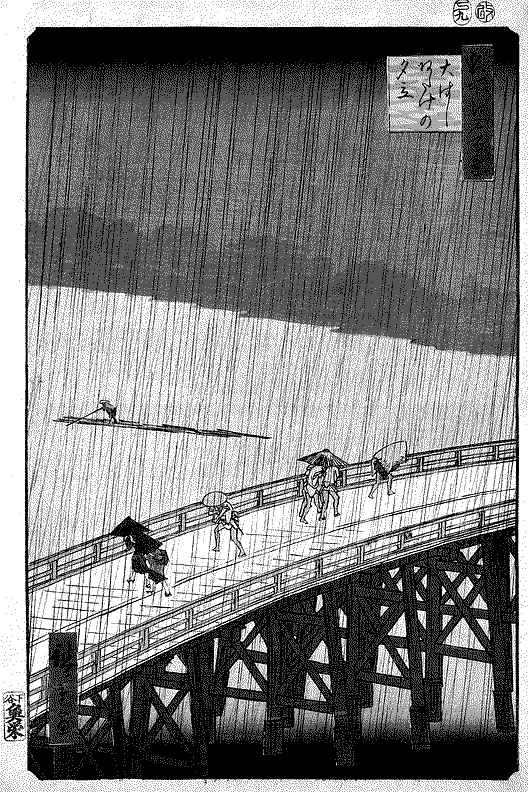
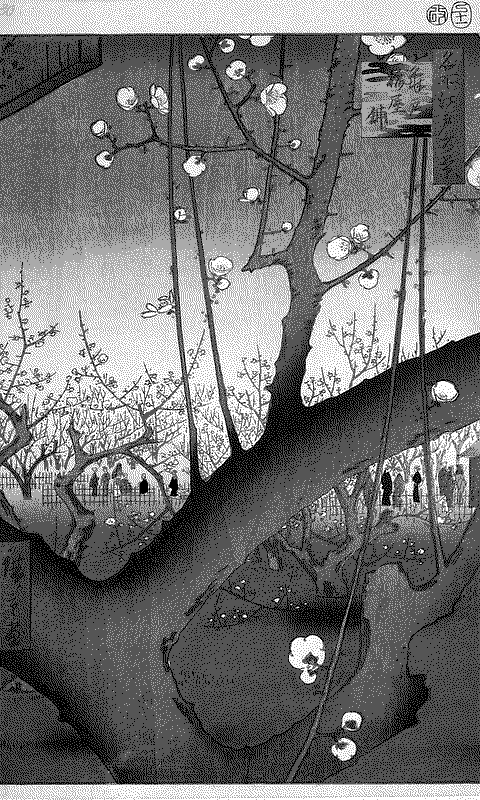
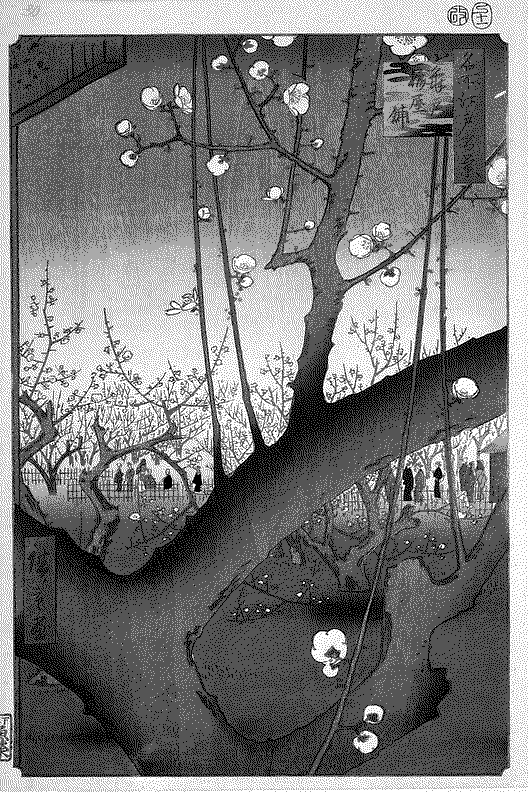
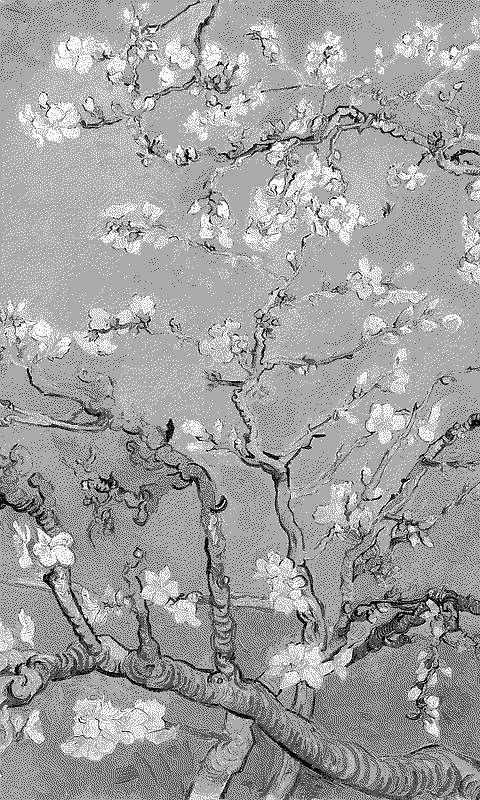
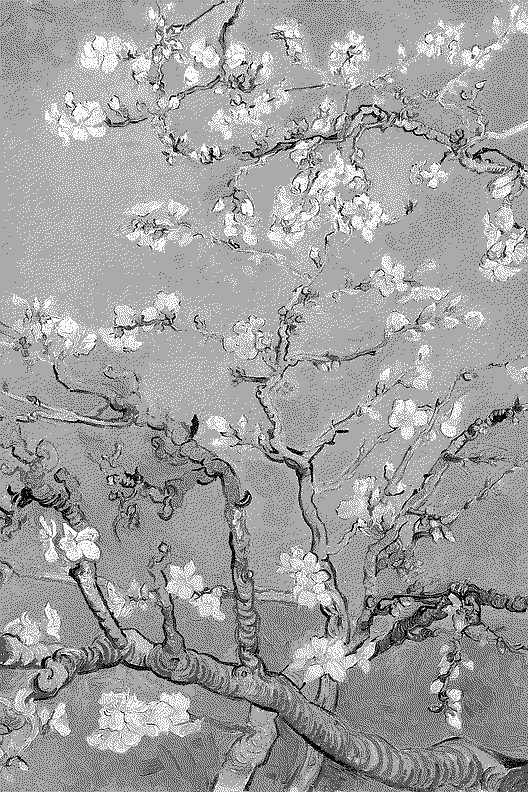
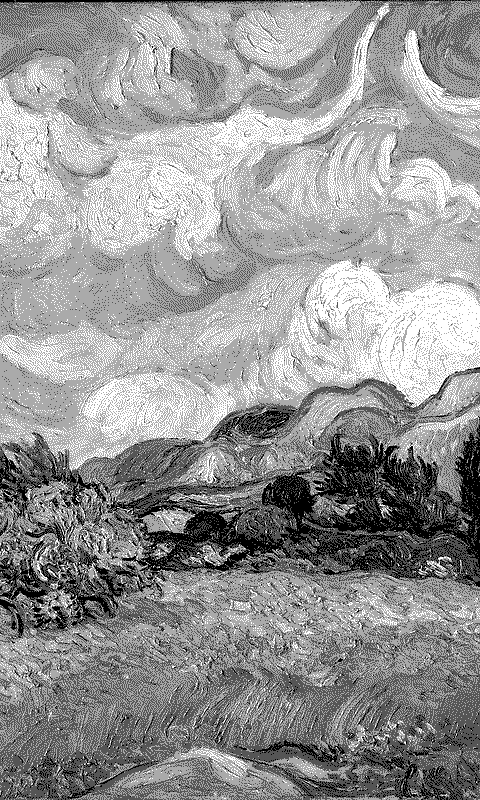
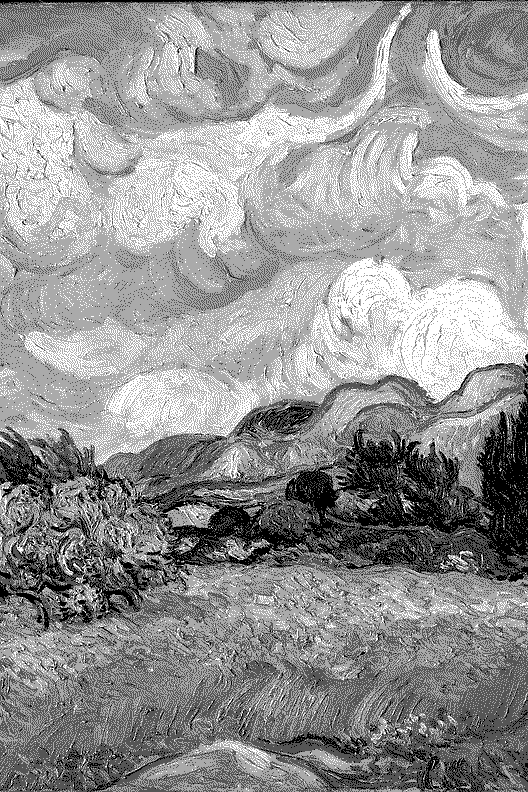
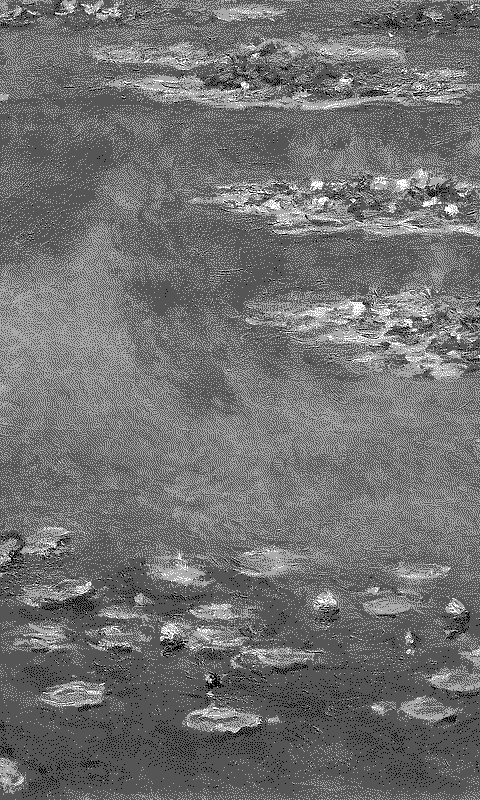
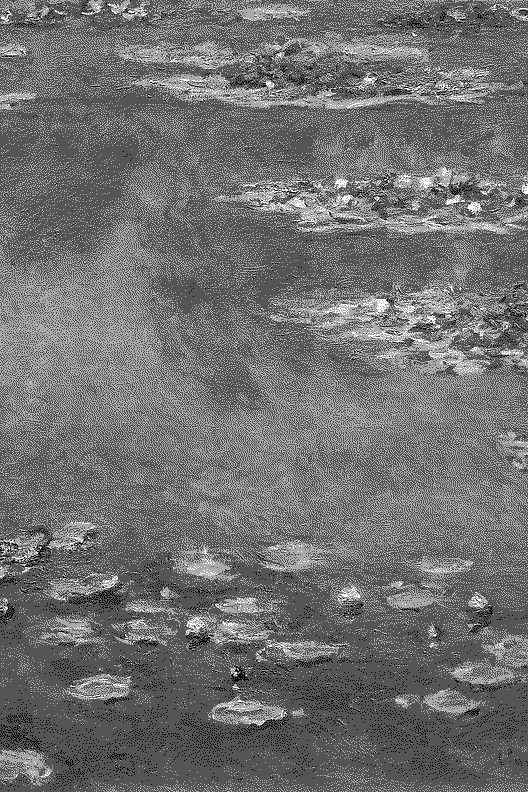
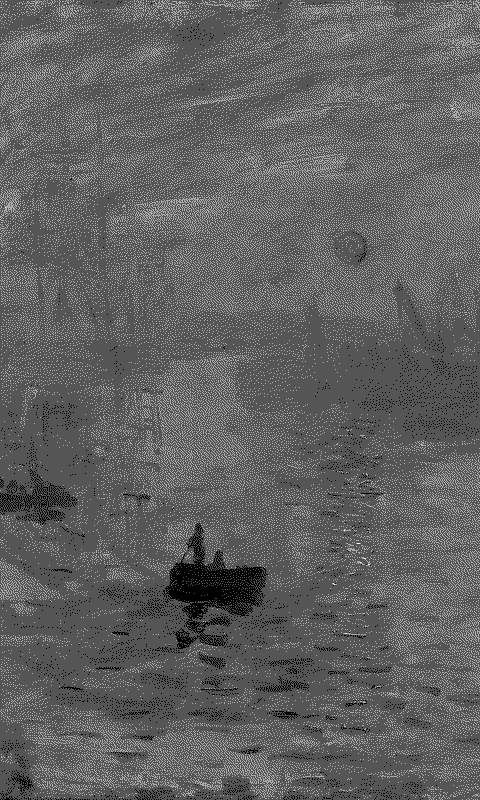
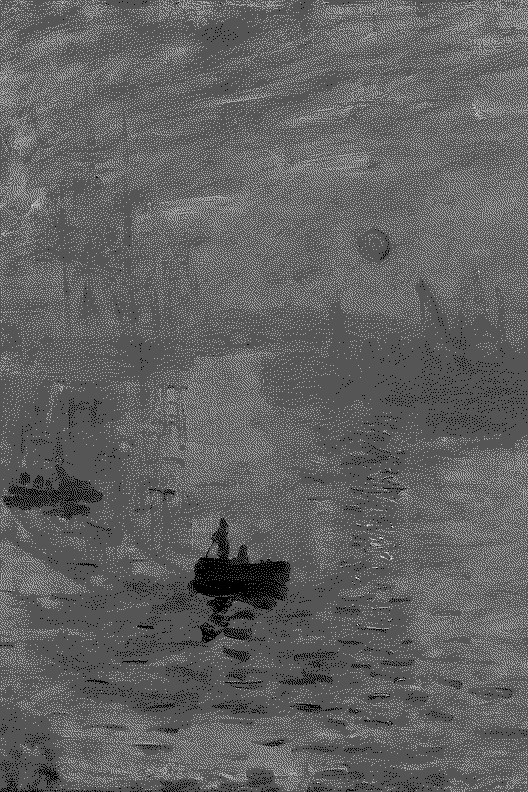
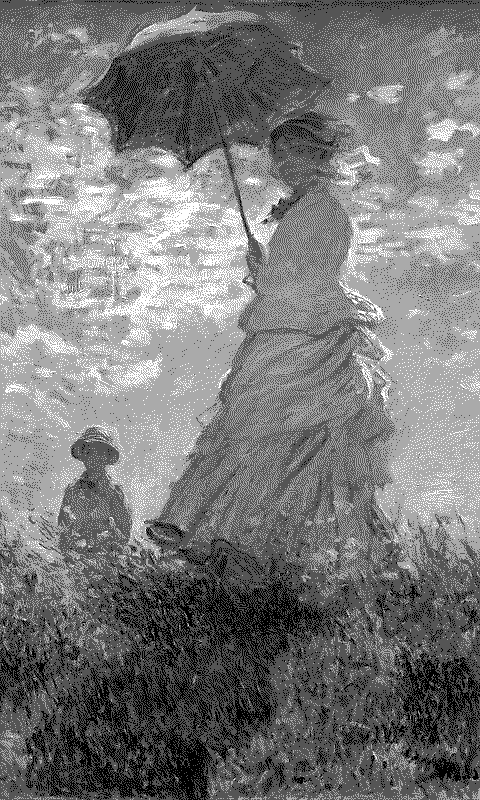
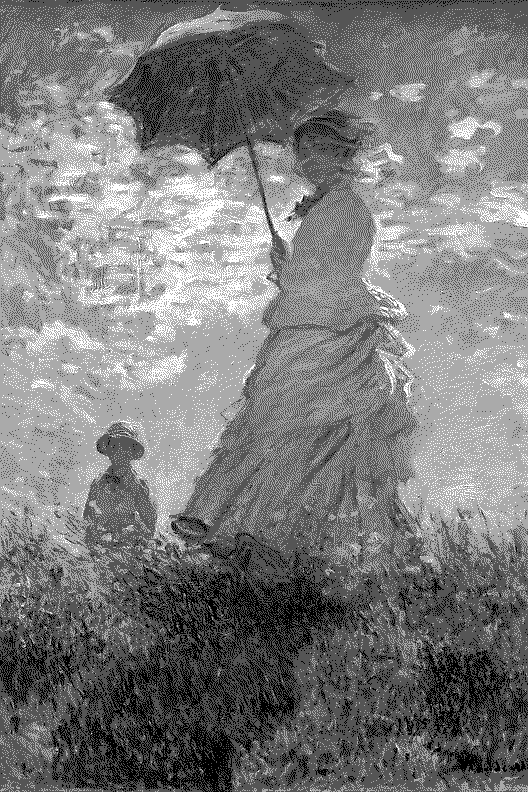
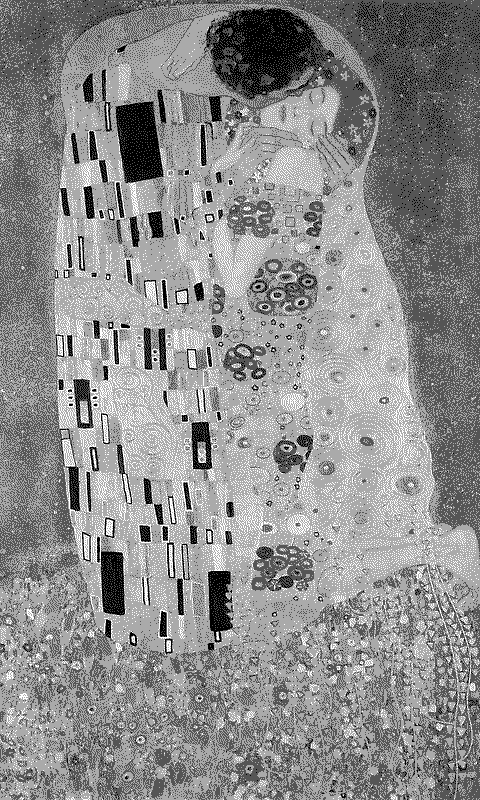
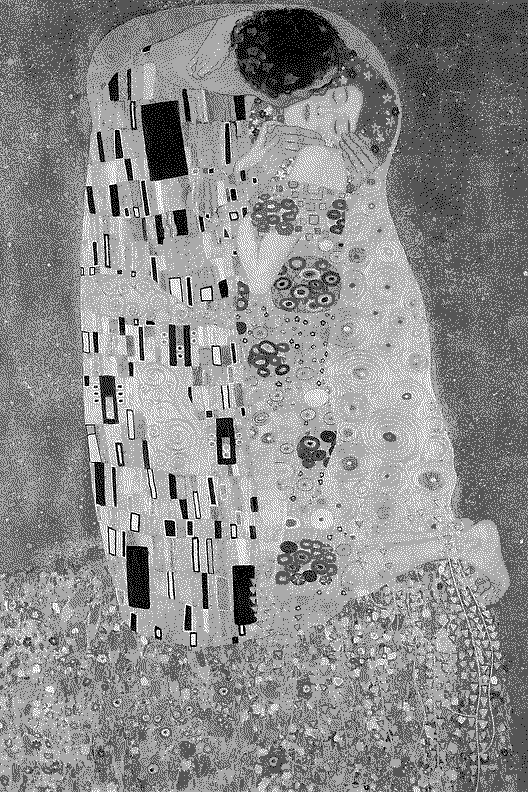
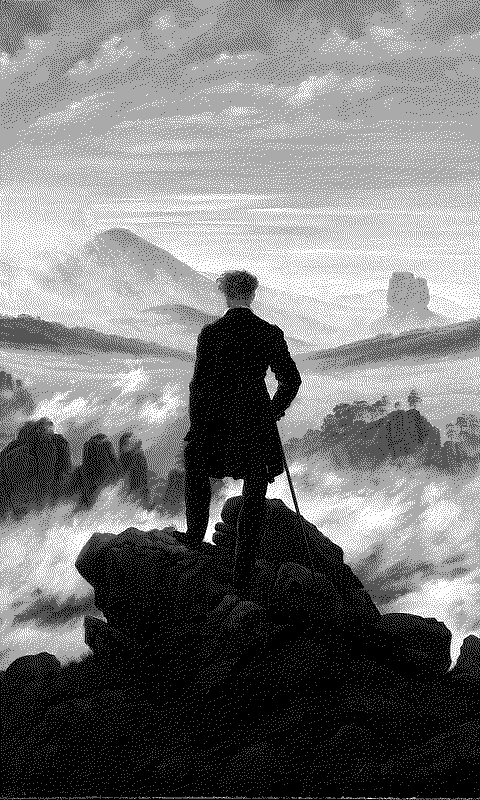
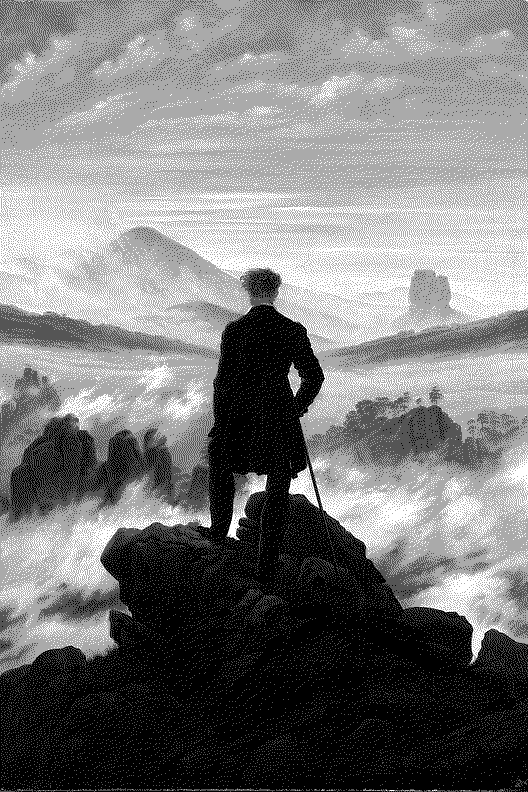
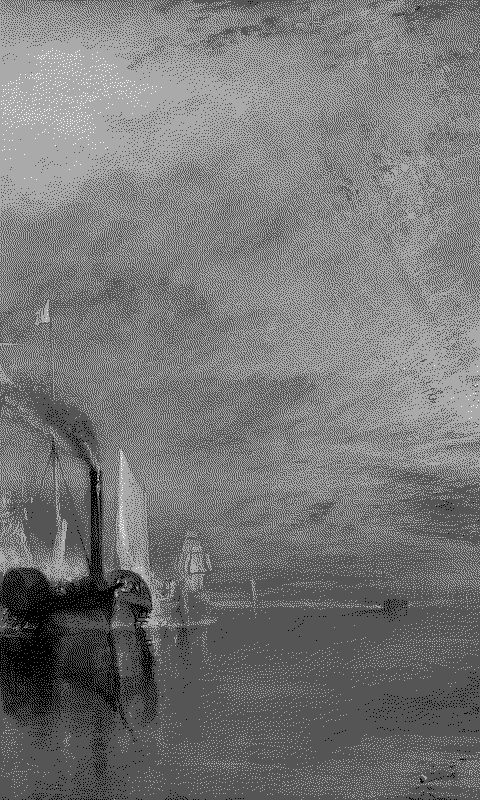
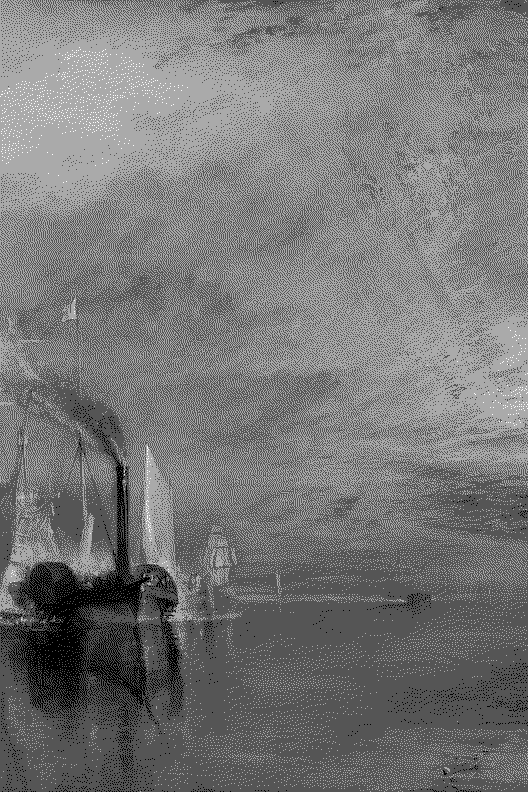
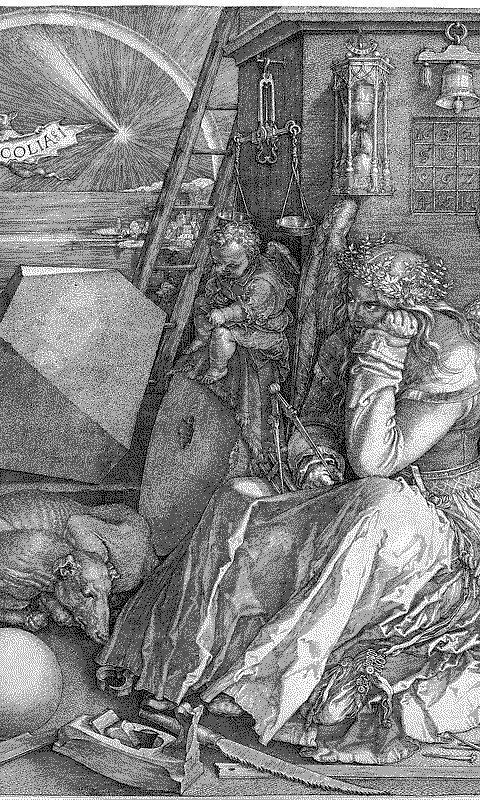
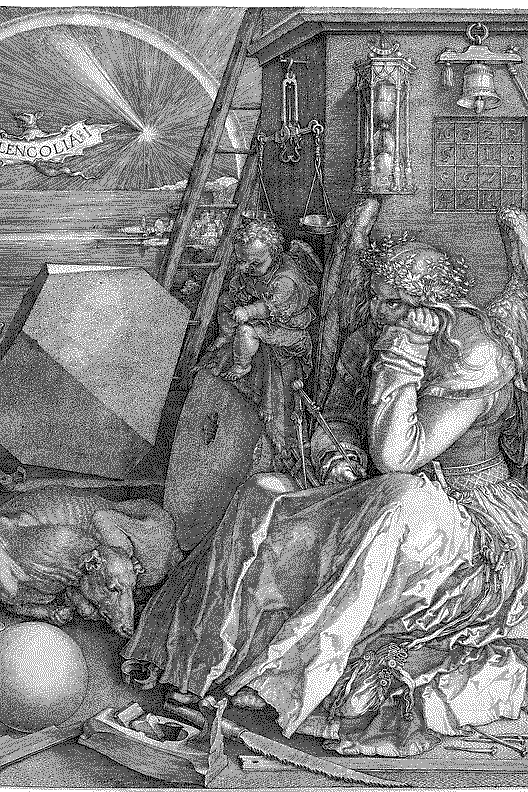
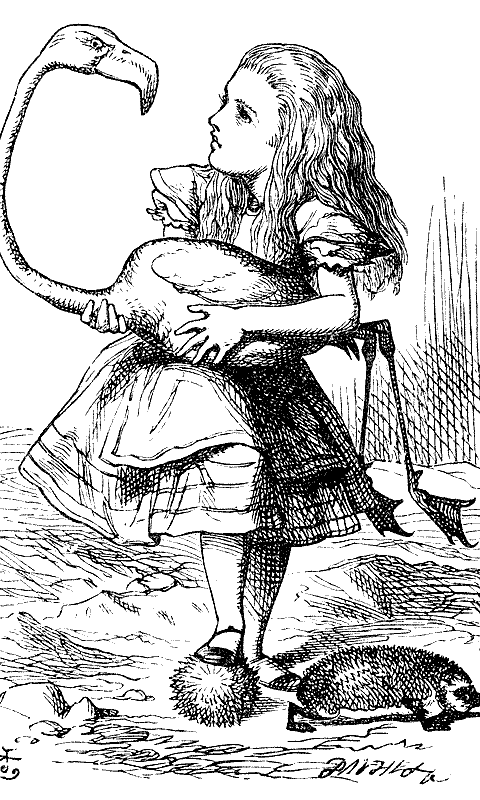
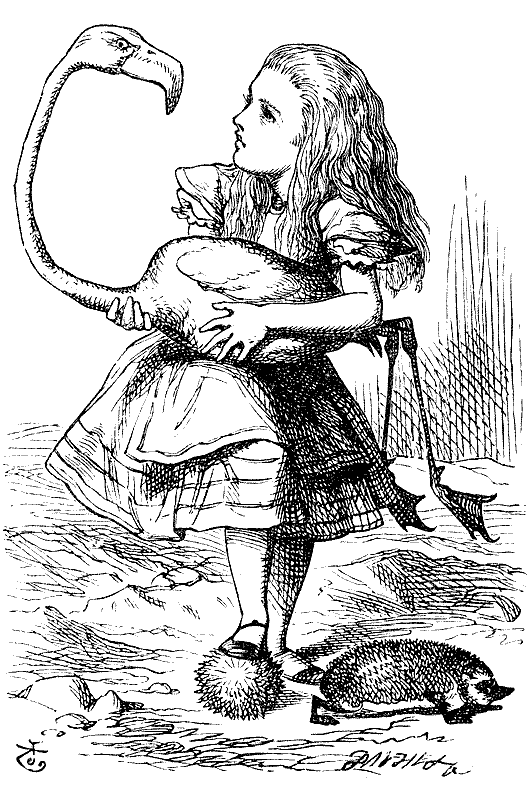
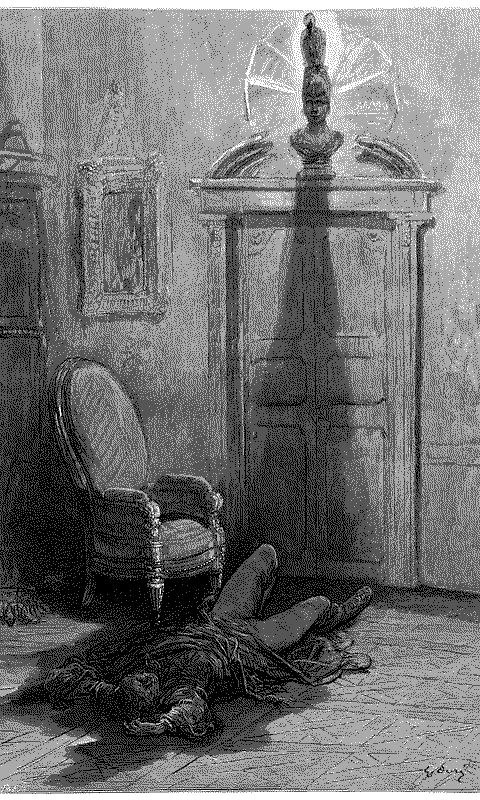
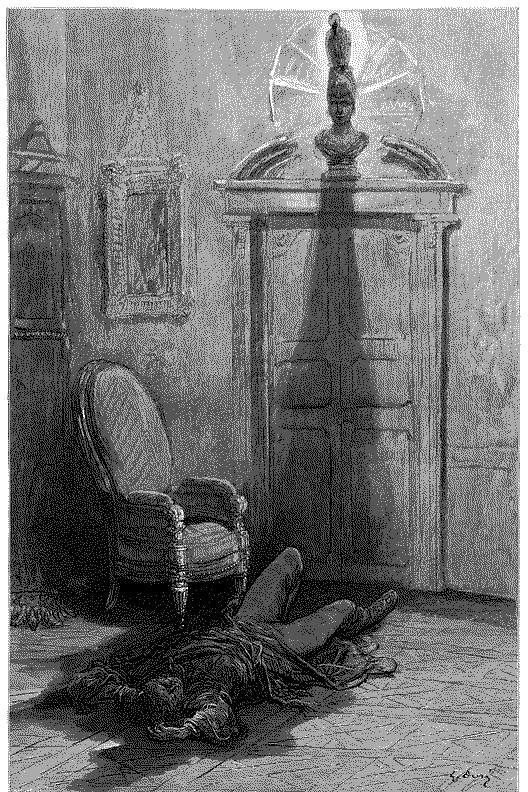
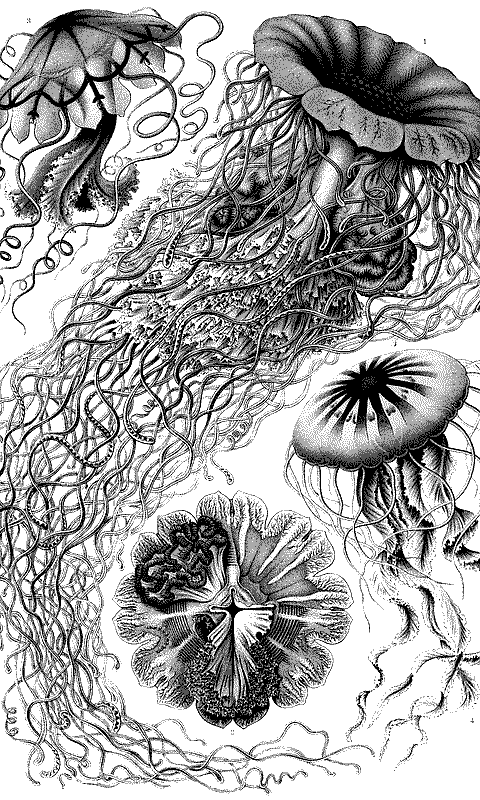
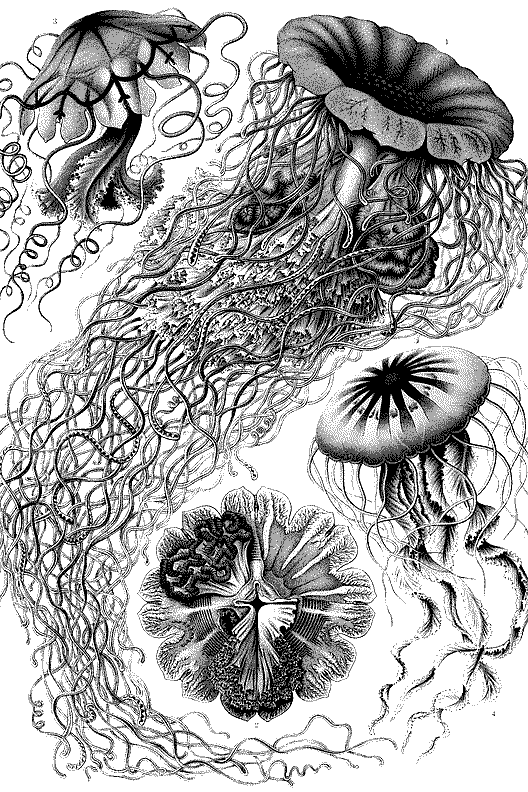
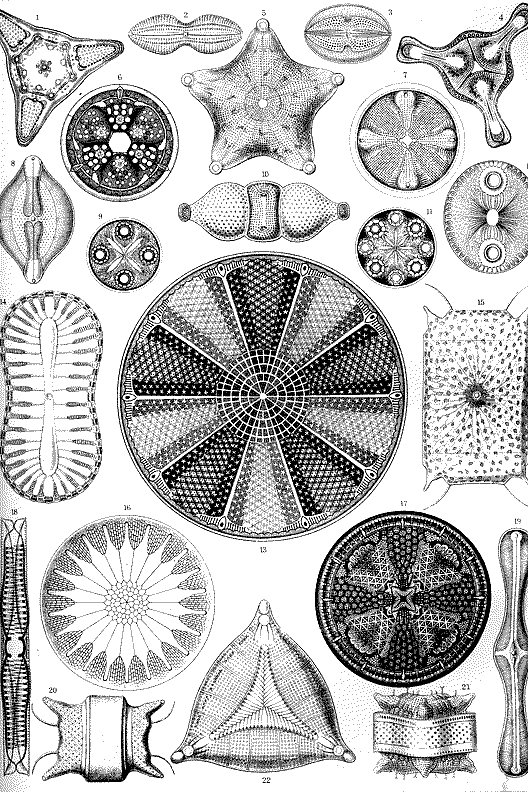
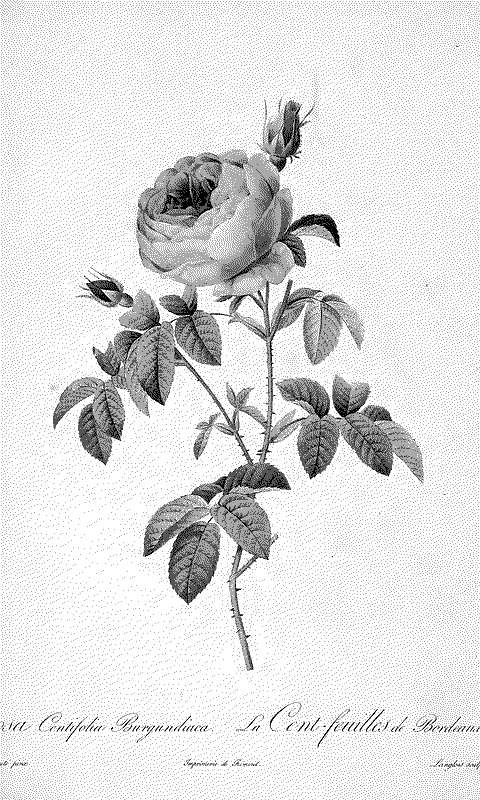
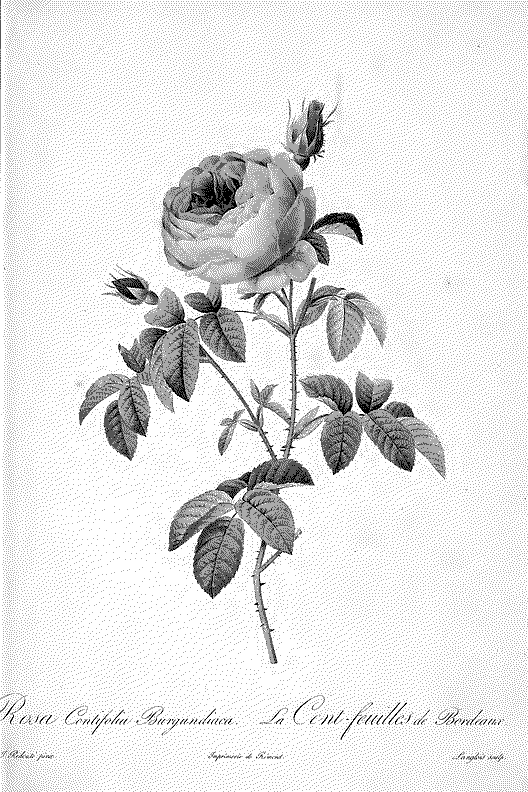
Public-domain art, already cut to your screen and dithered to the 4 grays the Xteink panel shows. Download a BMP for the X4, X4 Classic and X4 Pro (480×800) or the X3 (528×792), or grab all of them at once, and copy them to the SD card. Nothing to convert.
Want your own photo instead? Use the Xteink wallpaper converter.
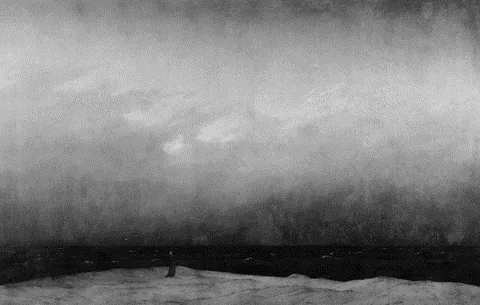
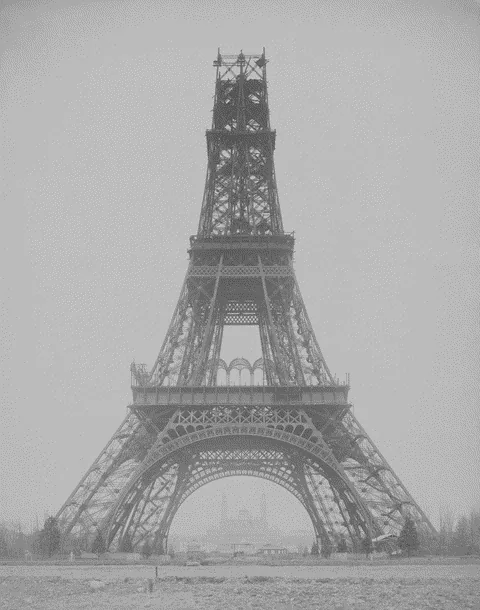
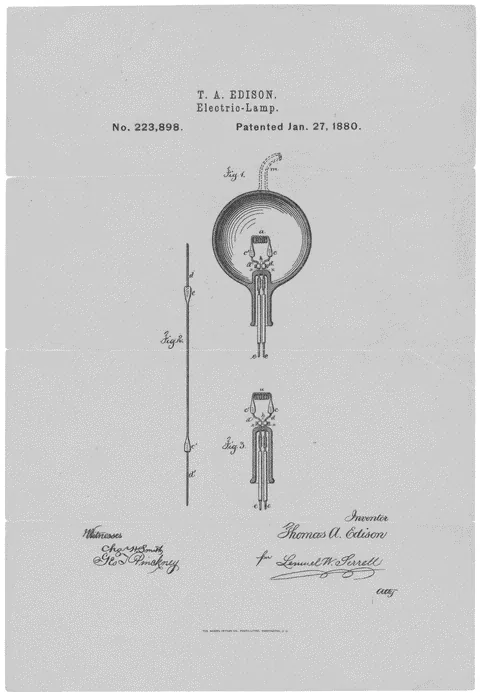
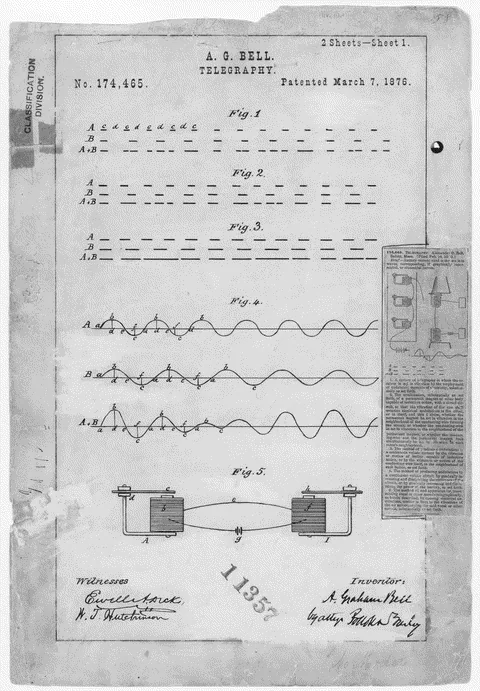








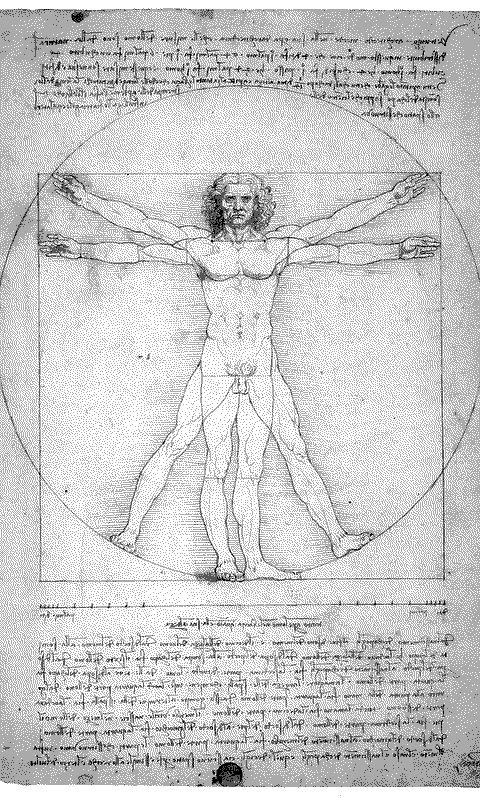
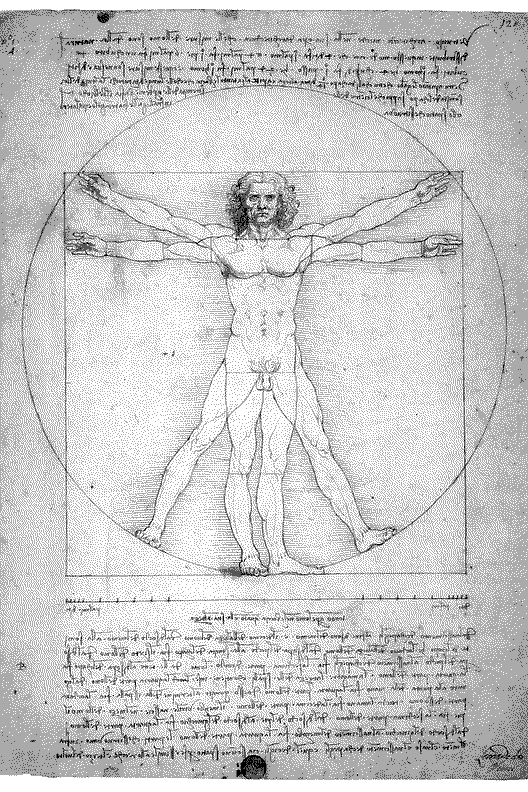
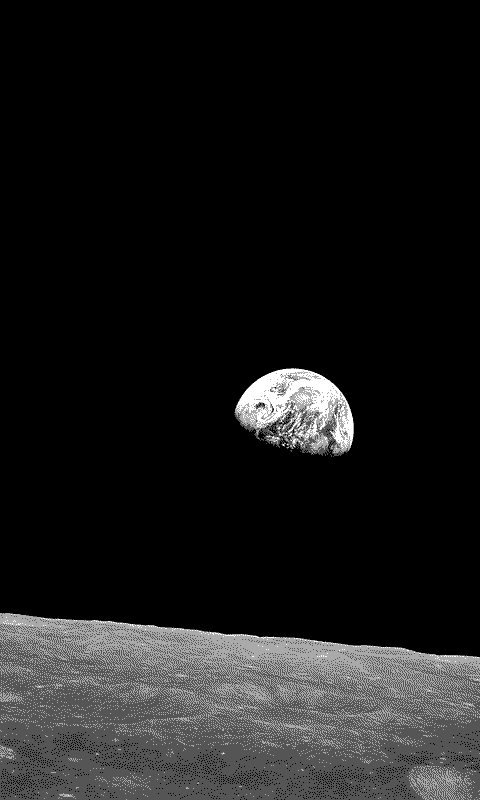
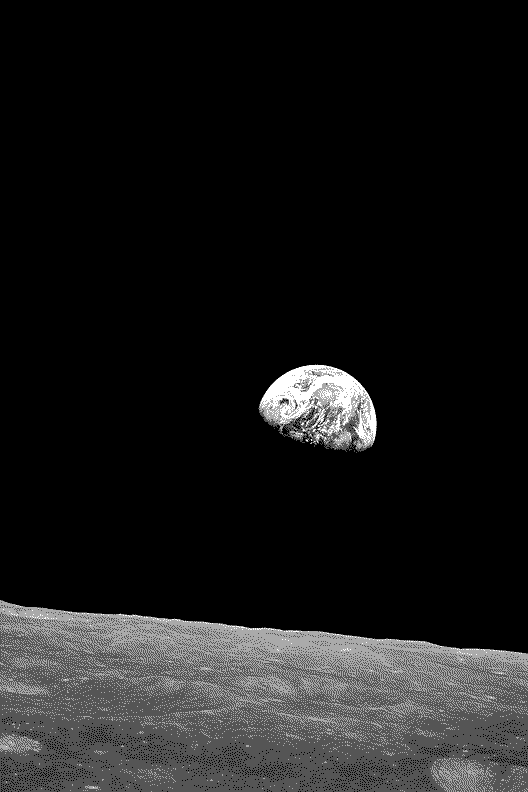


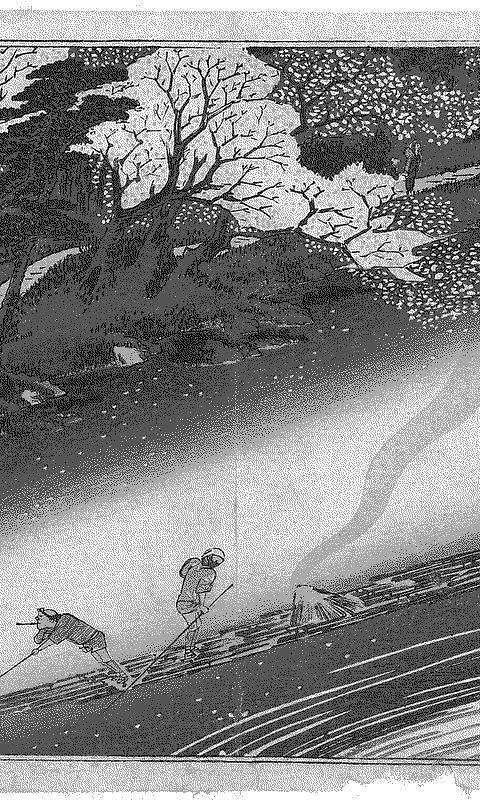
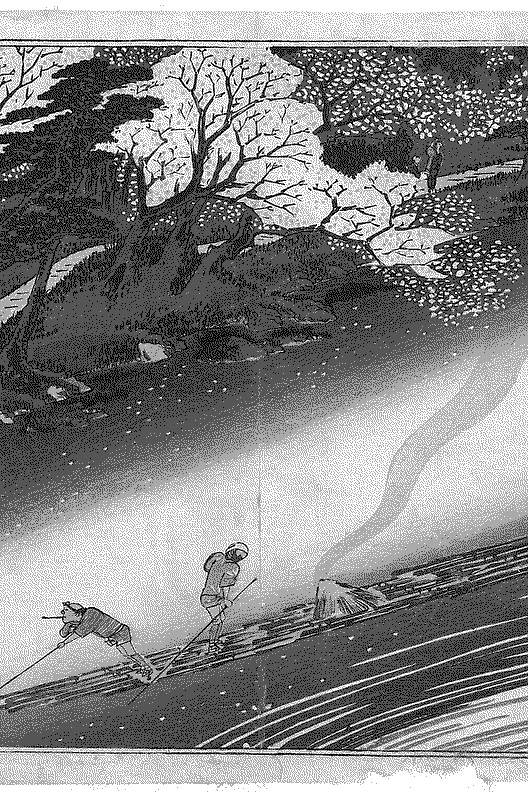
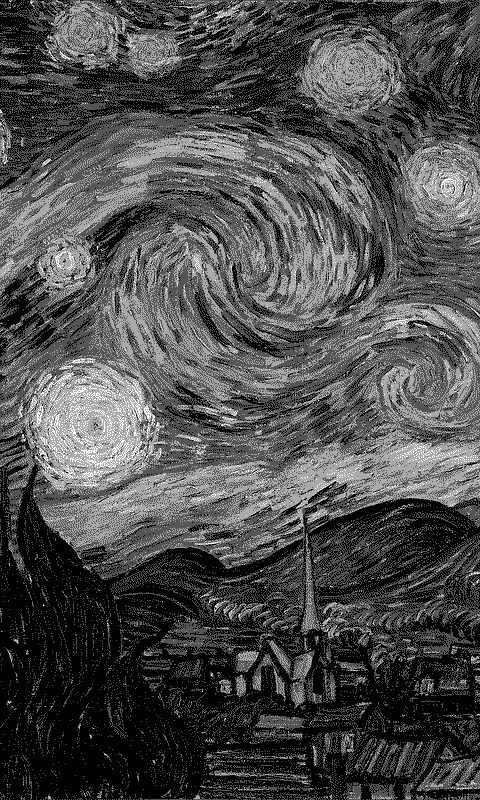
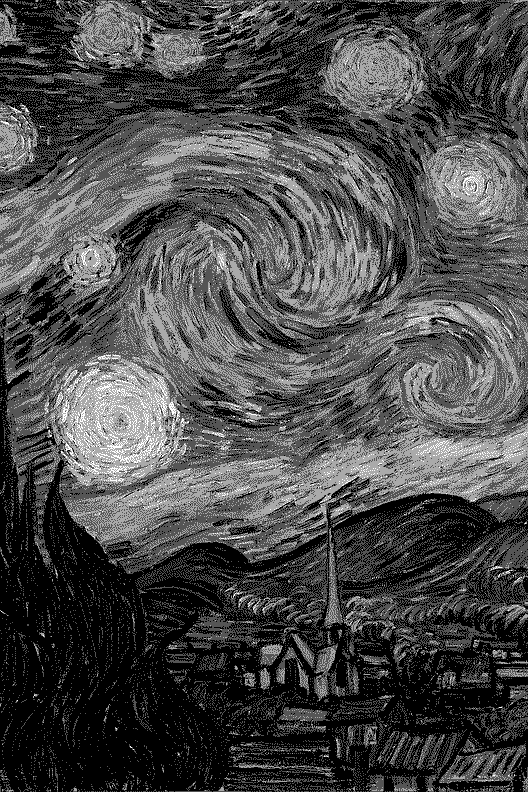



How to install them
CrossPoint or CrossInk: unzip and copy the BMPs into a folder named .sleep in the root of the SD card, then set Settings → Display → Sleep Screen to Custom. The reader picks one at random every time it sleeps. For one fixed picture, rename it sleep.bmp and put it in the root instead.
SD card/└── .sleep/ ← a random one each time (sleep/ also works)├── great-wave.bmp└── starry-night.bmp
Stock firmware: copy the BMP anywhere on the card, open it from Open Folder, tap the preview and choose Set as Power-off Screen.
Use the X3 files on an X3. Its screen is a different shape, so X4 files get bars there and the other way round. On CrossPoint with the plugin beta, the einktools Wallpapers plugin downloads the same pictures on the reader itself.
About the files
Uncompressed 24-bit BMPs, the format both stock firmware and CrossPoint read, with only 4 gray levels in them, so what you see on the reader is exactly what was made here. The ZIPs are about 3.5 MB. All artworks are public domain; see the wallpaper gallery for sources, or to make one for another reader.