Free Kindle Scribe templates
Kindle Scribe notebooks only offer Amazon's own templates, but you can write directly on a PDF. These eight templates are multi-page PDFs shaped for the Scribe's screen, ready for Send to Kindle.
Spacing is set in millimetres for each screen's pixel density, so a 7 mm line is 7 mm on every device. Lines are mid gray: easy to see on e-ink, lighter than your pen. Pages are undated, so they never run out.
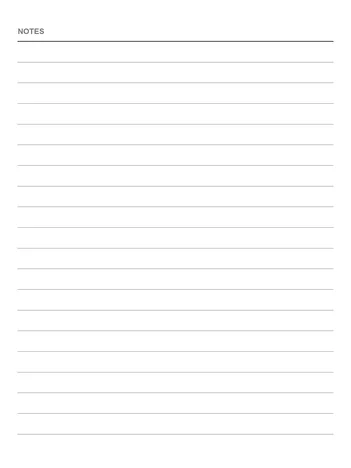
Lined
7 mm rules
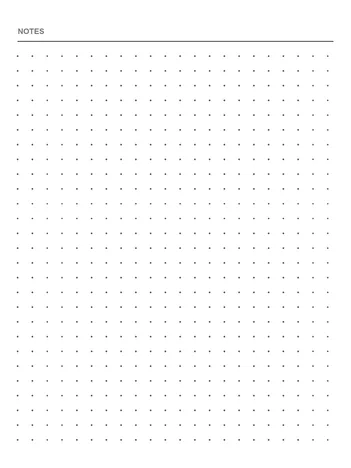
Dot grid
5 mm dots
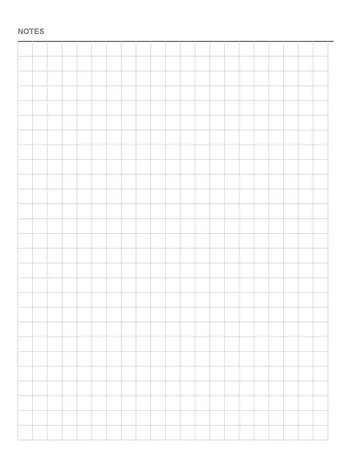
Grid
5 mm squares
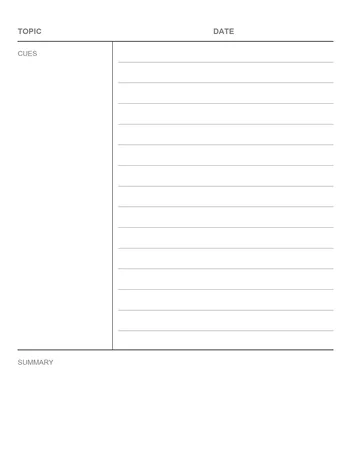
Cornell notes
Cues, notes, summary
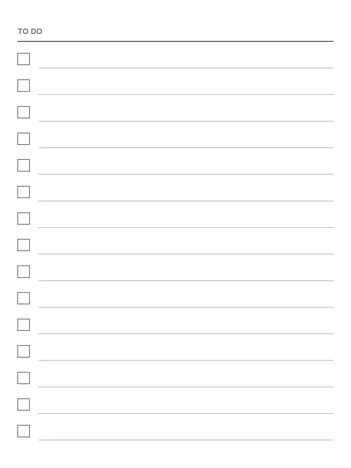
To-do list
Checkbox on every line
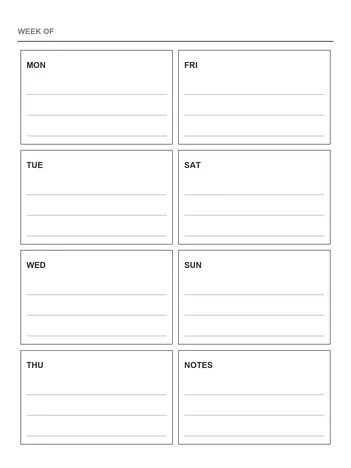
Weekly planner
Undated, Monday first
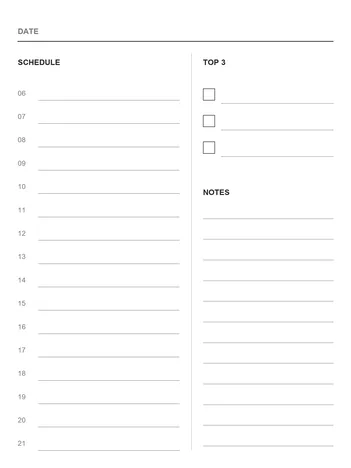
Daily planner
06–21 schedule, top 3, notes
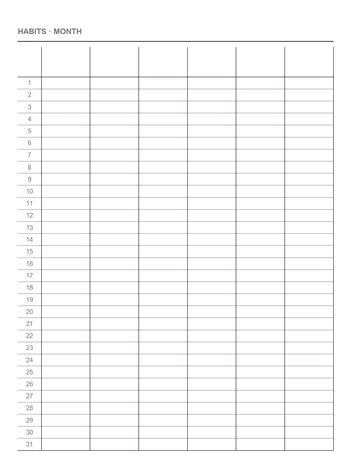
Habit tracker
31 days × 6 habits
New · Free
The 2027 calendarfor your e-ink tablet.
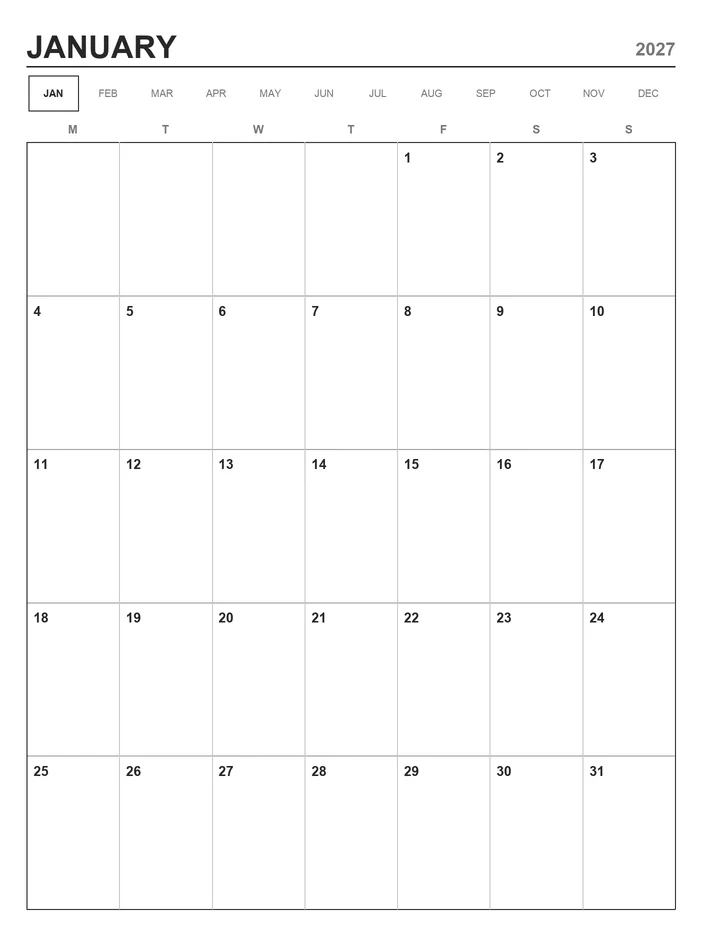
A year page and twelve month pages, linked: tap a month to jump to it, tap 2027 to come back. Sized for reMarkable, Supernote, Kindle Scribe, Boox and Kobo Elipsa. Monday or Sunday start.
Get the 2027 calendar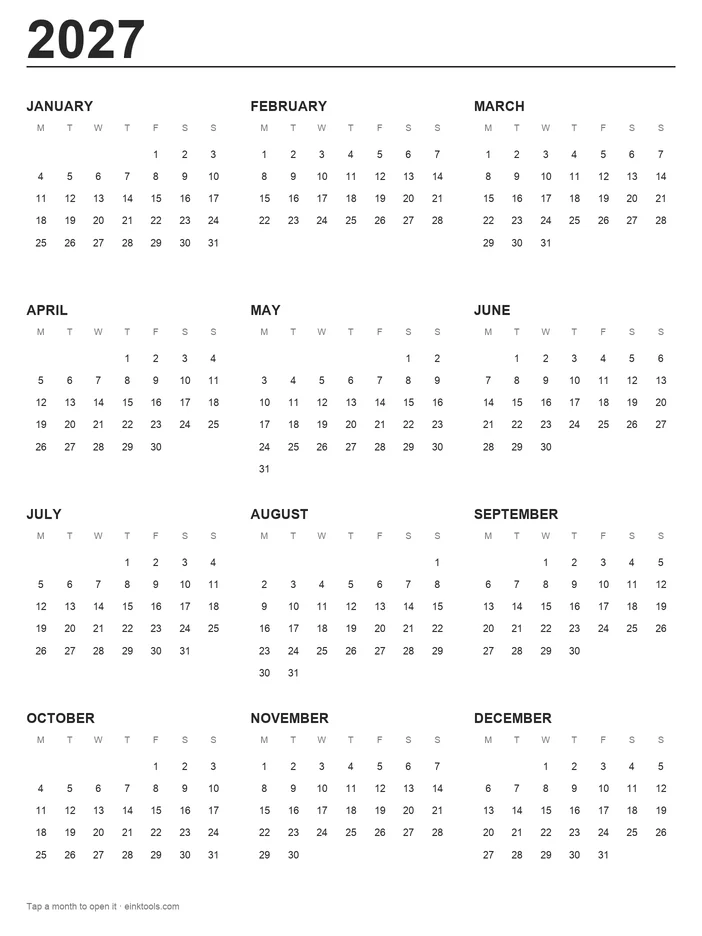
How to use them on your Kindle Scribe
- Download a template, or all eight as a zip, for your Scribe.
- Send the PDF with Send to Kindle: drag it onto the Send to Kindle web page, use the app, or email it to your Kindle address.
- Open it on the Scribe and write on any page.
A custom lock screen works on the Scribe too: the Kindle lock screen maker builds it as a book cover, no jailbreak needed.
Template sizes
| Device | Size | Density | File |
|---|---|---|---|
| Kindle Scribe (2022 / 2024, 10.2") | 1860×2480 | 300 ppi | |
| Kindle Scribe (2025 / 2026, 11") · Colorsoft | 1986×2648 | 300 ppi |
A linked 2027 planner?
We are thinking about a full planner PDF: year, month and week pages that link to each other, sized for your device. It doesn't exist yet. If you would use it, tell us with one click.
I'd use a linked plannerCommon questions
›Can I add custom templates to a Kindle Scribe notebook?
No. The notebook template list is fixed. What works is a PDF: send it with Send to Kindle and you can write on every page with the pen.
›How do I write on a PDF on Kindle Scribe?
Send the PDF with Send to Kindle (the web page, the app or email). Open it on the Scribe and write on the page. Use Send to Kindle rather than copying over USB: writing on PDFs is a Send to Kindle feature.
›Which file is for my Scribe?
The 2022 and 2024 Scribe (10.2 inches) is 1860×2480. The 11-inch Scribe and Scribe Colorsoft is 1986×2648, as far as we can tell from its 300 ppi screen. The PDFs have each screen's shape, so they fill the page.
›How many pages are in each PDF?
50 for the note pages (lined, dot grid, grid, Cornell), 30 to-do pages, 53 weeks, 31 days and 12 months of habit tracker.
›Are these templates free?
Yes, free for personal use with no sign-up. Please link to this page instead of re-uploading the files.