Free · No upload · 30+ e-readers
Custom lock screensfor every e-ink reader.
Make a custom lock screen for your Kindle, Kobo, Boox, or Xteink from any photo. Pick your device, crop to its exact screen size, and preview real e-ink grays before you download.
- Pixel-perfect fit with no black bars
- True e-ink preview
- Photos never leave your device
- Xteink X4 / X4 Pro
- 480 × 800
- 4 grays
- .bmp
Drag the photo to reposition · live preview matches your screen
Sample: The Great Wave, Hokusai (public domain)
No picture that fits? Browse free artworks →
Don't see your model? Take a screenshot on your reader to find its pixel size (on Kindle, tap opposite corners simultaneously), then choose Custom.
- Copy sleep.bmp to the root of the SD card (or several BMPs into a folder named .sleep).
- Settings → Display → Sleep Screen → Custom.
Something not working, or an idea? Tell us. We read everything.
How it works
 1
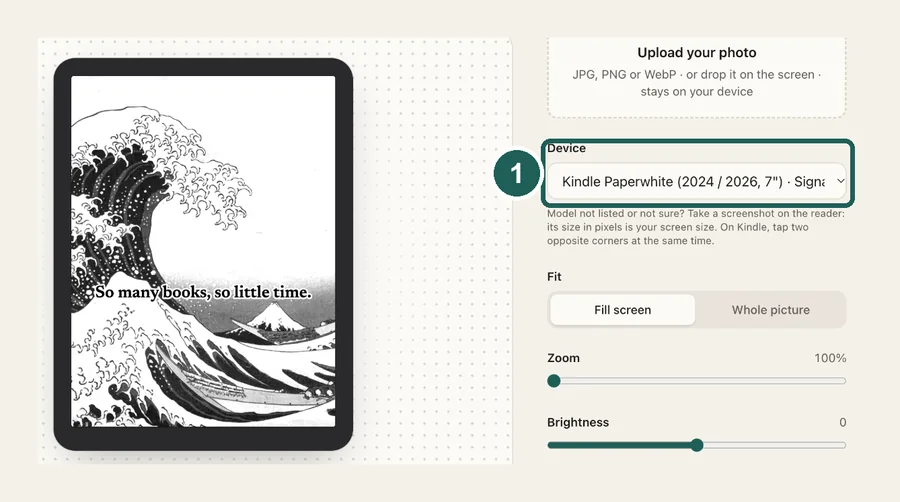
1Pick your reader
Choose from 30+ Kindle, Kobo, Boox, and Xteink models at their native resolution, or enter any custom size.
 2
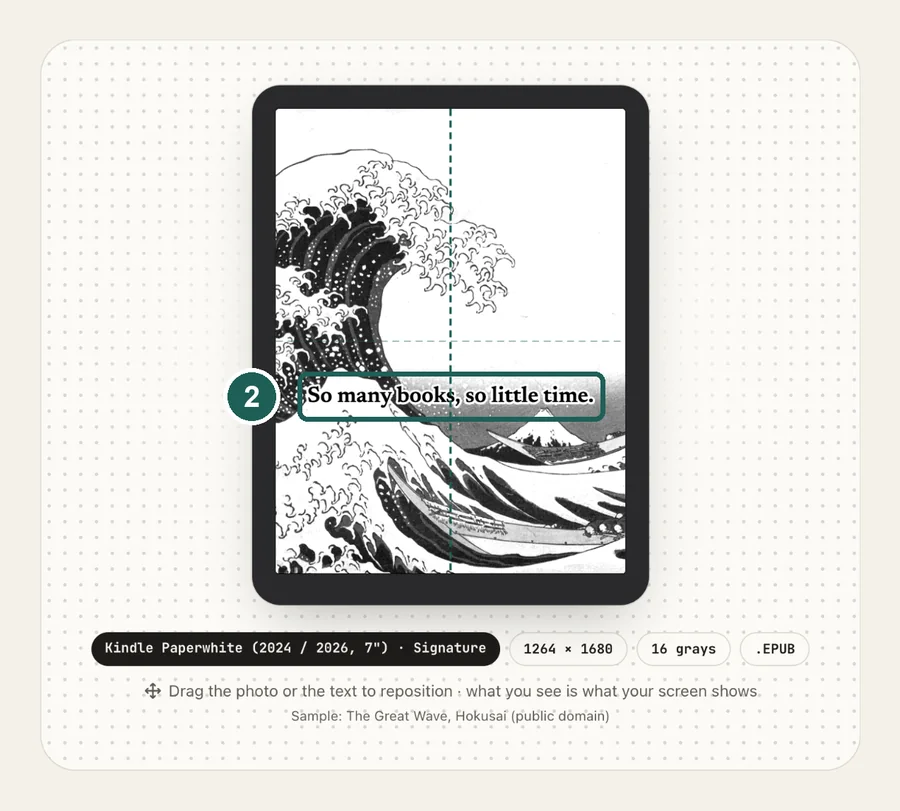
2Frame your photo
Fill the screen or show the whole picture, drag to reposition, adjust brightness and contrast, and add a caption if you like.
 3
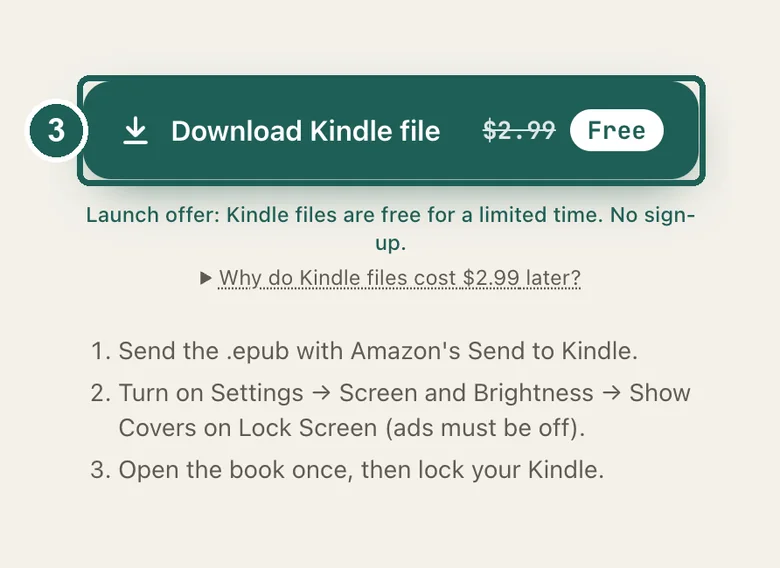
3Download and install
Xteink gets a sleep.bmp, Kindle an EPUB whose cover is your picture, Kobo and Boox a PNG. Install steps are right under the button.
Common questions
›Is it free?
Xteink, Kobo and Boox files are free, forever: those readers accept a plain image. Kindle can only show a book cover, so we build and maintain a full e-book for it; Kindle files will cost $2.99 each once checkout opens, and are free during launch.
›Do you upload my photos?
No. Everything runs in your browser. Your photo is never sent to a server, so it works offline once the page has loaded.
›Why does my lock screen have black bars?
The image's shape doesn't match the screen's shape. This tool always outputs the exact resolution of the device you pick, so there are no bars.
›Why do photos look muddy on e-ink?
E-ink screens only display 4 to 16 shades of gray, so standard phone photos lose contrast. We dither and tune the tones so details stay crisp, and the live preview shows you exactly how it will look.
›Which devices are supported?
Xteink X4, X4 Pro and X3; Kindle from the 2026 Paperwhite, Colorsoft and 6-inch Kindle back to the 2016 Kindle, Voyage and Oasis, plus Scribe and Scribe Colorsoft (older Kindles need a jailbreak); Kobo Clara, Libra, Sage, Forma, Elipsa, Aura ONE and Nia; Boox Leaf5, Leaf3, Page, Go 6, Go 10.3, Note Air4 C, Tab Ultra C Pro, Palma 2 and P6 Pro. Anything else works with Custom size.